Nardieloni
Inspiring
March 28, 2022
Answered

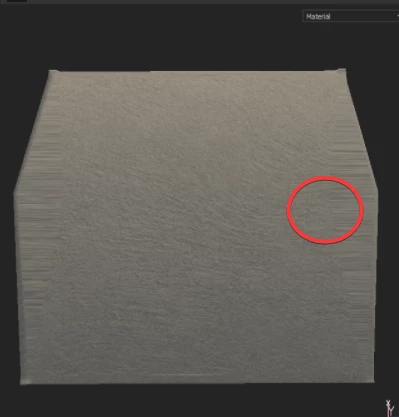
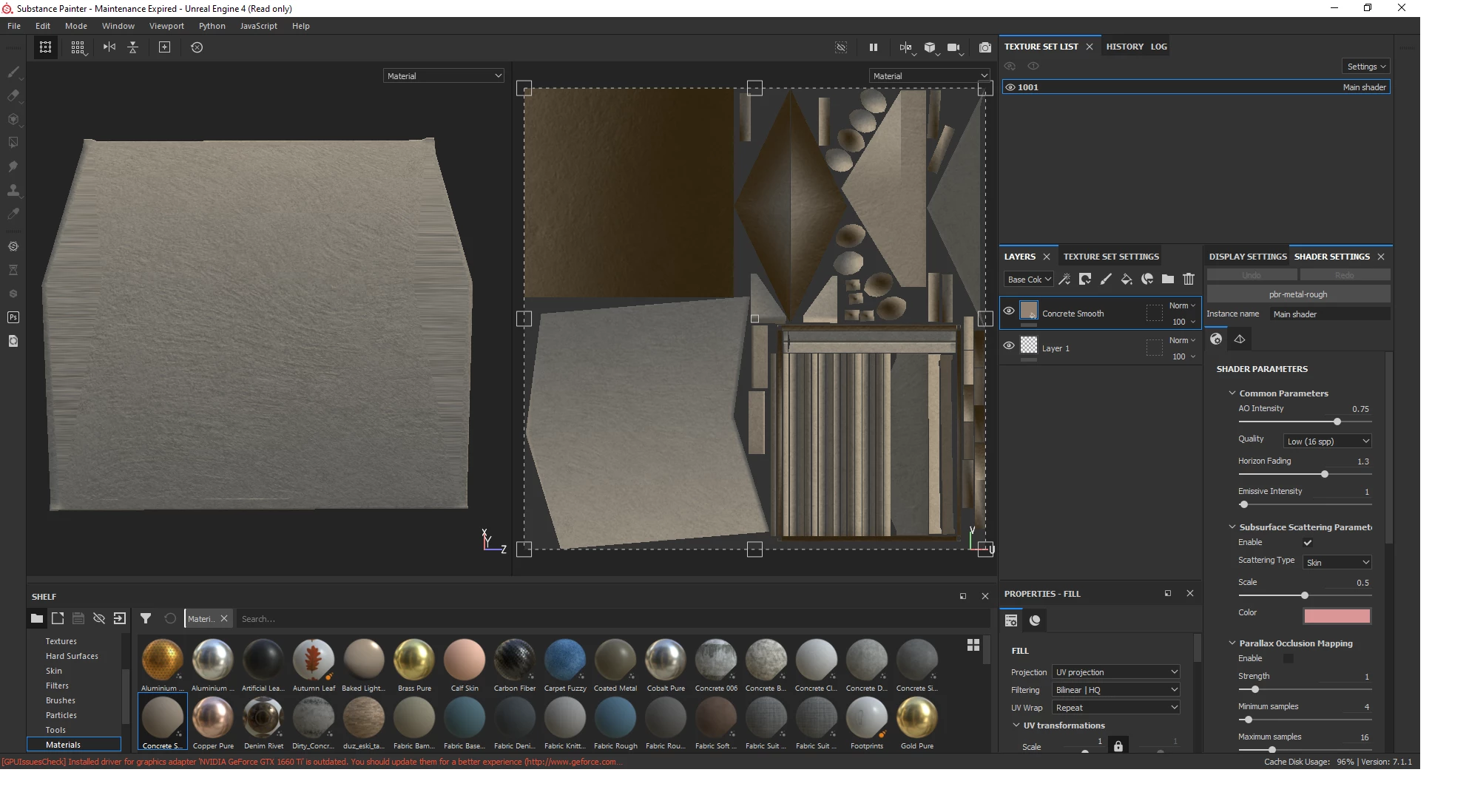
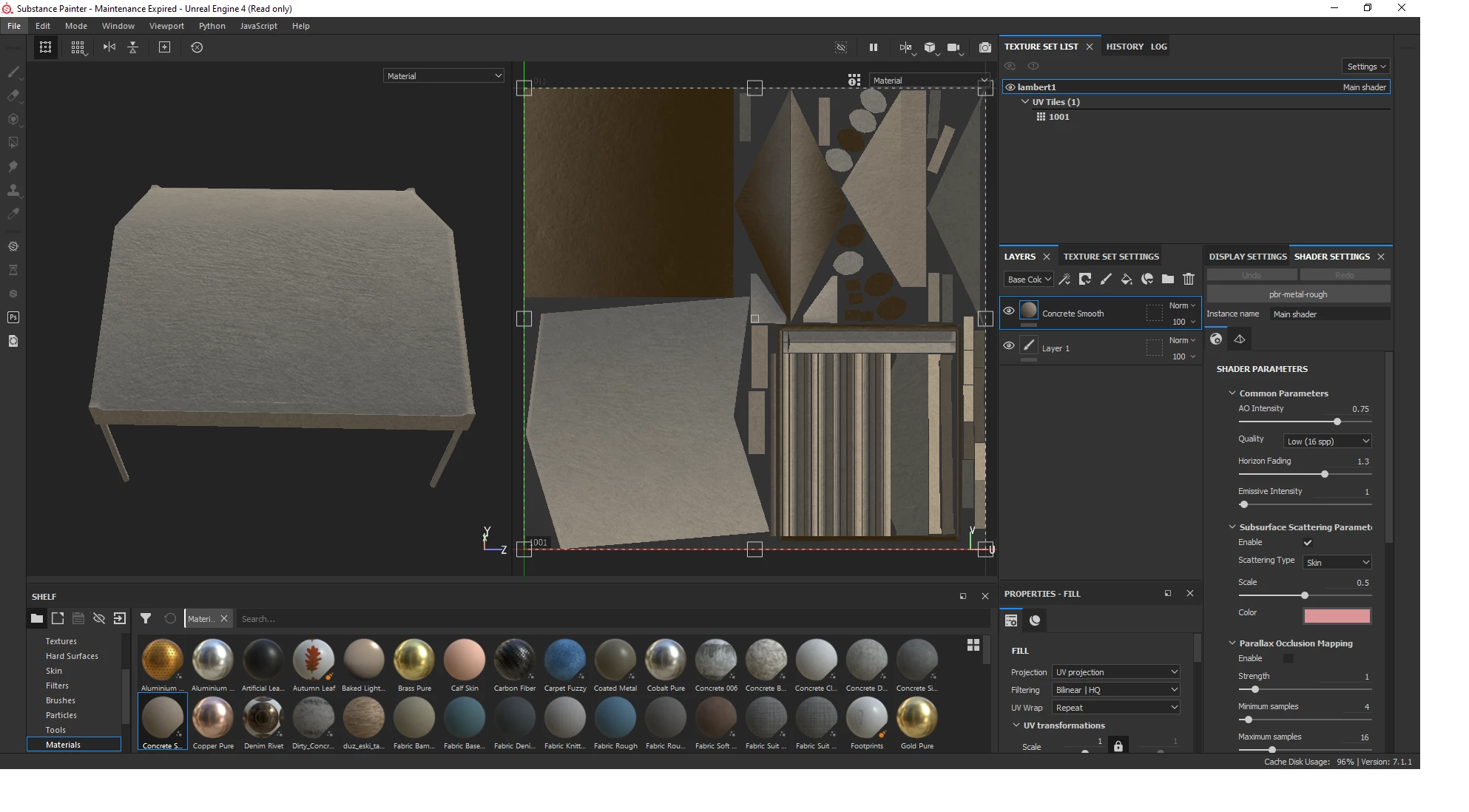
I thought I found the solution for my issue but I still have it. (My model has weird UV distortion)
  • March 28, 2022
  • 1 reply
  • 1024 views

But if I import the file from Maya to Substance it doesn't make my problem, but if I import the same model from Zbrush to Substance. I get this weird UV distortion at top. Anyone having any ideas for why it does this? I have tried every approach to fix this, with no luck and I simply don't know anymore what is the issue here. 
This topic has been closed for replies.
Correct answer Luca Giarrizzo

Hello @Nardieloni,


Thank you for sharing these files.


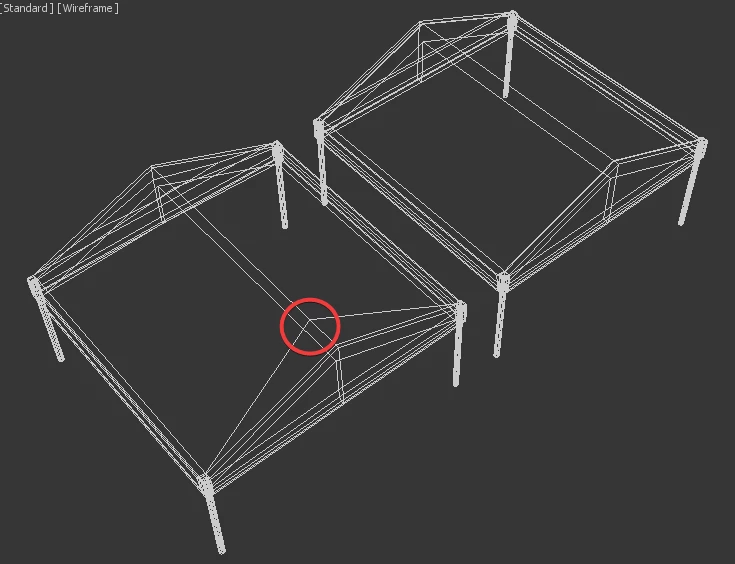
Indeed, the difference in geometry between the meshes is the likely cause of the UV distortion. Moving vertices after UV mapping results in stretching, as the UV mapping of the impacted triangles does not update automatically to account for the new vertex positions. The distortion in the screenshots you linked above is consistent with the position of the moved vertices.


Generally, it is recommended to UV map the final version of a mesh, and not modify its geometry afterwards. Thus, I suggest applying the modifications you require in ZBrush before UV mapping the mesh.


Best regards.


1 reply

Luca Giarrizzo
Community Manager
Community Manager
March 28, 2022

Hello @Nardieloni,


Can you please share the mesh files as exported from ZBrush and Maya? I would like to compare their data.


Best regards.


Luca Giarrizzo | Quality Engineer - Substance 3D Designer | Adobe
Nardieloni
Inspiring
March 28, 2022

Yes, they are here. The only thing that I have made differently here was creasing the edges in Zbrush and poly grouped the different parts. 

Luca Giarrizzo
Community Manager
Luca GiarrizzoCommunity ManagerCorrect answer
Community Manager
March 28, 2022

Hello @Nardieloni,


Thank you for sharing these files.


Indeed, the difference in geometry between the meshes is the likely cause of the UV distortion. Moving vertices after UV mapping results in stretching, as the UV mapping of the impacted triangles does not update automatically to account for the new vertex positions. The distortion in the screenshots you linked above is consistent with the position of the moved vertices.


Generally, it is recommended to UV map the final version of a mesh, and not modify its geometry afterwards. Thus, I suggest applying the modifications you require in ZBrush before UV mapping the mesh.


Best regards.


Luca Giarrizzo | Quality Engineer - Substance 3D Designer | Adobe