Participant
September 16, 2025
Question

Natural leather crease substance designer production diagram

  • September 16, 2025
  • 1 reply
  • 184 views

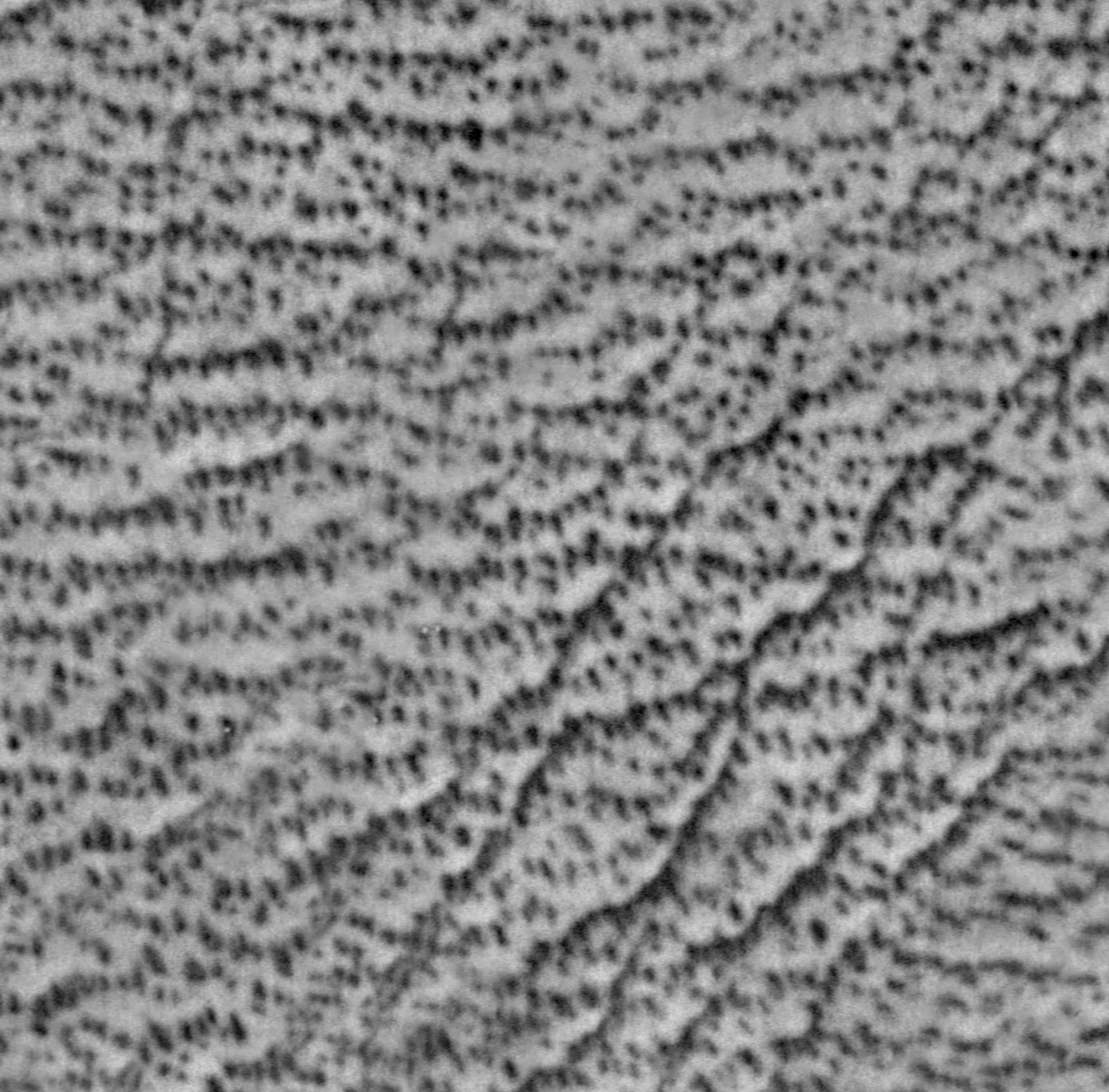
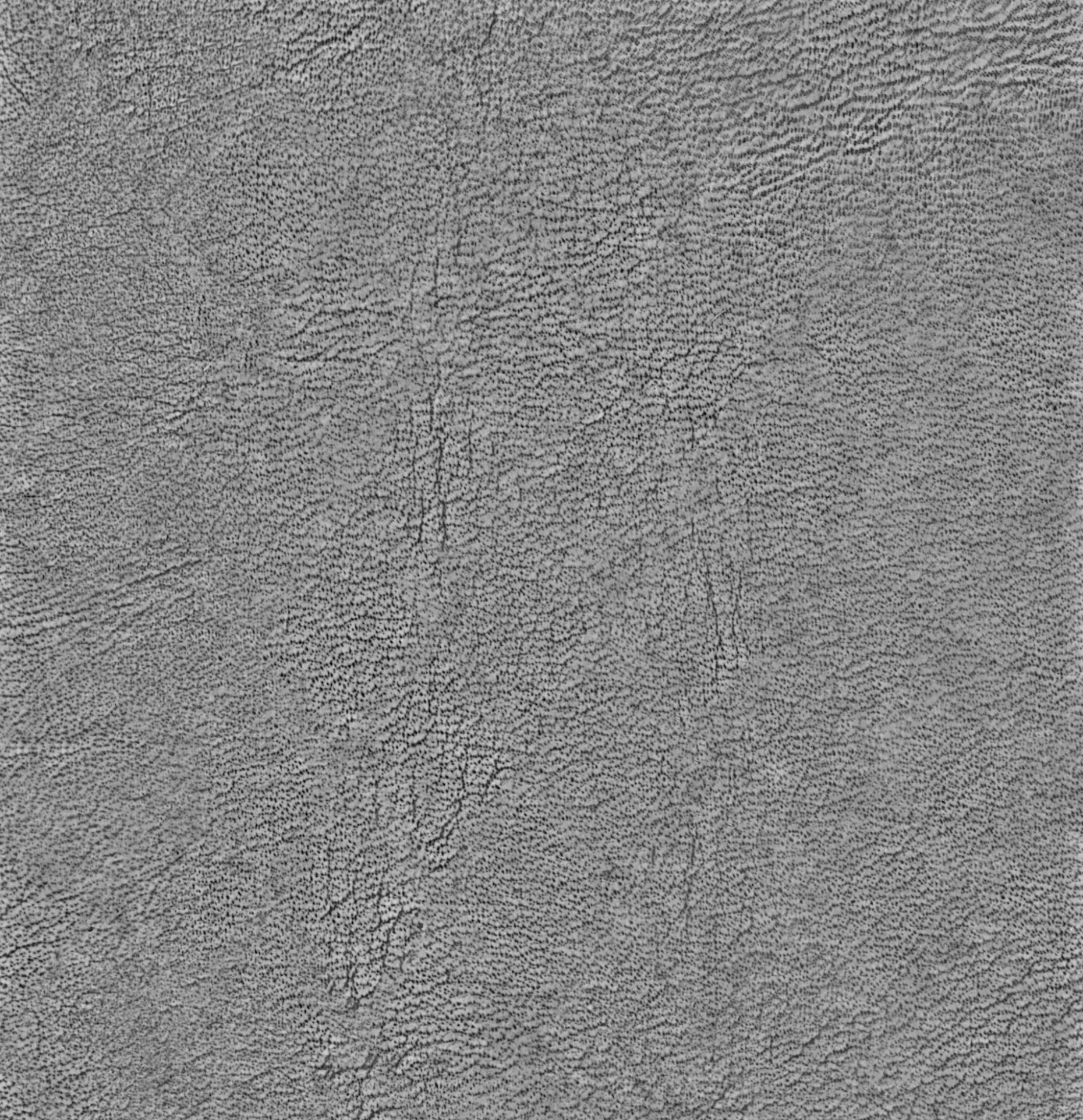
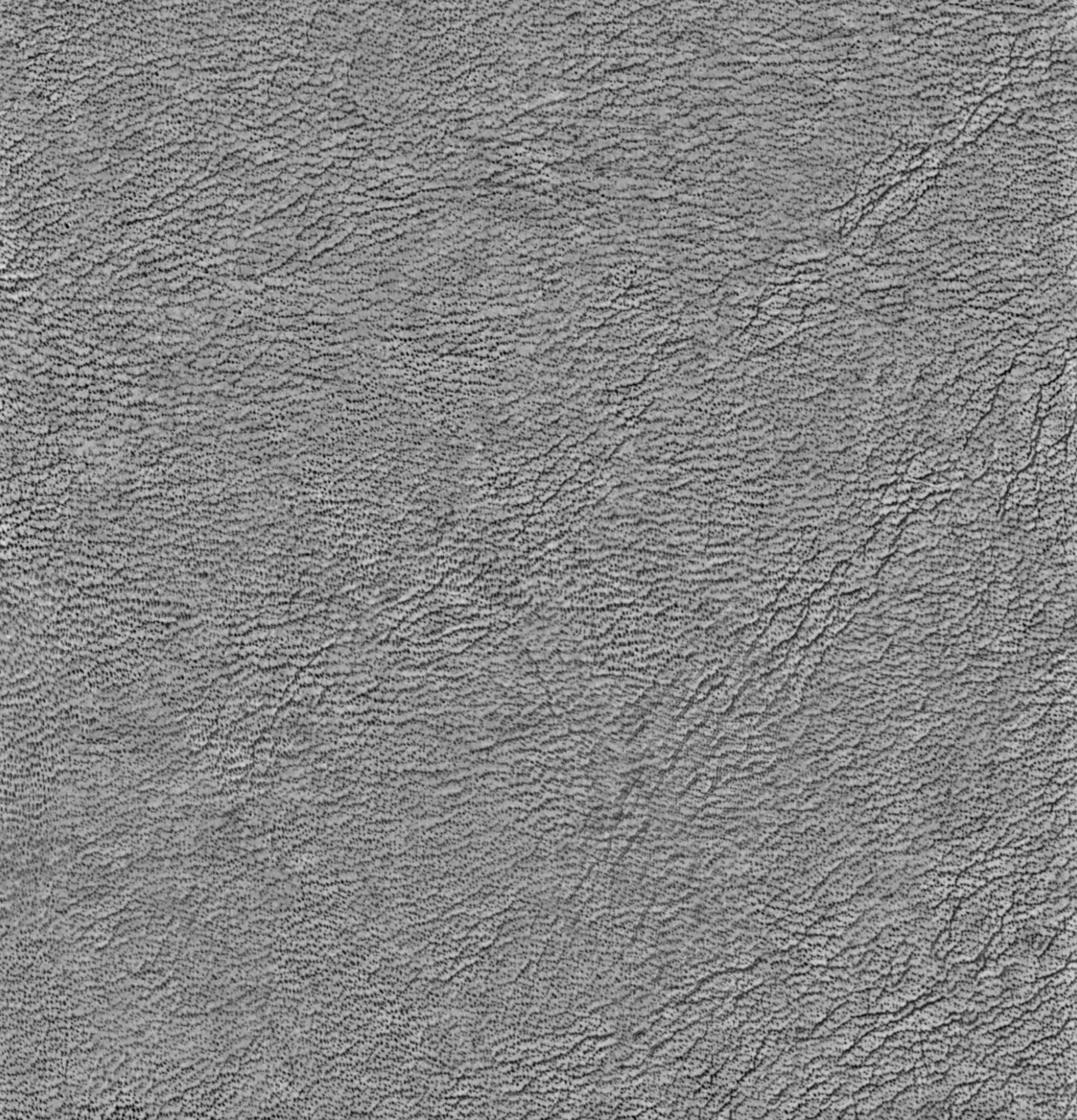
This is a scanned grayscale image of leather grain. How can I use Substance Designer to create such realistic and natural creases.


1 reply

Cyril Dellenbach
Community Manager
Community Manager
September 18, 2025

Hello @ping_chen5996,


Thank you for the question.


To be honest, if the resolution is decent enough, I would directly use this scanned image as a base. I would import it in Photoshop, and make it tileable with this good old workflow, but instead of using the Patch tool, I'd use the Generative AI Fill.


I would than import it into Designer, and use it as a Base for the Color/Roughness/Metallic/etc. You'll probably need to edit the grayscale level a little bit though.


Otherwise, you can also go to the Substance 3D Assets library, look for a similar leather material, download the .SBS file and check how it has been built for reference.


Best regards,


Cyril Dellenbach (Micro) | QA Support Artist | Adobe
davescm
Community Expert
Community Expert
September 18, 2025

Another option is to use Substance 3D Sampler to convert the image to a tiled muti channel material using its AI driven tools. 

Dave