Known Participant
August 5, 2023
Answered

Offset and Rotation Issue in Adobe Substance Transformation 2D Node

  • August 5, 2023
  • 1 reply
  • 352 views

Hello,

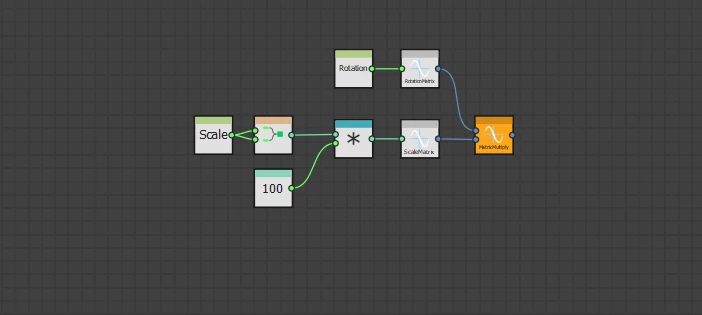
I learned this knowledge from a tutorial on Adobe Substance's YouTube channel. The tutorial covered the process of exposing the scale and rotation parameters within the Transformation 2D node. Additionally, I successfully exposed the offset parameters of the Transformation 2D node.

However, I've encountered a challenge. After adjusting the offset parameters and subsequently modifying the rotation, I noticed that the shape rotates around the center of the canvas, rather than its own center. Could you provide guidance or suggestions on resolving this issue?

Thank you in advance for your assistance.


This topic has been closed for replies.
Correct answer davescm

Within the node, offset is applied before rotation, whereas you want it the other way round.

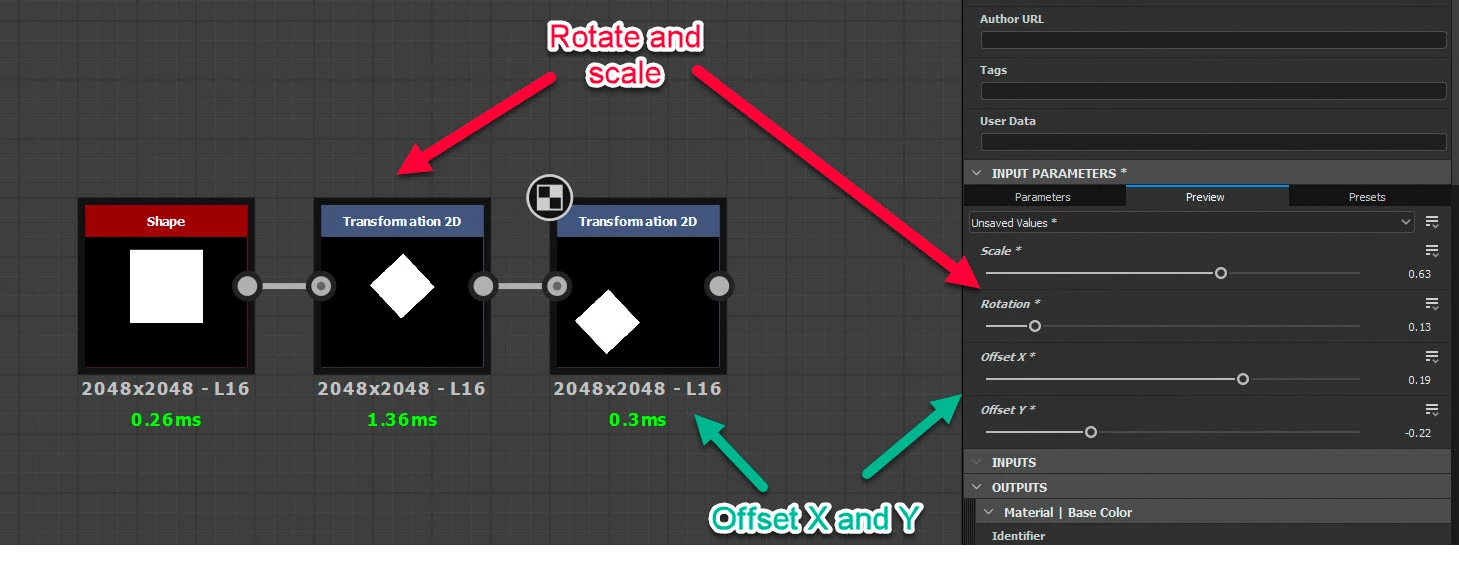
You could create your own version of the node with the pixel processor, but the easiest way is simply to use two Transform 2D nodes. Use the first for the rotation and scale matrix and the second for offset.


Dave


1 reply

davescm
Community Expert
davescmCommunity ExpertCorrect answer
Community Expert
August 5, 2023

Within the node, offset is applied before rotation, whereas you want it the other way round.

You could create your own version of the node with the pixel processor, but the easiest way is simply to use two Transform 2D nodes. Use the first for the rotation and scale matrix and the second for offset.


Dave


Known Participant
August 6, 2023

Thanks a lot for the awesome solution!