samuel_the_hamster
Known Participant
May 30, 2023
Answered

output questions and bg image?
  • May 30, 2023
  • 1 reply
  • 273 views

1. what is this for, what i type in.

2. how to use this. for what.


are all the maps necessary? what if i dont include some? will the texture be incomplete? missing elements (height/oclusion/or i need all in order to create a texture?)


whats a float4? .0000?


there are some of my questions thanks for reading

 

This topic has been closed for replies.
Correct answer Cyril Dellenbach

Hi @samuel_the_hamster,


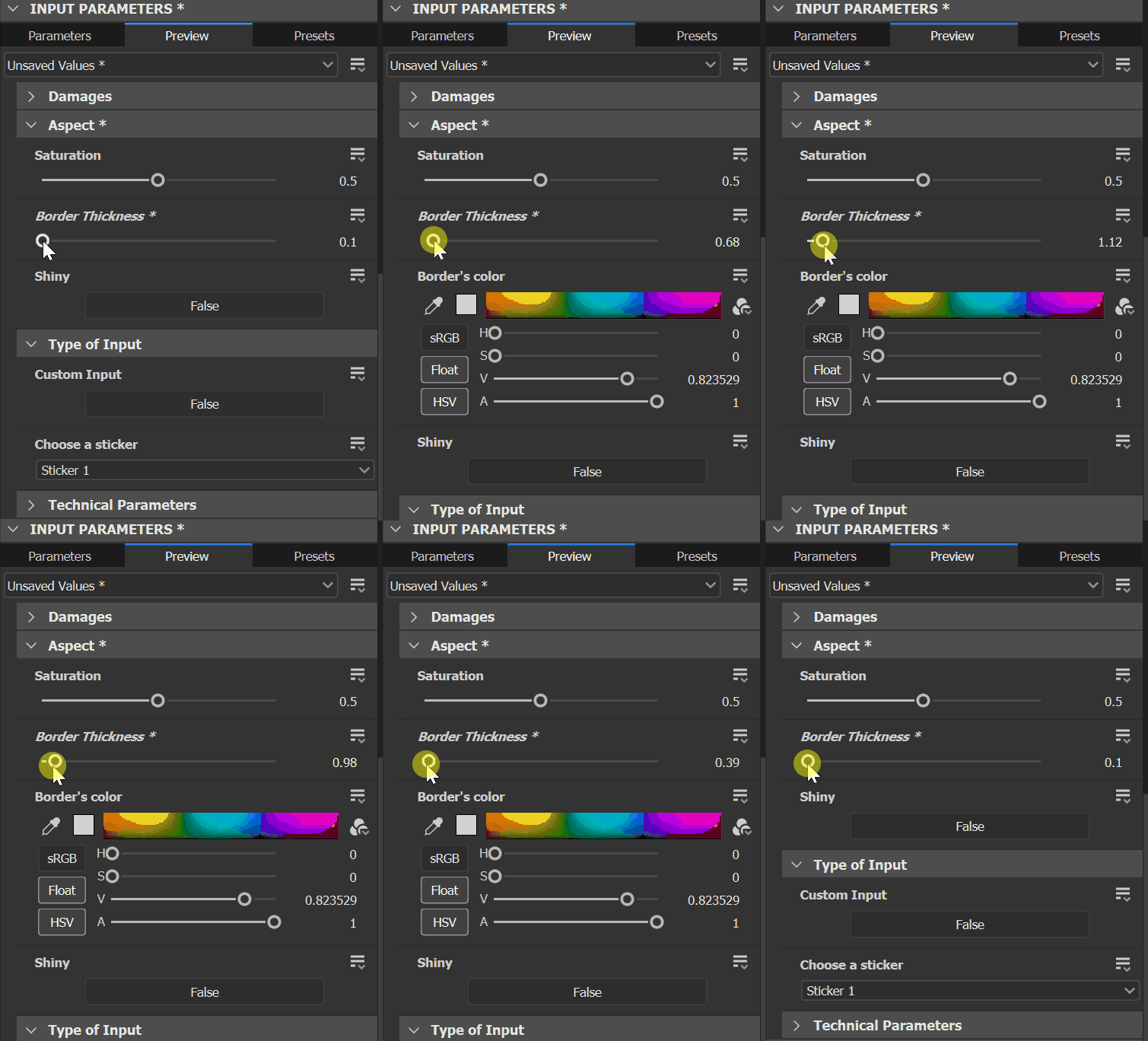
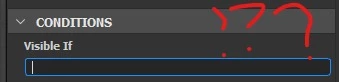
1. The Visible If option allows to display an exposed parameter depending on the status of another exposed parameter.


E.g., the parameter 01 is visible only if parameter 02 > 0.1


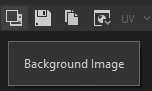
2. The background image overlays an image on top of the 2D view. You simply have to press the background image to load any image file from your PC.


3. If you don't use all the maps of your project, this won't be an issue as long as you're happy with how it looks. With that being said, feel free to delete the unused output.


4. A Float 4 is simply a constant with 4 floating values, eg (0.1, 0.2, 0.3, 0.4)


Best regards,


1 reply

Cyril Dellenbach
Community Manager
Cyril DellenbachCommunity ManagerCorrect answer
Community Manager
May 31, 2023

Hi @samuel_the_hamster,


1. The Visible If option allows to display an exposed parameter depending on the status of another exposed parameter.


E.g., the parameter 01 is visible only if parameter 02 > 0.1


2. The background image overlays an image on top of the 2D view. You simply have to press the background image to load any image file from your PC.


3. If you don't use all the maps of your project, this won't be an issue as long as you're happy with how it looks. With that being said, feel free to delete the unused output.


4. A Float 4 is simply a constant with 4 floating values, eg (0.1, 0.2, 0.3, 0.4)


Best regards,


Cyril Dellenbach (Micro) | QA Support Artist | Adobe
samuel_the_hamster
Known Participant
May 31, 2023

Thanks Cyril, you literally solved all my questions! lol

samuel_the_hamster
Known Participant
May 31, 2023

All the visible if code goes there rightx for example can I type inside 1 visible if:


!input["my_input"]
!input.my_input
input["my_input"] == false
input.my_input == false
input["my_input"] != true
input.my_inp

or where