
Inspiring
March 18, 2025
Question

pixel resolution

  • March 18, 2025
  • 1 reply
  • 339 views

Hello


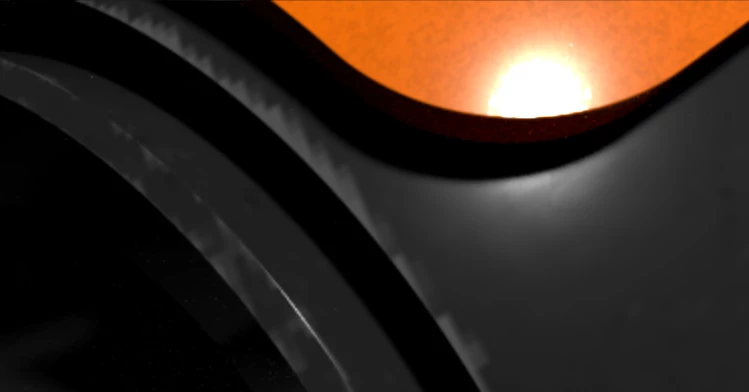
What should I do to increase the pixel resolution so that I don't get results like the image below?


This jaggedness is all over my graphics
I would like to smooth it out and put more small details in my graphics.


Thanks

1 reply

Inspiring
March 19, 2025

That looks like what happens at a uv boundary when you have a pixel density that's to low for how the uv curves in uv space and you don't have any padding but it could be anything.  where are you seeing this in substance designer, have you baked maps and using those to texture in designer ? can you share a bit more detail to help to pinpoint where the issue is.

Inspiring
March 19, 2025

My model in the viewport has these jagged edges as in the image below:

It is an edge blur node among others where these jagged edges occur.


Thanks

Inspiring
March 19, 2025

Without seeing how the node is set up this is a guess but if it's edge blur assuming the edge your blurring is a uv seam would do that as you are blurring it in 2d uv space so the blur will mix in whatever px are outside the edge of the uv space or you'll get blur from other uv islands interacting with it. Either change th unwrap so you move the seam somewhere less obvious or reduce the blur. There's one 3rd party paid node I've seen that attempts to do it in 3D space if you have baked a position map but that's not guaranteed and I don't think I'm allowed to link to 3rd part assets here.  (Or it could be something else as I've not seen the node setup it's just best guess)