


Recreating Recycled Plastic (HDPE) Texture?
Hey SD Team!
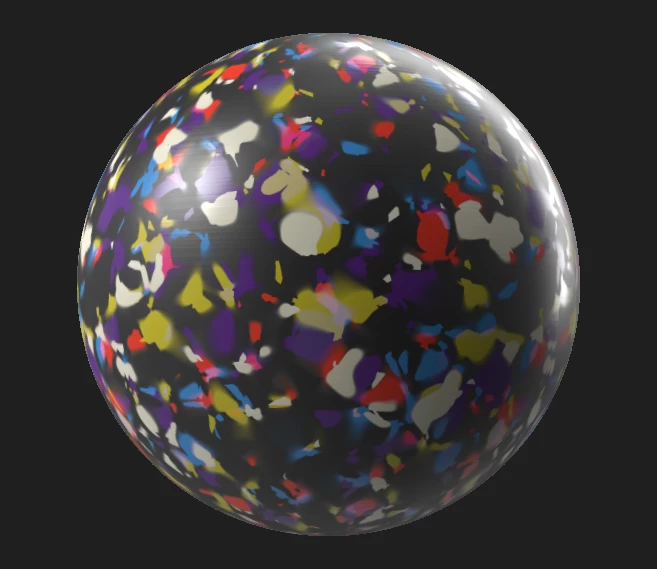
I'm working on a high-end interior architecture project and specifying a recycled high-density polyethelyne (HDPE) material as a interior lining (pictures below). I was hoping to do some realistic renders using Blender to show the client, but have come up stuck on how to recreate the HDPE as a PBR material.
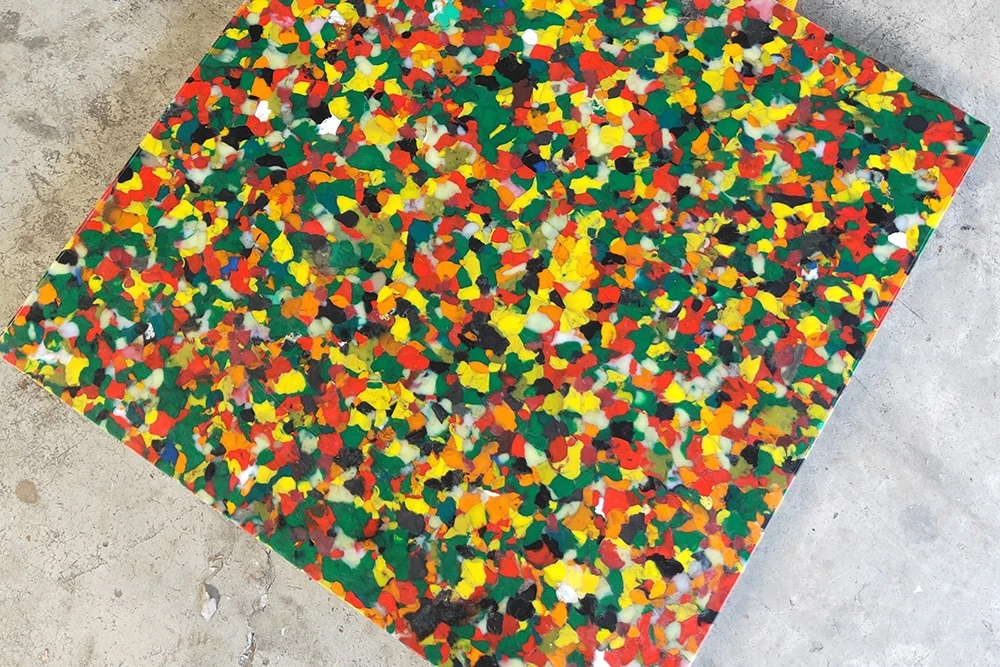
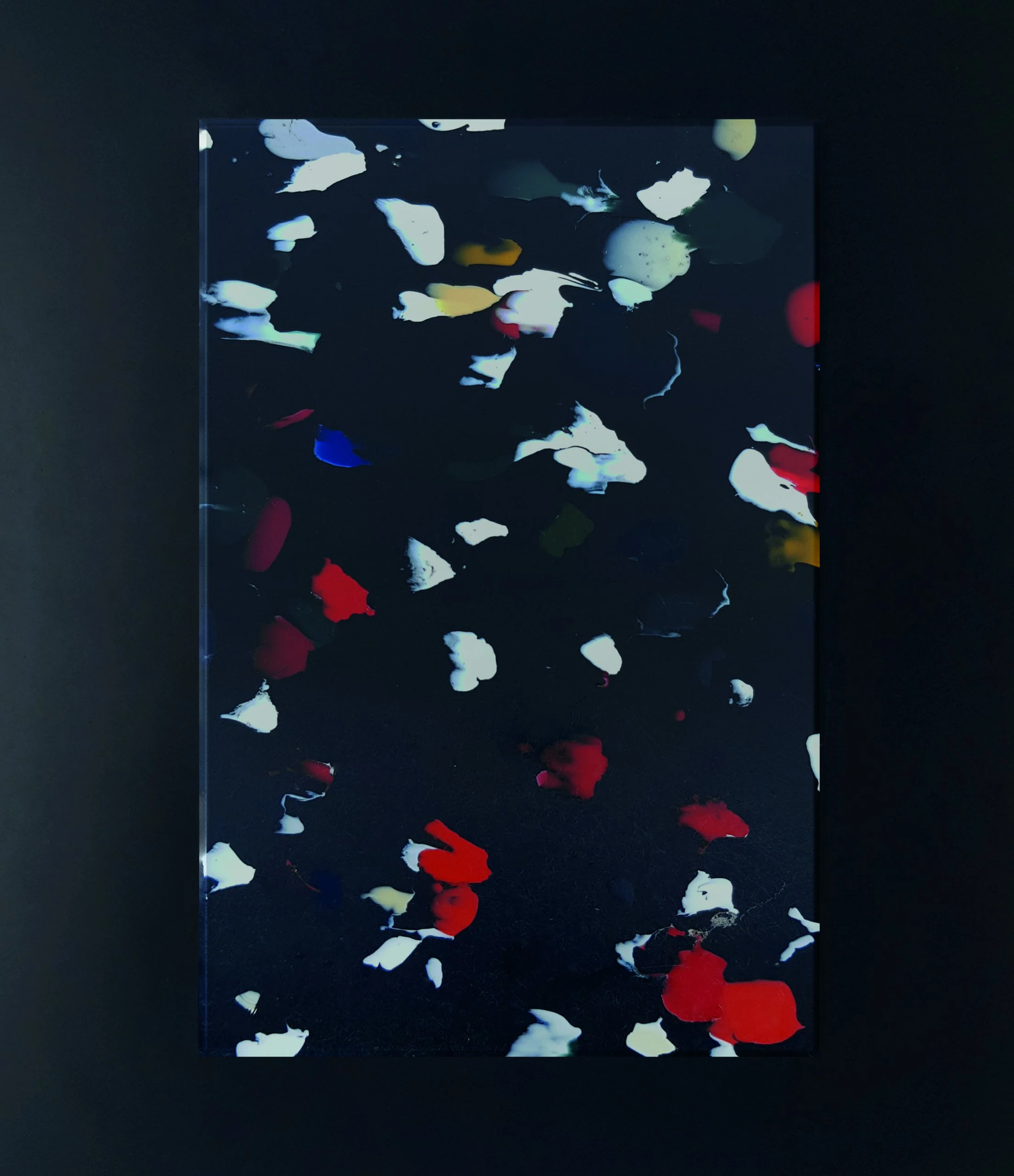
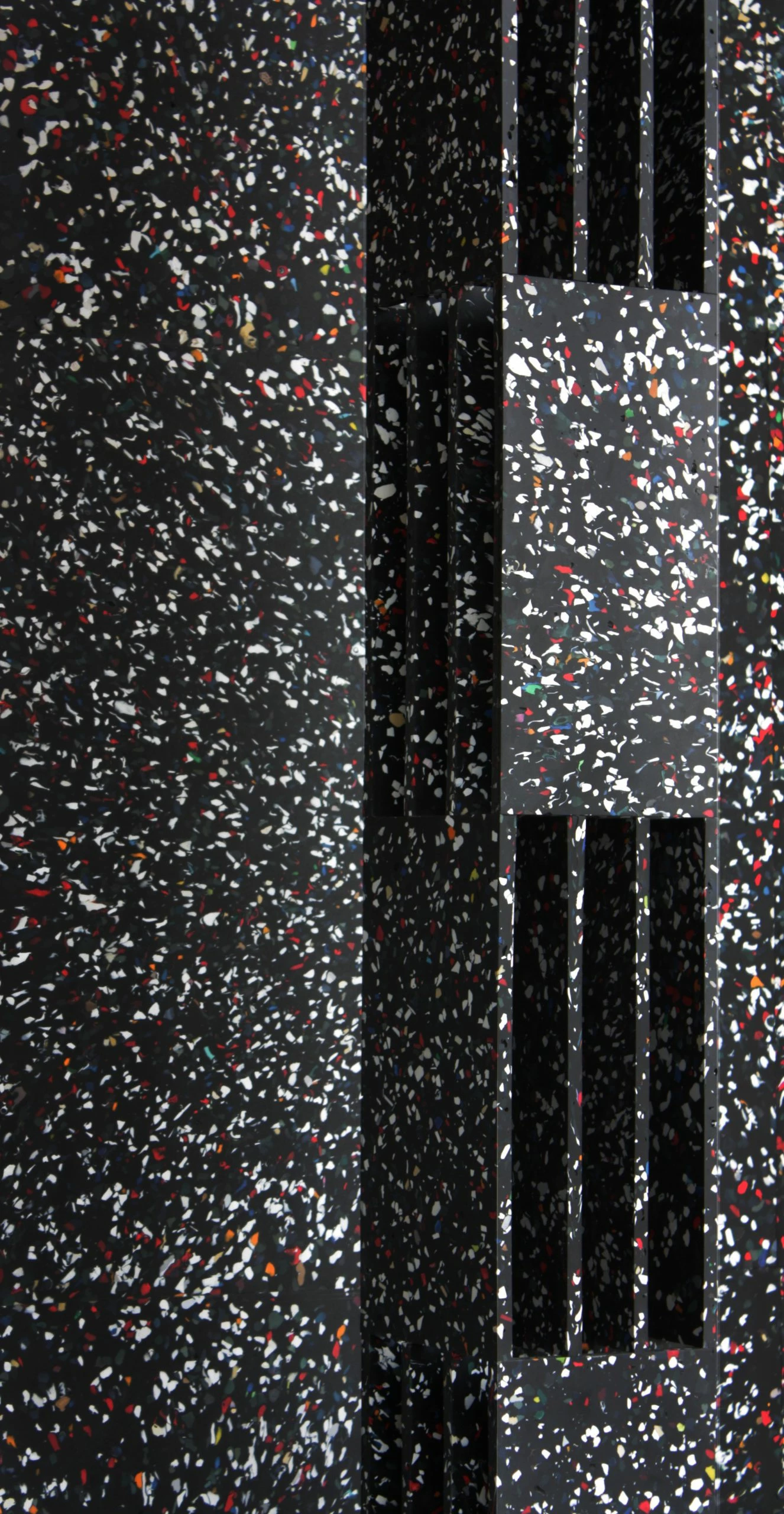
I had an initial go using Blender shader using the voronoi texture and a colour ramp, which looked okay from a distance, but wanted to see if I could use Substance Designer to recreate something much more realistic for close-up renders. I think specifically I'm after suggestions for achieving the subsurface fading effect that the material has (as the plastic pellets melt into and overlay over each other), rather than a voronoi which has solid chunks that a are blurred.
For context I'm new to Substance Designer, but have had a little experience with textures using Quixel Mixer (and not afraid to jump in and learn) Any suggestions/ideas/tutorials to look at would be greatly appreciated!
Cheers!

 AdChoices