Inspiring
October 18, 2023
Answered

"Scatter on spline" that would make things laying on their background?
  • October 18, 2023
  • 1 reply
  • 376 views

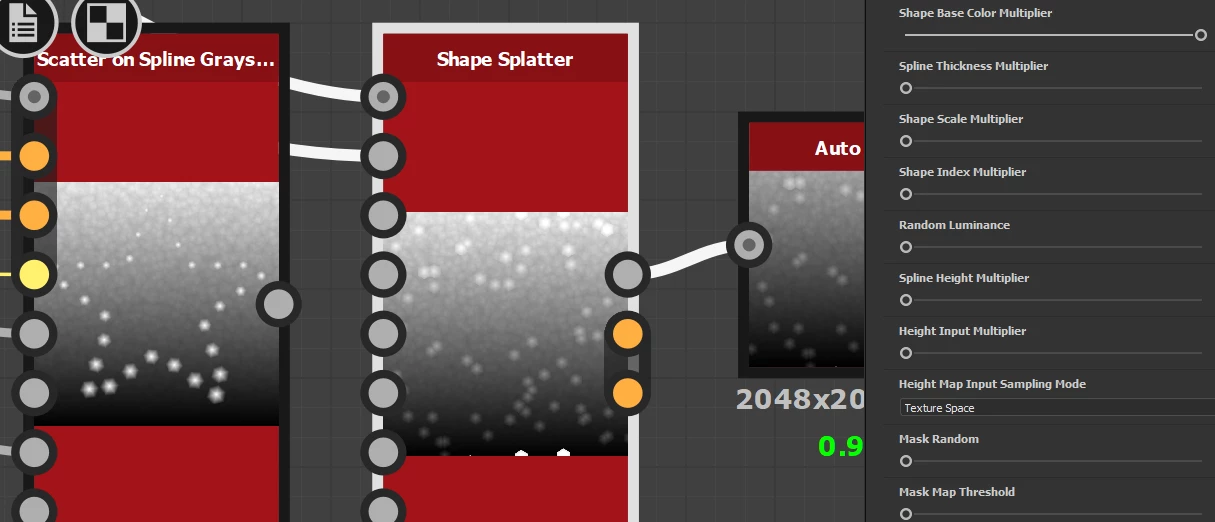
For example in shape splatter  I have scattered  things sort of sampling the background and residing  on top of it .  In "Scatter on spline" all the  things are  laying  on a plane.   I tried both "spline height multiplier" with "spline sample height" node before   and "heigh input multiplier" but both just send things beneath  the backround.   


Not that I couldn't do it separatly   with black background in "scatter on spline" node but still wonder am I missing something and there is an option to do it in the node alredy? 

 

This topic has been closed for replies.
Correct answer davescm

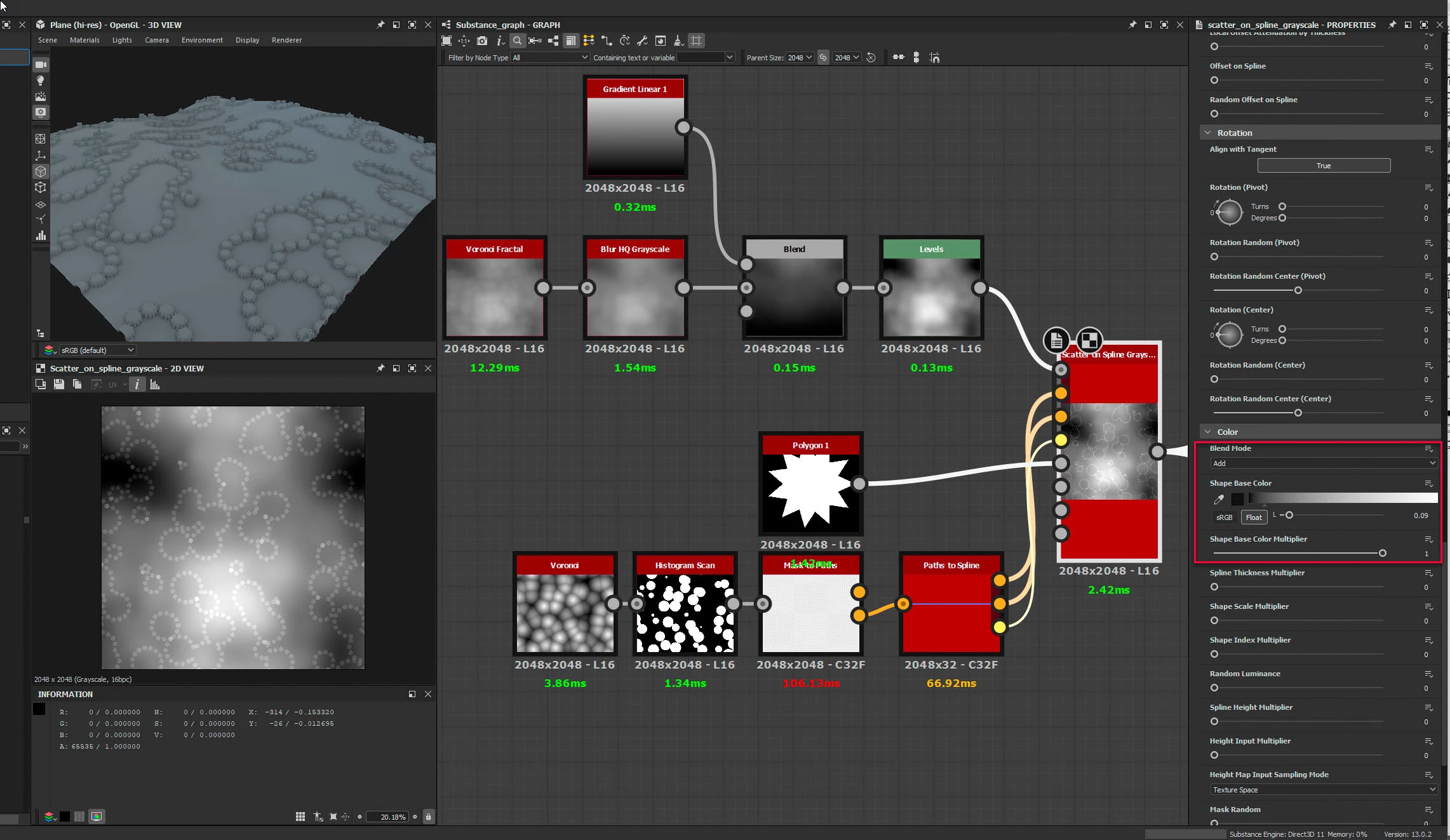
Would changing the Blend Mode to Add setting the Shape Base Colour Multiplier to 1, then adjusting the height/thickness of the scattered objects using the shape base colour control achieve what you need?

Dave

1 reply

davescm
Community Expert
davescmCommunity ExpertCorrect answer
Community Expert
October 18, 2023

Would changing the Blend Mode to Add setting the Shape Base Colour Multiplier to 1, then adjusting the height/thickness of the scattered objects using the shape base colour control achieve what you need?

Dave

kirkr5689Author
Inspiring
October 18, 2023

Thanks Dave.   It works if I blur small details out or background and then height blend  with original background. Going to modify the node to work that way.