
Participant
March 28, 2025
Question

Seamless texture to print

  • March 28, 2025
  • 1 reply
  • 456 views

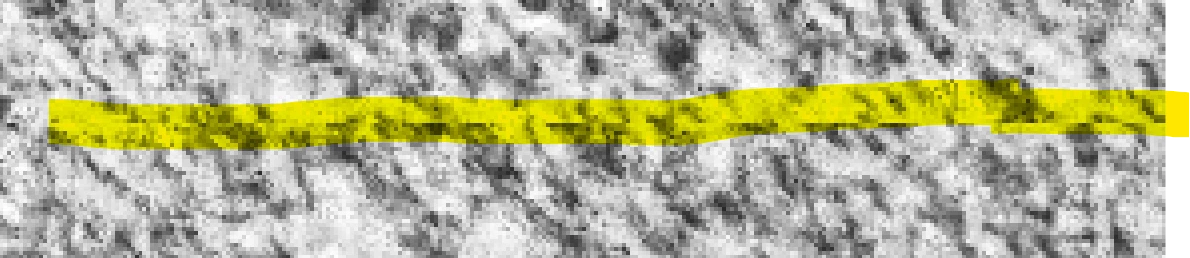
Made a great looking texture in Substance 3D.  Once export I get these harsh lines in the seams.

Is this part of it?


I made the seams black and white so its easy to see.


Also is there a good way to combine the PBR maps that are exported from Substance 3D Sampler for Print.  I am exporting a flat hi-res plane. 


I used photoshop and loose the details of the maps because there is no way to use normal or height map.  I also brought the material texture that was made and put it in Photoshop beta.  They will export an image that I can tile but the lines are found in the seams.  Some areas repeat and some have lines.  see attached pic.


Still looks better in Sampler 3d widow.  wanted to find out if there was a way to export the full size 3d version that I see in Sampler so I can use the png or tiff for printing on a regular printer ie printing wide format back drop.


thanks for the help.  Trying to figure out if Substance 3D will work for what I am trying to do.
1 reply

davescm
Community Expert
Community Expert
March 30, 2025

In Substance Designer, try a PBR render node. Set it to use a plane and, to remove the white edge border that it adds, change the Camera mode to Orthographic and adjust the field of view (a setting of 53 worked here when I tried it). You can view and check the tiling of that node in the 2D view window and adjust the render settings in the node. When happy, use Save Image in the 2D view window to export that combined render view as a single image.

Dave

Participant
March 31, 2025

Dave,

Thanks for your help.  I did this in Substance Designer and started over with Concrete Substance 0003 and attached it to the PBR render node used Plane and set the Orthographic to 53 and 50 (different tries with export)  When opening  the PNG in photoshop in pattern preview it doesnt tile seamless.  see pic.

Thank You for help.  Very new to this.

Jim

davescm
Community Expert
Community Expert
March 31, 2025

Did you check the tiling in Substance Designer before exporting? With the PBR node in 2D view go to the bottom of the 2D window and check the tiling preview icon (looks like 9 squares). Get the tiling right in that view before saving the image.
Dave