Participant
January 11, 2024
Question

Stepping artifacts visible when using some of the nodes

  • January 11, 2024
  • 1 reply
  • 462 views

Hi all,


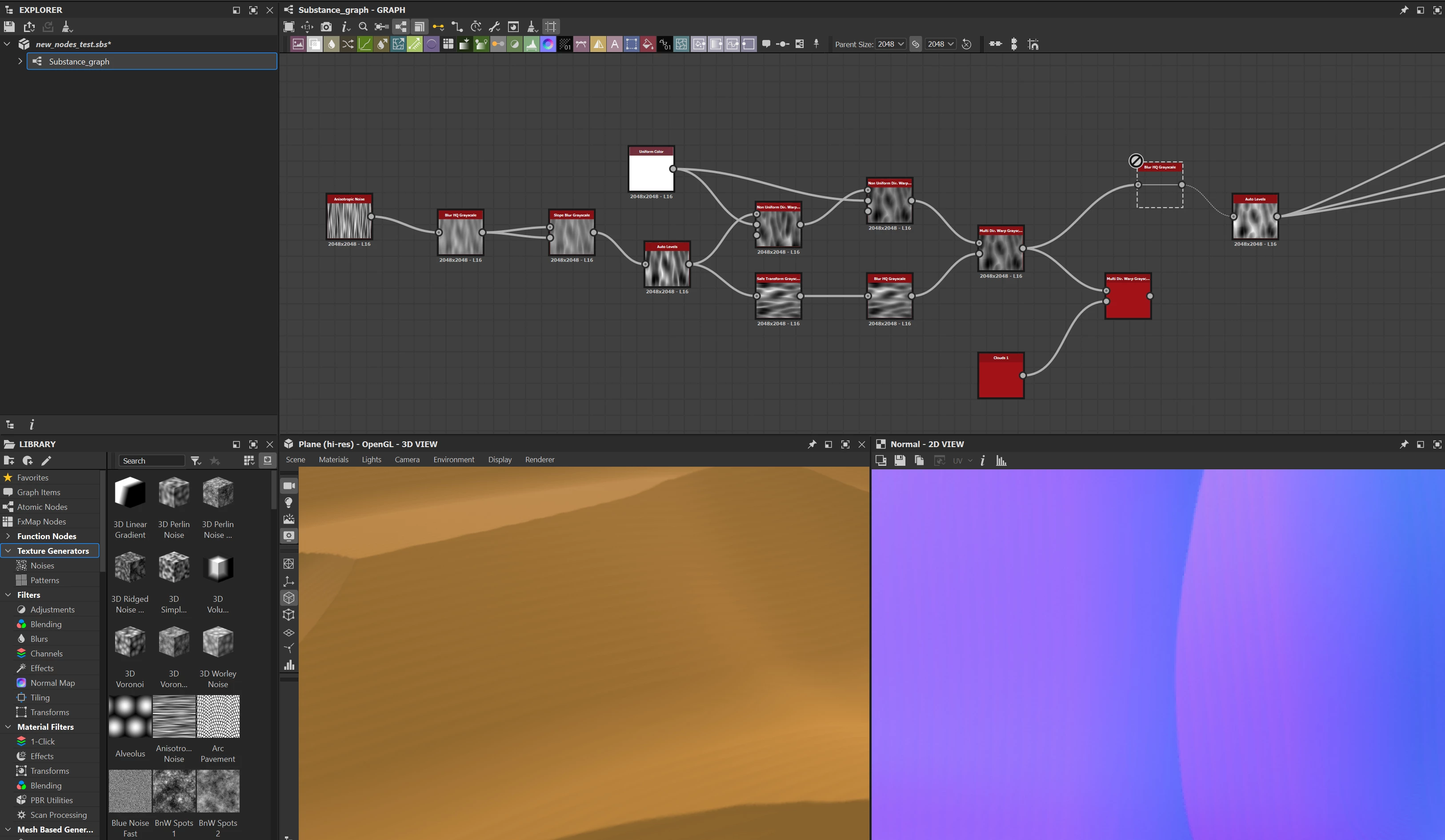
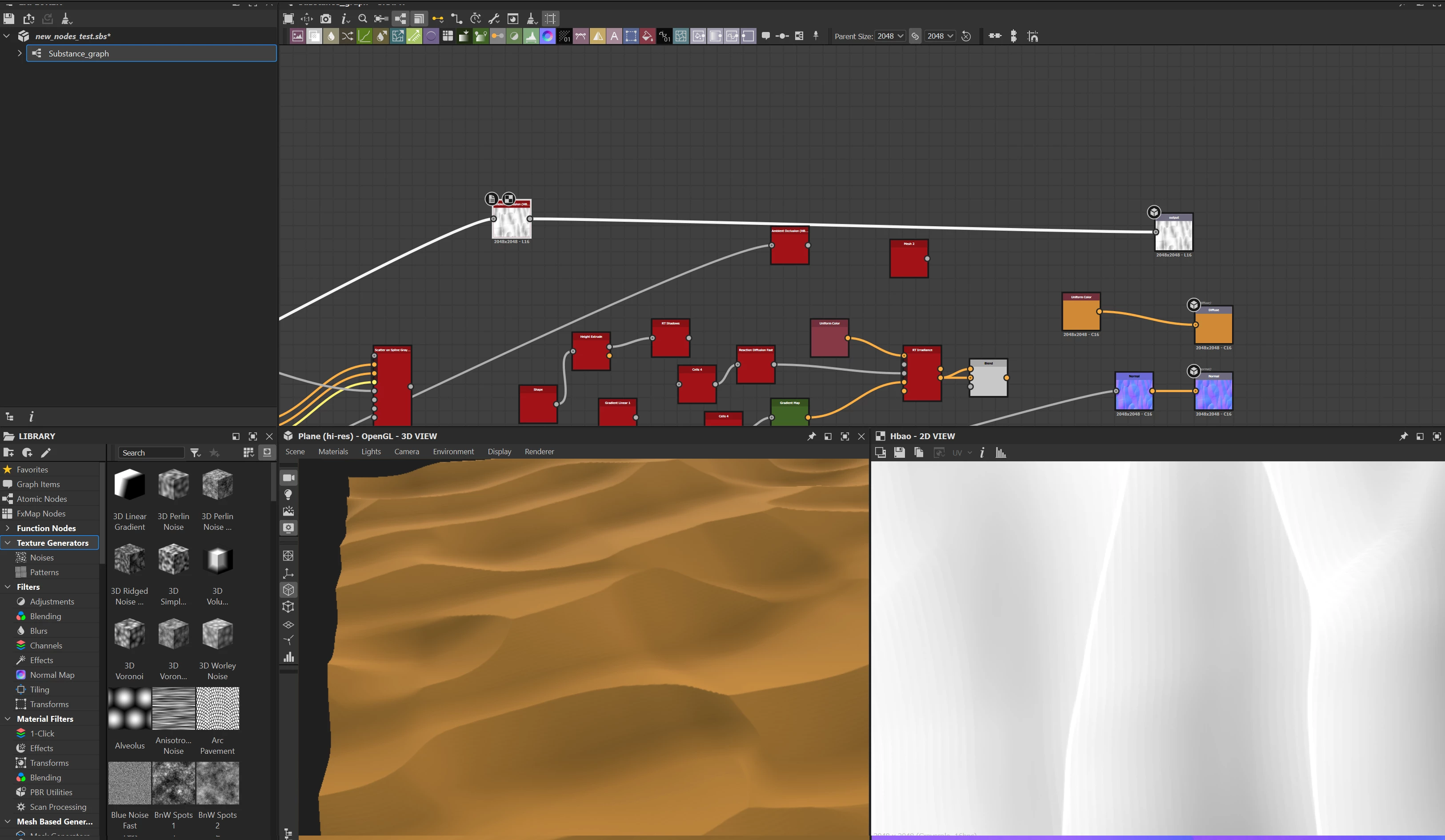
I just got the latest Substance Designer (version 13. 1. 0) and I have noticed that using nodes like Non Uniform Dir. Warp Grayscale  results in having very visible "banding" artifacts in the Heightmap, Normal Map and AO. My document is set to 16 bit, all the nodes are 16 bit and document resolution is 2048x2048. From what I remember my previous version of SD (which was like a year old) didn't have that issue. 

Right now the only way to avoid those artifacts is to use Blur HQ node which is not always helpfull as it "softens" the look. See pictures below. 

Am I missing something?


Best regards,

Robert Wilinski


This topic has been closed for replies.

1 reply

Cyril Dellenbach
Community Manager
Community Manager
January 11, 2024

Hello Robert,


Thanks for the message.


From my knowledge this seems like the expected behavior if you're pushing the intensity of the Non Uniform Directional Warp node to a certain extent.


However, we'd love to dig deeper and make sure there are no issues linked to this result. You mentioned a different behavior, do you remember in which update? Can we also have access to your graph, in order to investigate on our side? You can send it at cdellenbach@adobe.com


Let me know.

Cyril Dellenbach (Micro) | QA Support Artist | Adobe