


Substance Designer when using multiple nodes for match up
Hi, I have a question about Substance Designer. I've been using it occasionally for some time now, and every time I create a texture, I run into the same issue.
For example, when I use a Tile Sampler for the height map (grayscale), I also have to use another Tile Sampler for the color map, with the exact matching numbers for each individual tile so that both align well.
So whenever I adjust the numbers to experiment with the look, I also have to manually apply the changes to the corresponding color nodes.
I'm wondering if there's a way for any changes I make to automatically reflect in both nodes (like the Tile Sampler and the Color Tile Sampler).
Here's another example: I downloaded a material file from somewhere (likely from the Substance Designer homepage), and when there are puckering, there are also stitches that should match exactly with the number of puckers. However, I always have to adjust both of them separately for alignment.
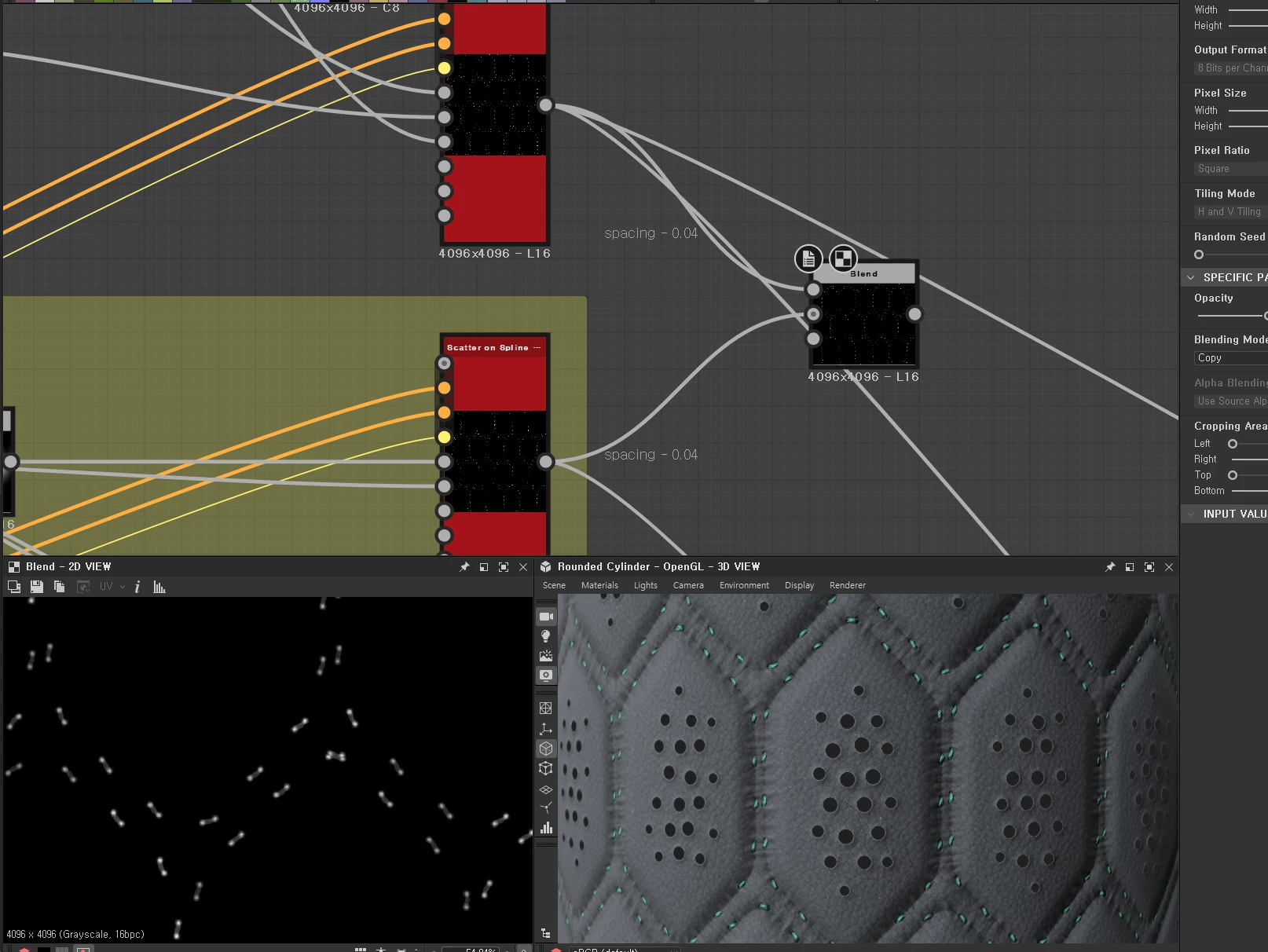
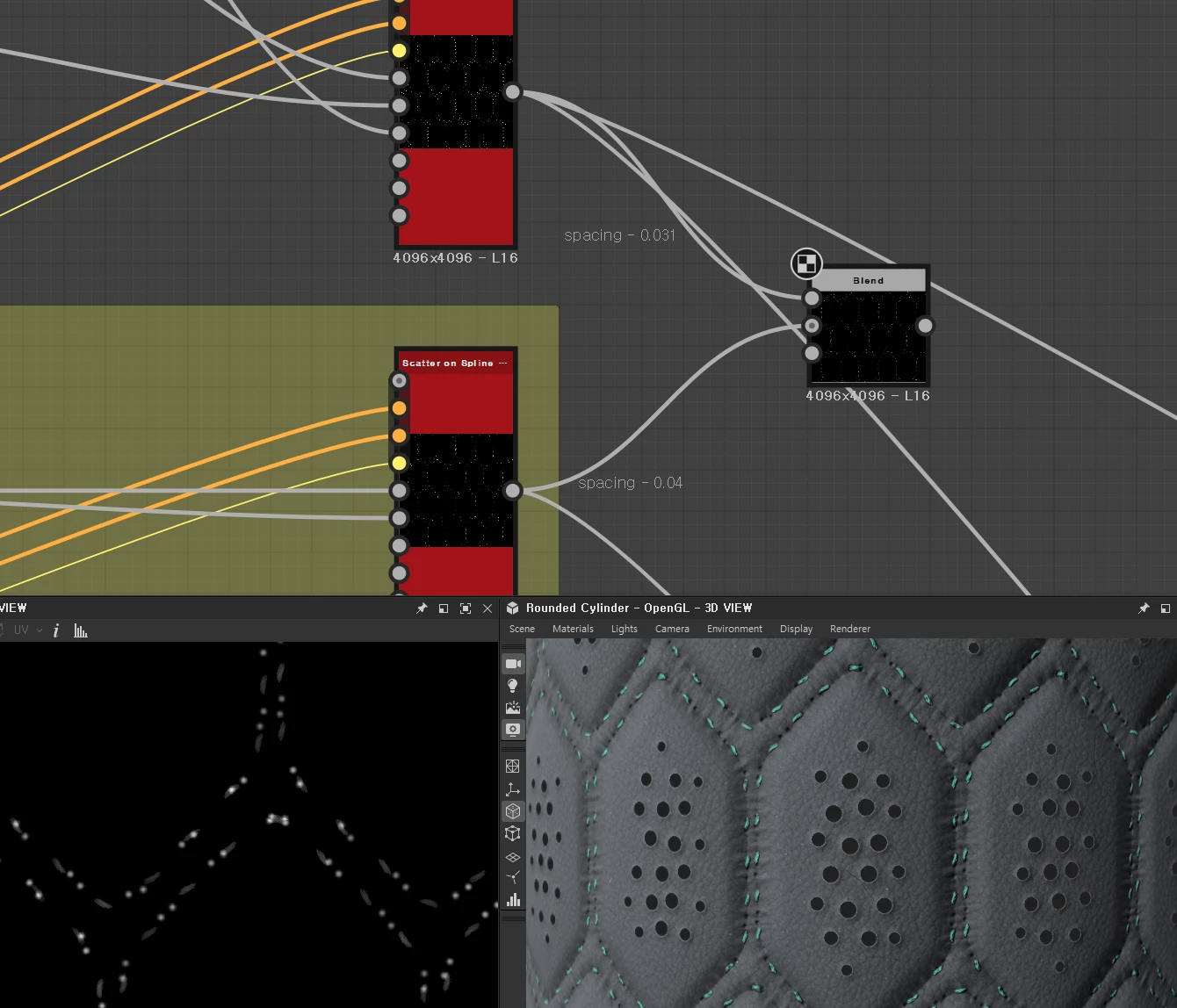
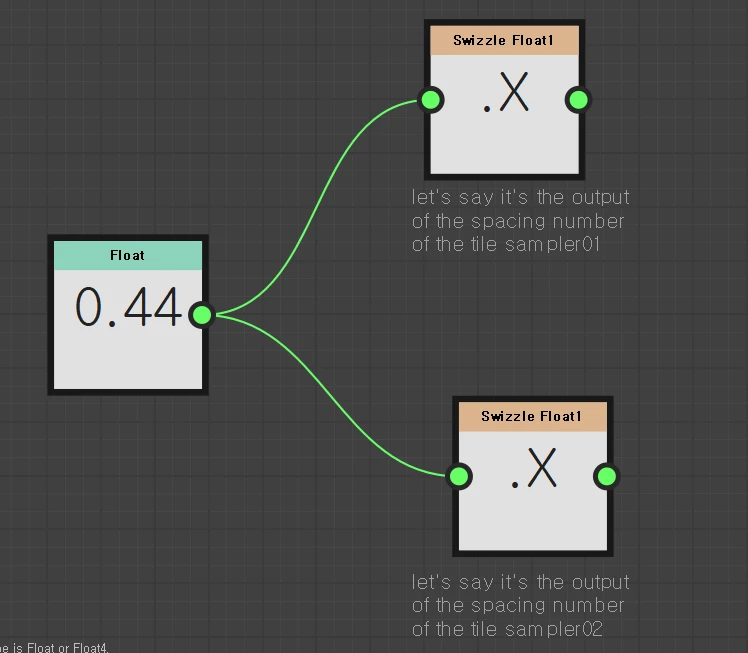
Is there a way to bring two slots together and input a certain number to both of them, so that changes are automatically reflected in both? Similar to this example?
It would be a great help if you could answer this question. It's been quite a pain for me.
Thanks.

 AdChoices