



Question
Substance Sampler -> Designer Height Map Banding Issue
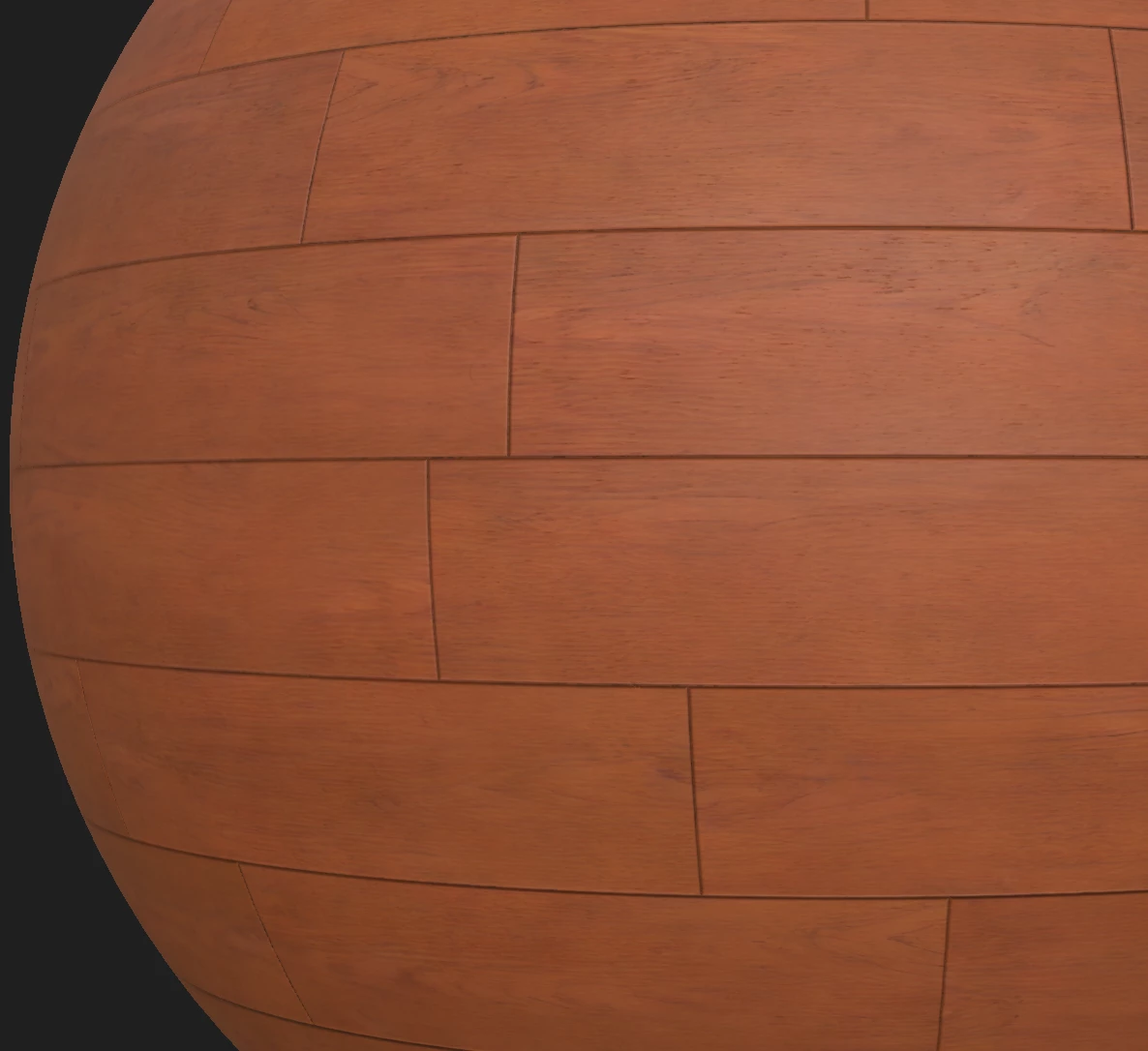
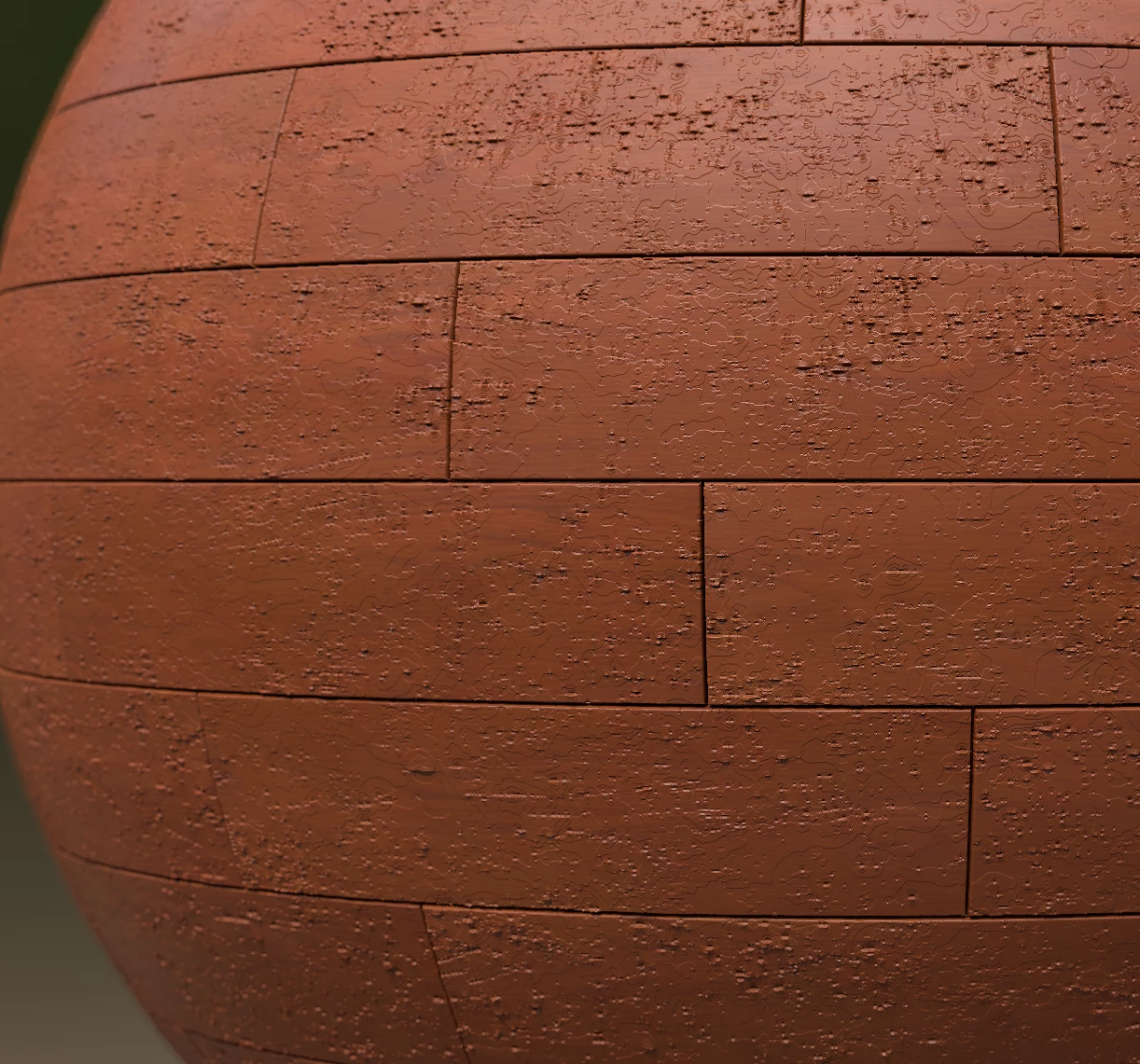
Unsure if this is a bug or I am just missing something. I have a material that I have created in Sampler which I have then exported to Designer for rendering with the PBR Render node. The material shows correctly in both Sampler and Designer, but when I feed it into the PBR Render node (in a separate graph) either as an SBSAR or with raw maps I get banding in the height map despite it being 16-bit. Anyone have a similar issue that they were able to resolve?
Designer Version: 12.2.1 build 5947
Sampler Version: 3.3.2
Windows 10 Pro 21H2 build 19044.1889
Realtime Designer Render
PBR Render
 AdChoices