


Tesselation/Height is almost completely flat regardless of settings
- 2 replies
- 174 views
- Translate
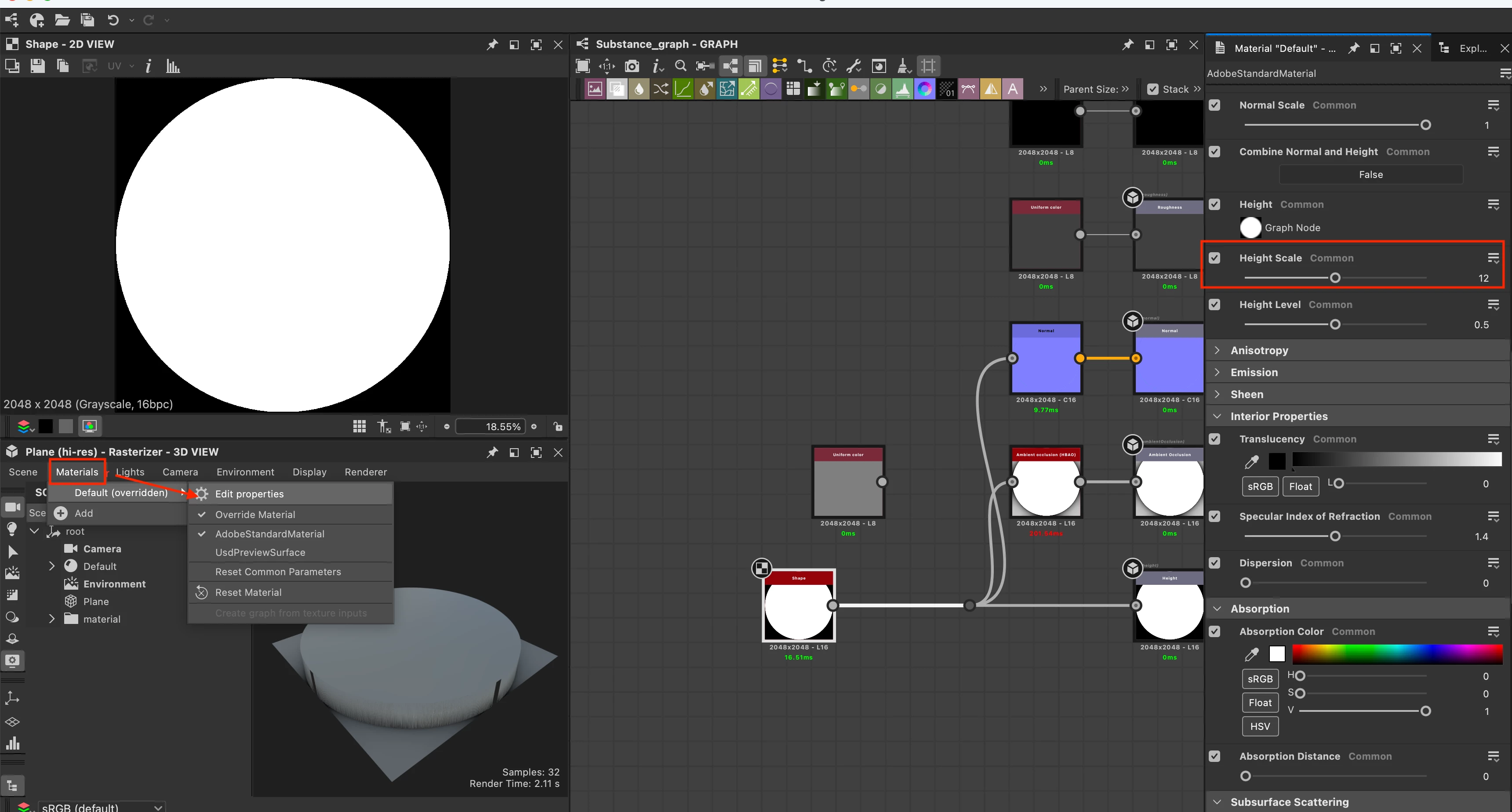
I am trying to create a material for Japanese roof tiles and it always comes out incredibly flat. I have tried to put the Tessellation factor and the Height in the render settings higher and beyond the recommended values to see what happens and it has barely changed anything. So it shouldn't be a geometry issue or that the settings are simply too low (I hope).
I've attached an example from a tutorial (red tiles) that does something similar and their height shows up a lot more pronounced. The other pictures are what I have in my project. I would like to achieve a lot more movement in the silhouette of my material so it looks like actual tiles and not like a flat puzzle.
I've tried a bunch of suggestions I have found online and followed tutorials, but I was unable to make it look right.
Is it maybe an issue with the settings for my graphics card? I have a NVIDIA RTX 3060Ti so I don't think it's not powerful enough, but perhaps it's not being used correctly?
Substance recommends to "Select High-performance NVIDIA processor in the Preferred GPU combobox" in the NVIDIA Control Panel, but I don't want to mess something up and I wasn't sure which setting that is supposed to be (mine is in German).
Does anyone have any suggestions on what I could try or where I'm missing something?

 AdChoices