


Question
Turn Off Normal in Material Tessellation Permanently
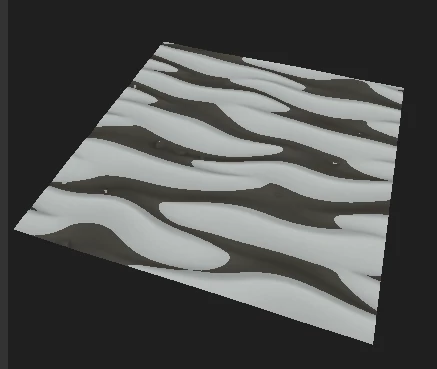
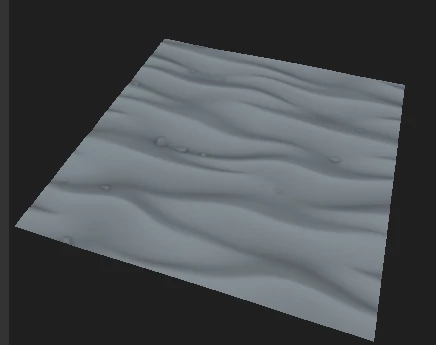
Whenever I begin a new material, or switch the object in the scene, it develops dark black patches that can only be removed when I go into Materials>Default>Edit>Normal, and uncheck "Normal", leaving "DirectX Normal" checked. However, as stated, if I change the object in the scene, it re-checks "Normal". Is there any way to permanently uncheck this box?
Material with Normal Checked:
Material With Normal Unchecked:
 AdChoices