Participant
July 29, 2024
Answered

Uniform color blending not working

  • July 29, 2024
  • 2 replies
  • 281 views

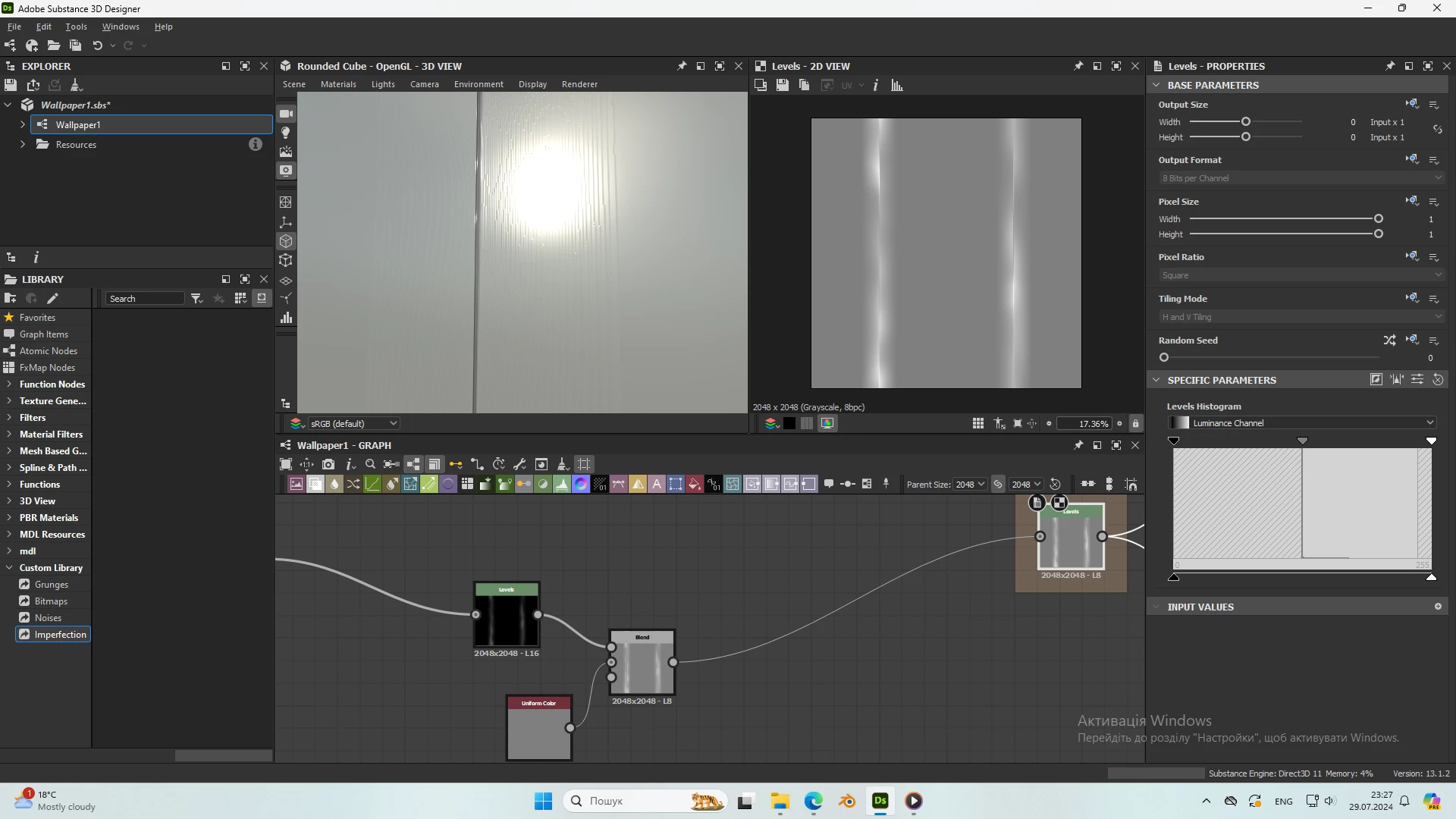
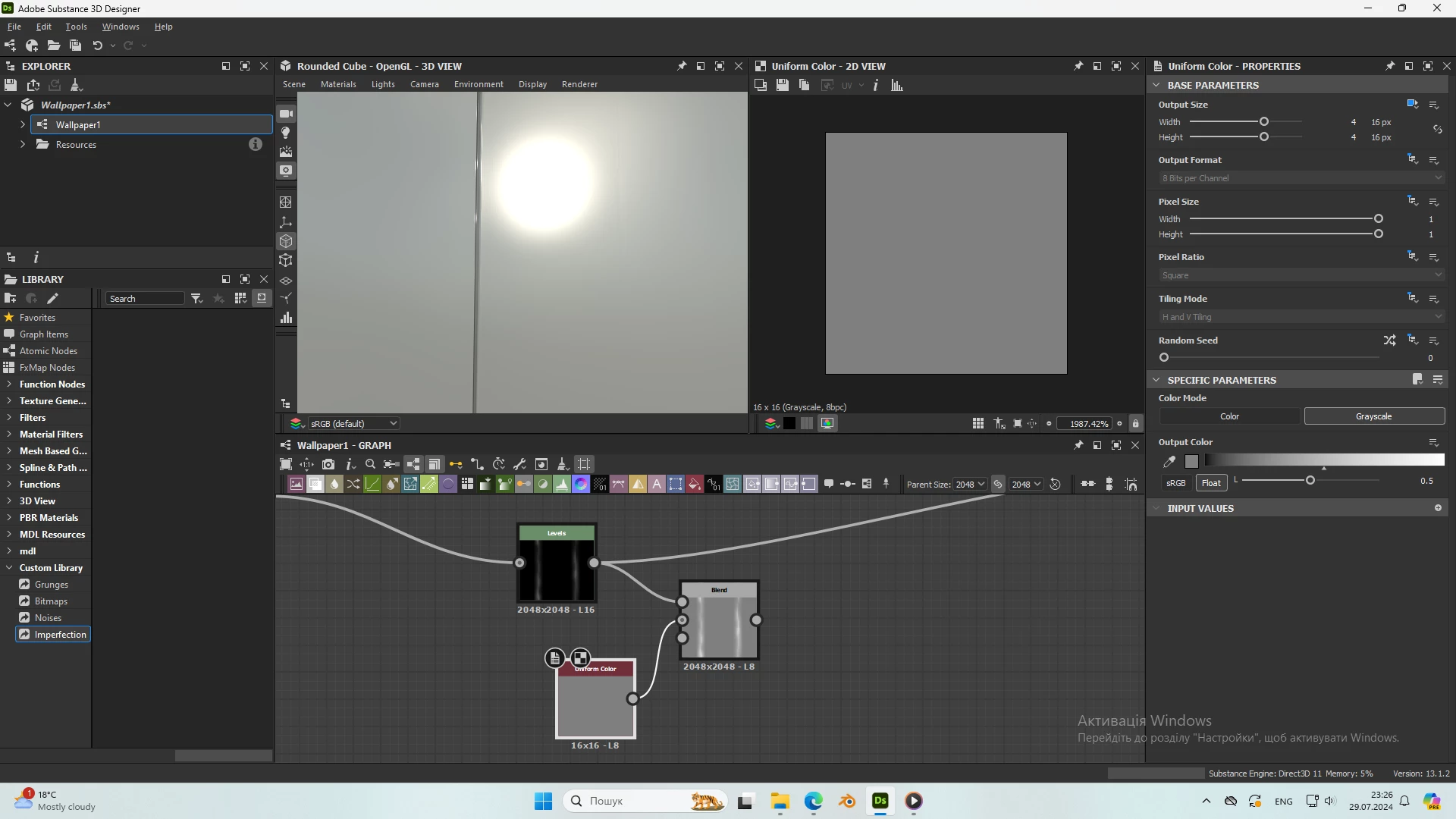
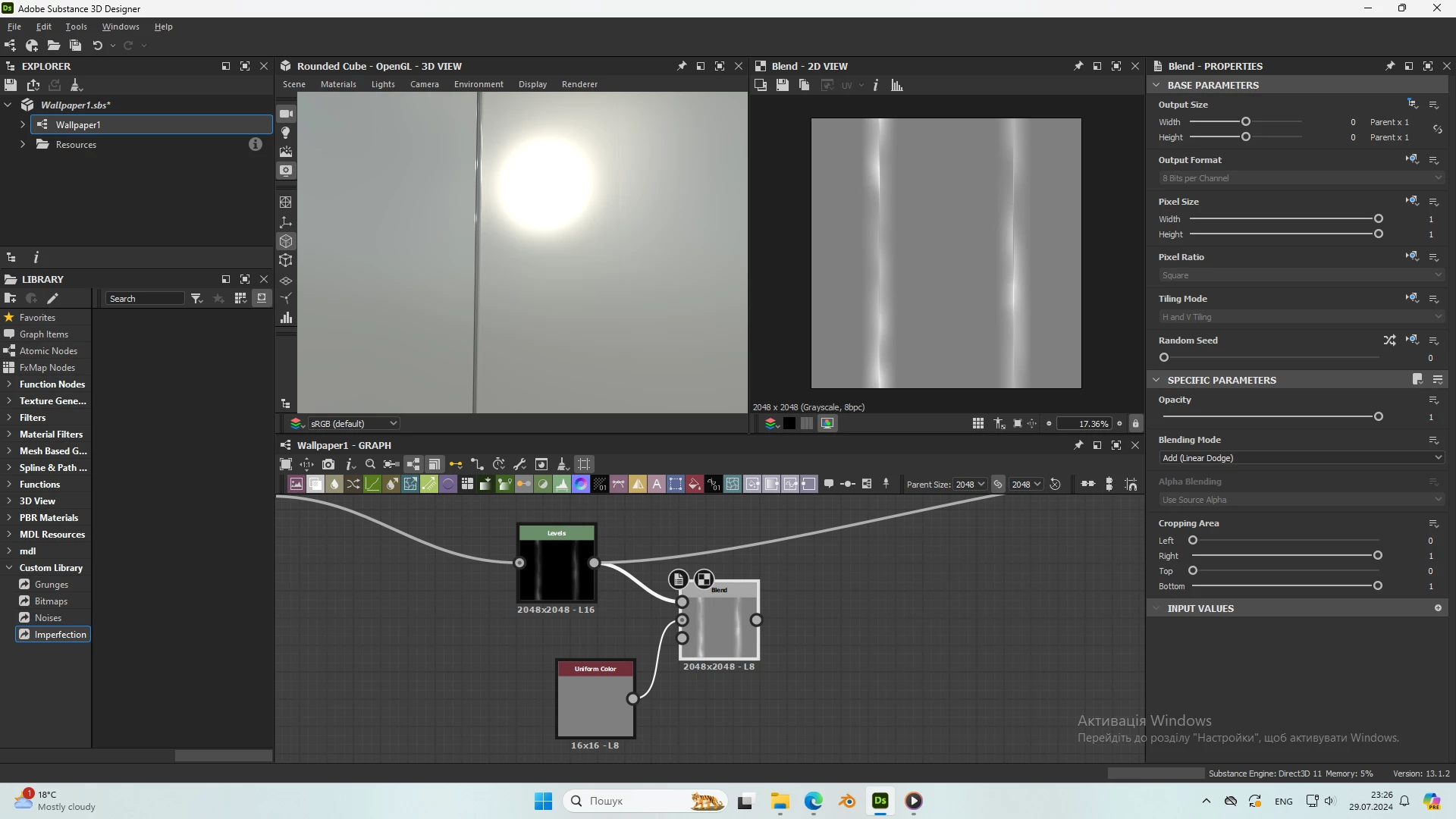
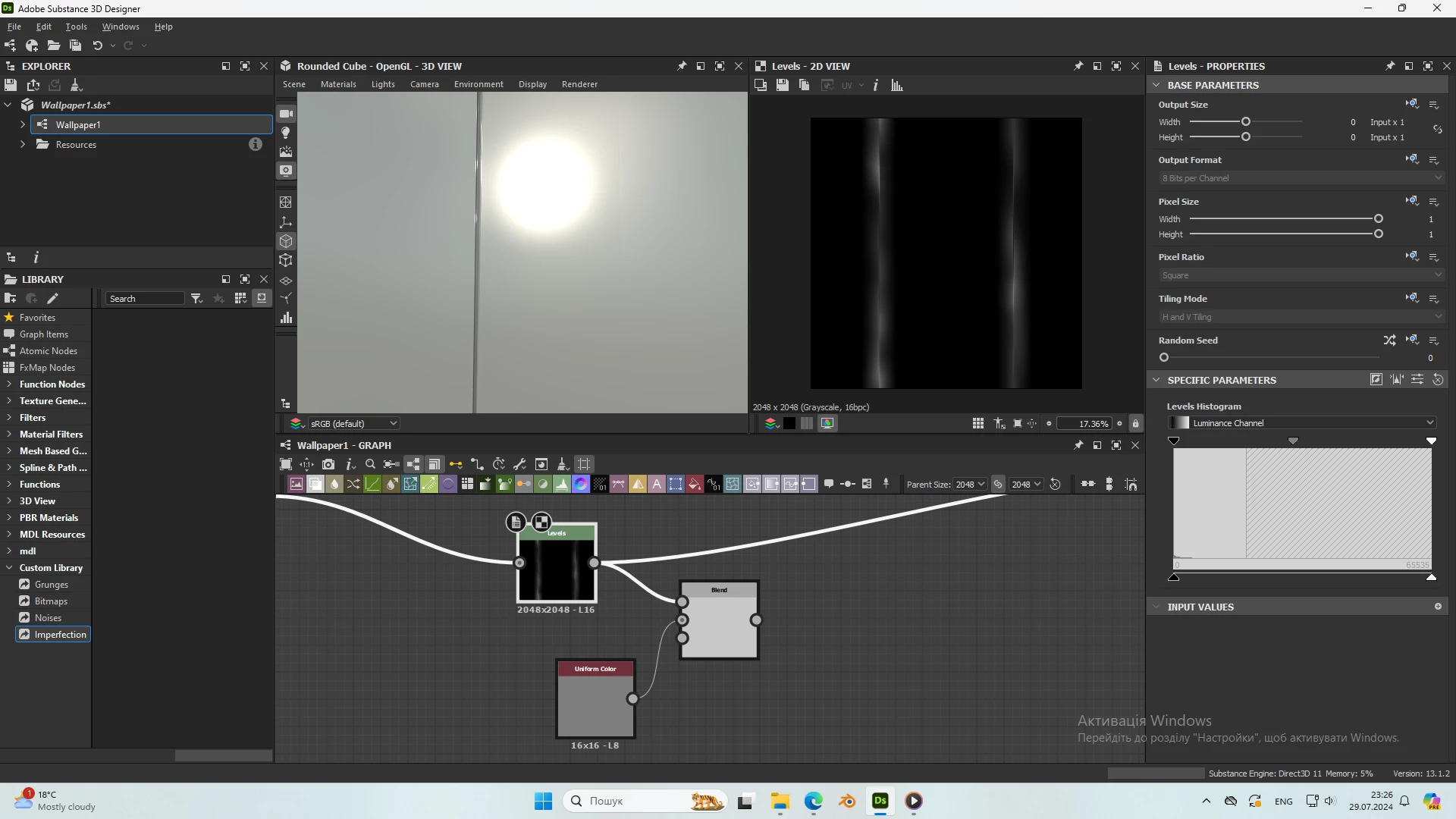
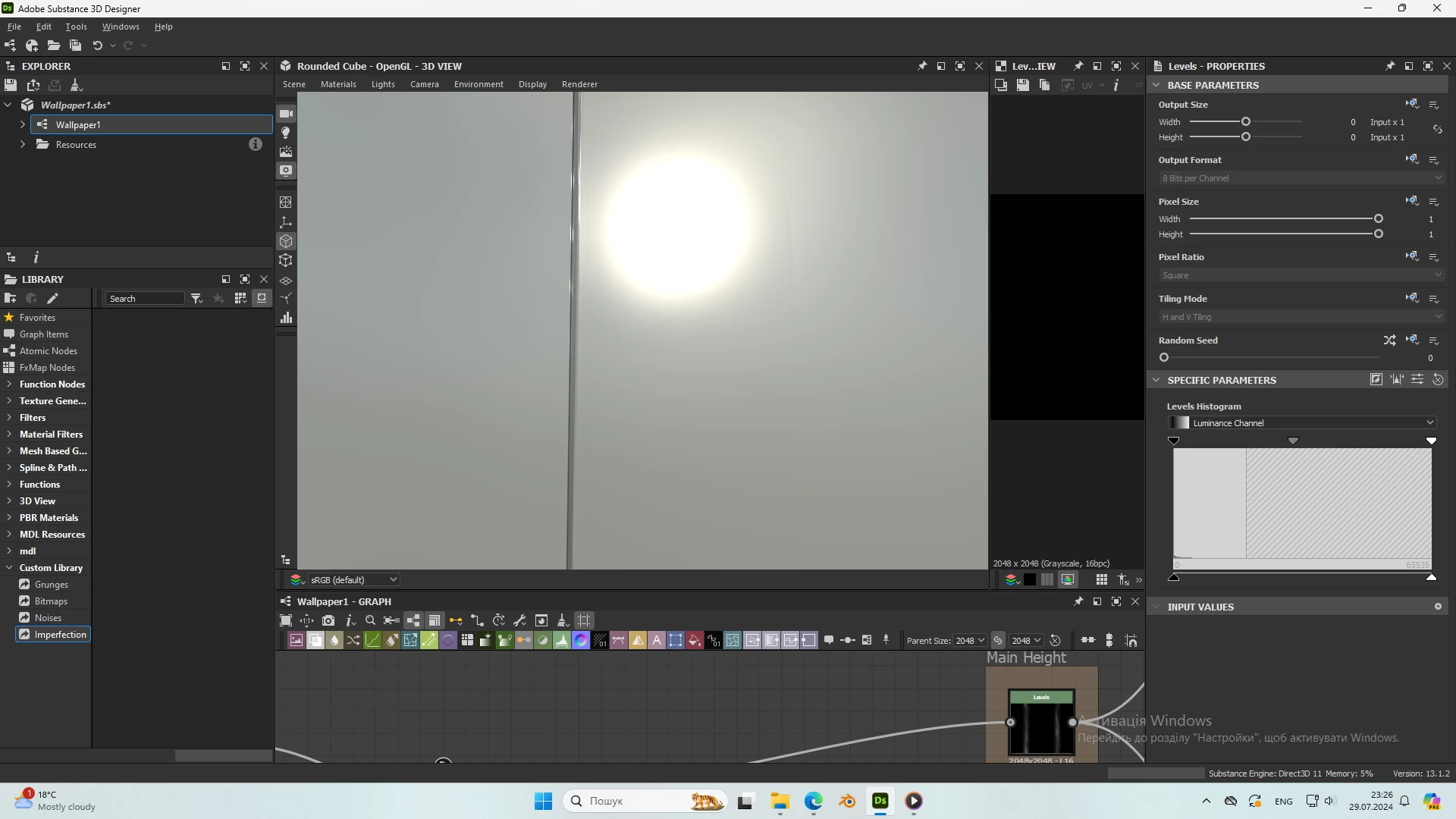
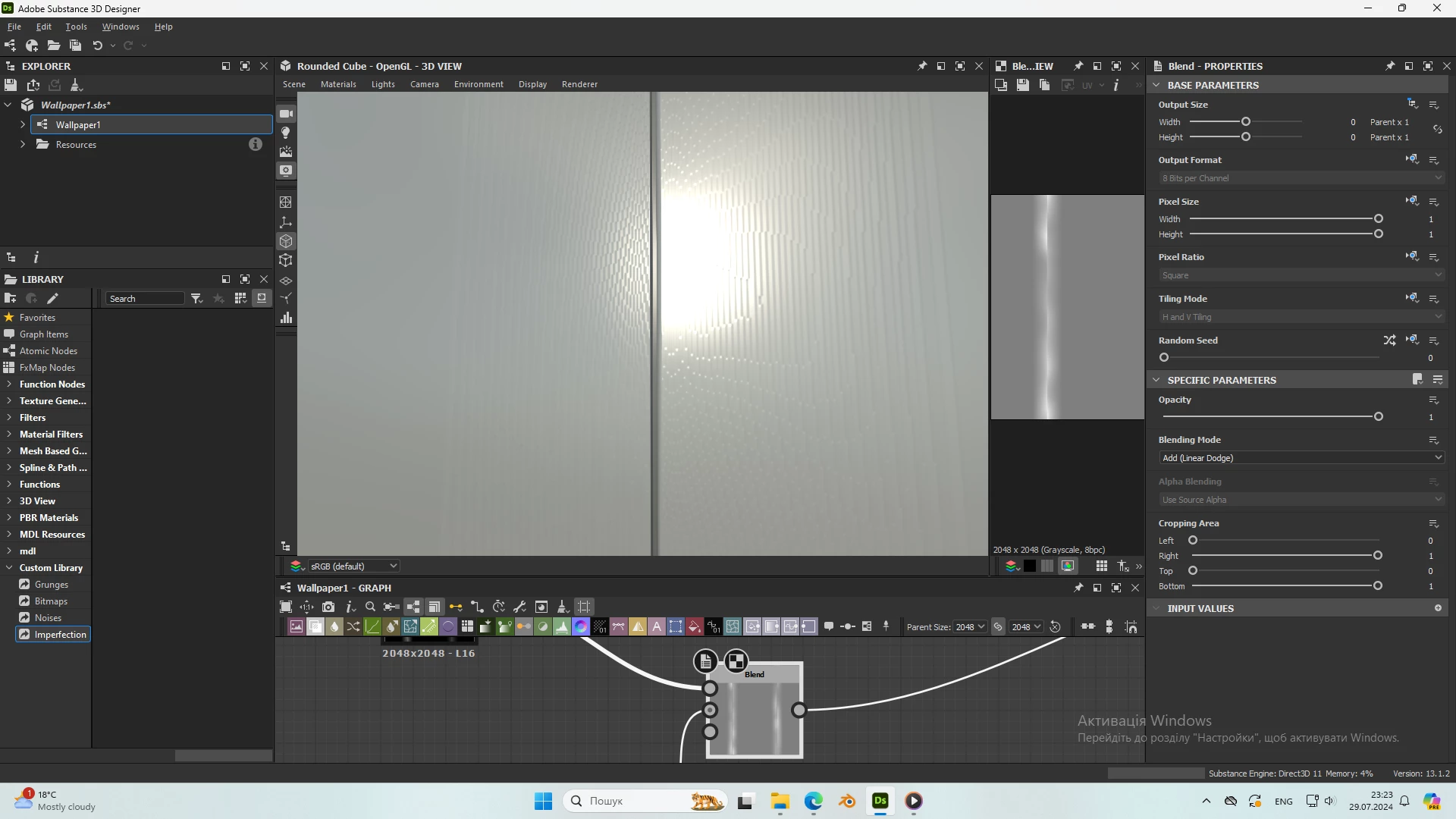
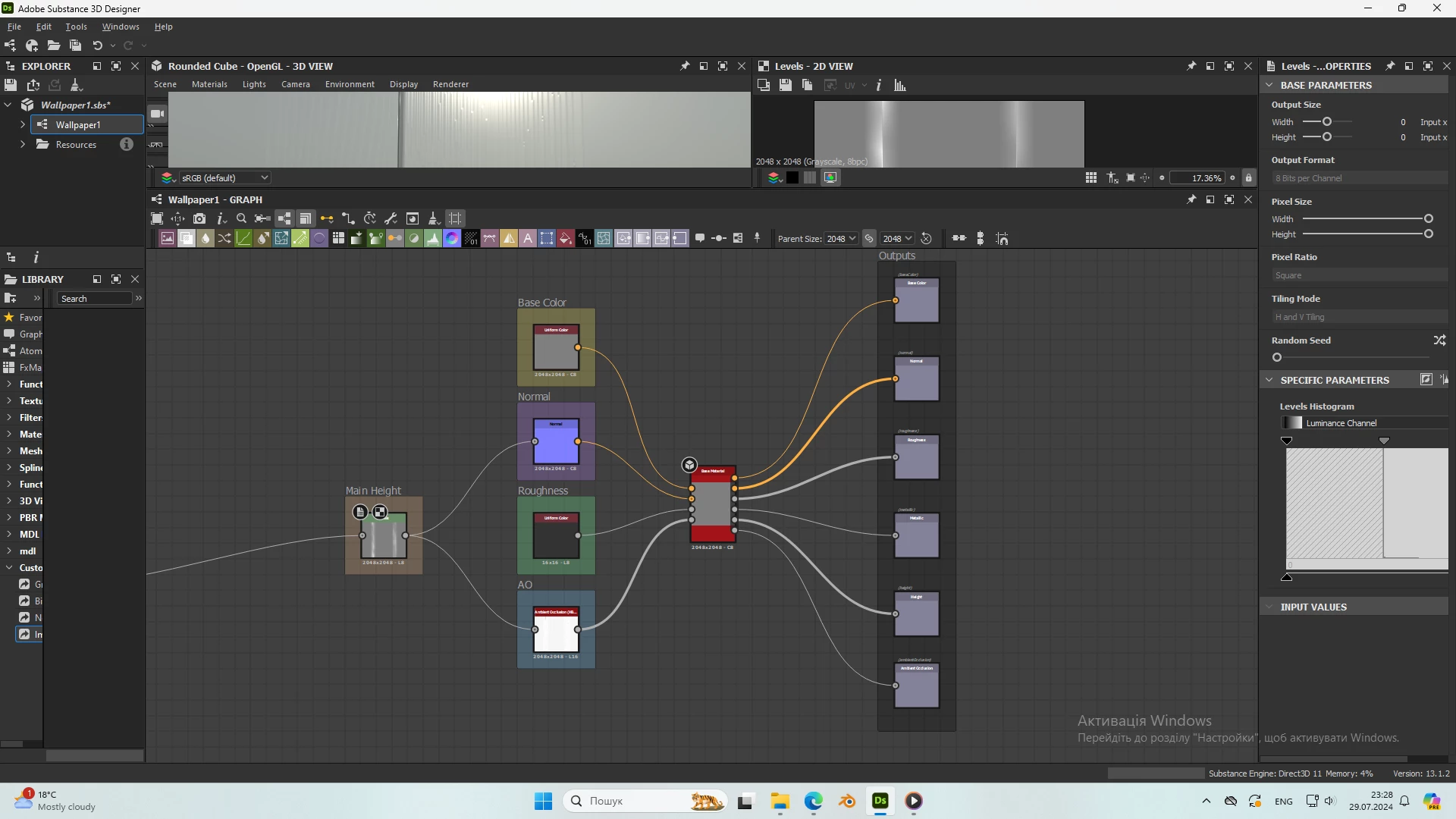
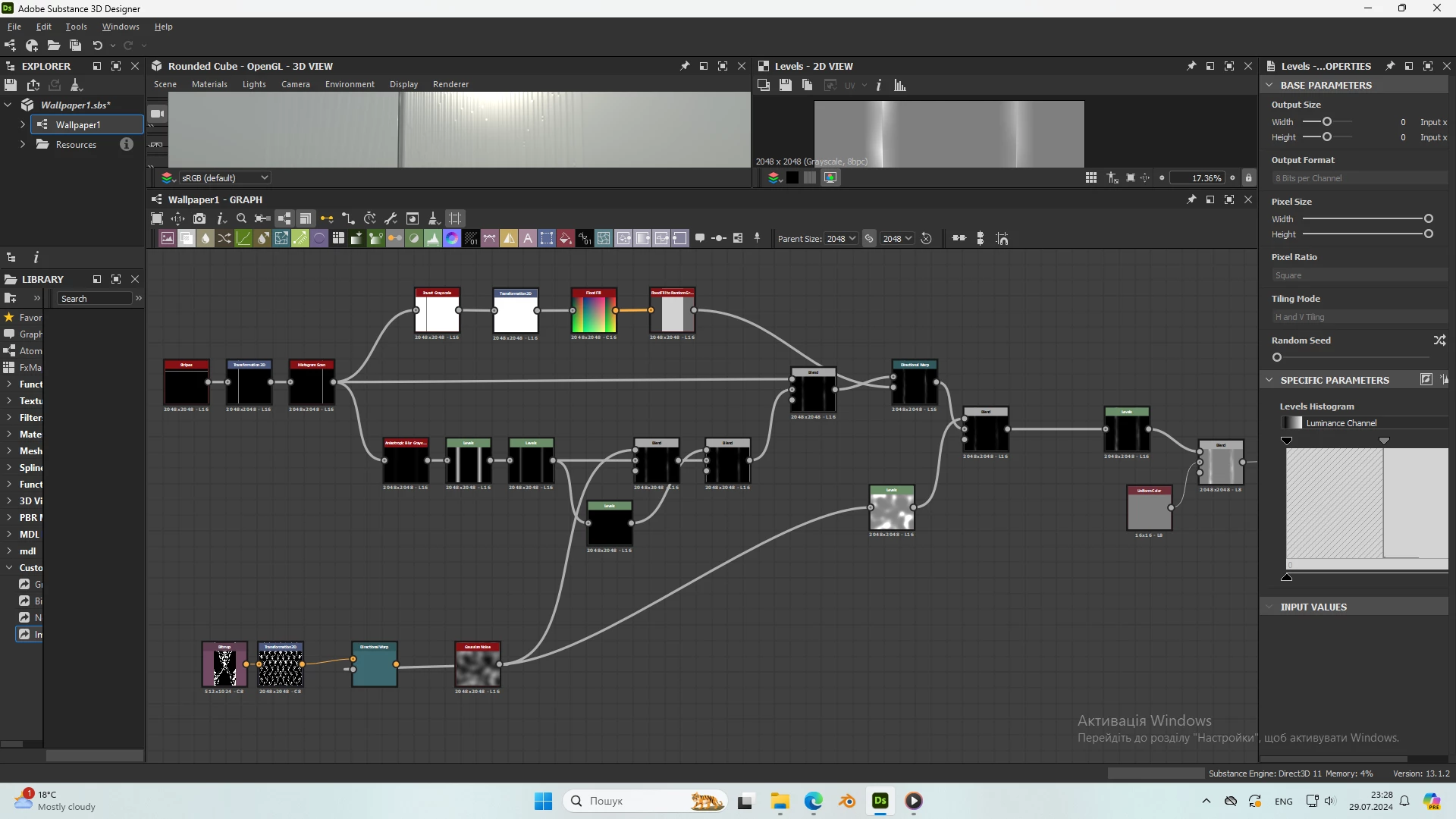
Sorry for my English! I make the texture of the wallpaper. When I blend my graph with uniform color and levels, pixels appear on the texture. I take a course on procedural textures and completely repeat after the teacher, but he does not have such a problem.
 

This topic has been closed for replies.
Correct answer davescm

Increase the bit depth of your uniform colour node to 16 bits/channel.


Dave

2 replies

davescm
Community Expert
davescmCommunity ExpertCorrect answer
Community Expert
July 30, 2024

Increase the bit depth of your uniform colour node to 16 bits/channel.


Dave

kglad
Community Expert
Community Expert
July 29, 2024

in the future, to find the best place to post your message, use the list here, https://community.adobe.com/

p.s. i don't think the adobe website, and forums in particular, are easy to navigate, so don't spend a lot of time searching that forum list. do your best and we'll move the post (like this one has already been moved) if it helps you get responses.


<"moved from using the community bugs">