

Answered
View in 3d Output
I am trying to only view the shape in the 3d panel below, when right clicking the View Output in 3d view has a arrow next to it showing output as the only option and unsure what I am doing wrong?
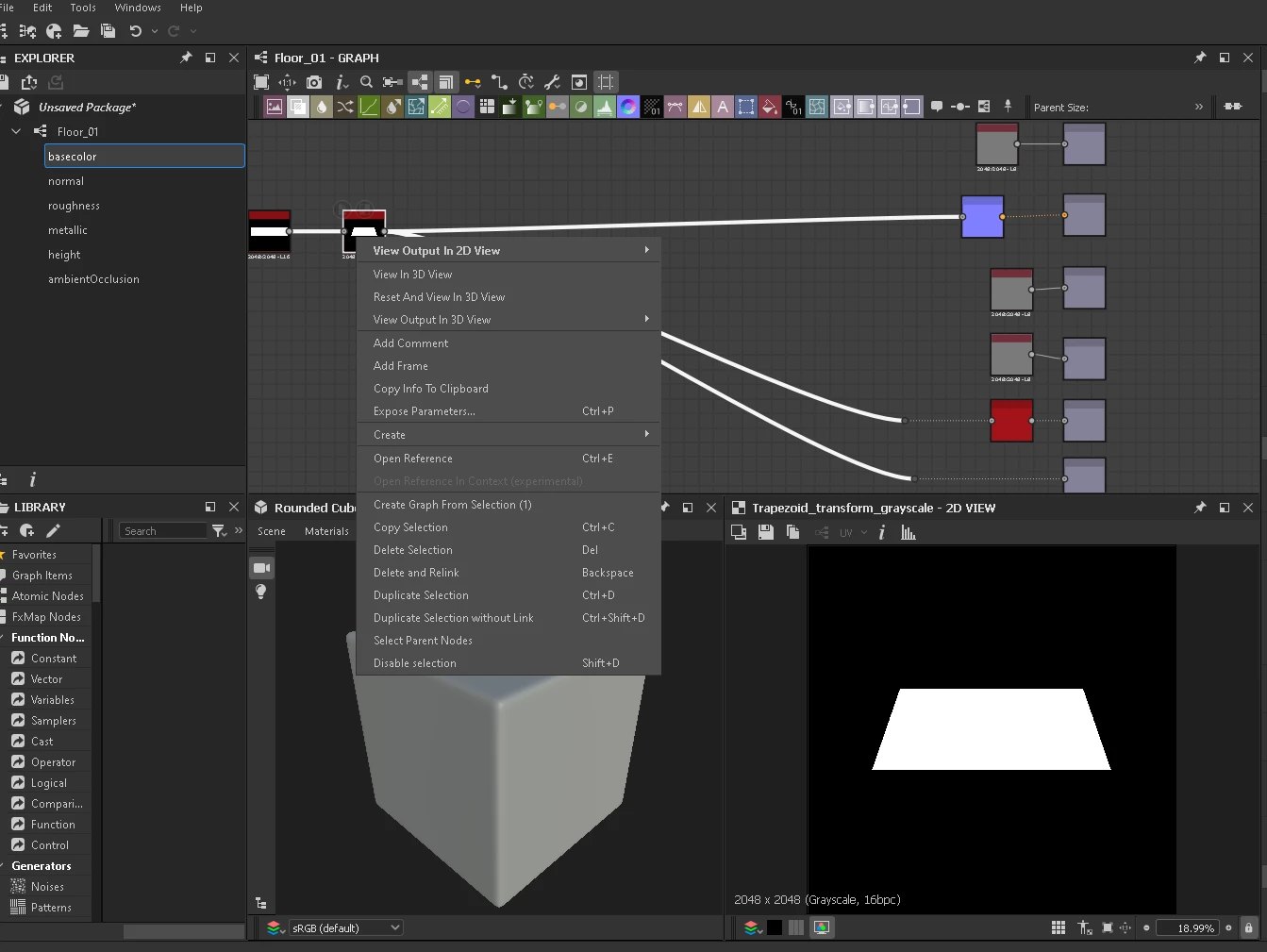

I am trying to only view the shape in the 3d panel below, when right clicking the View Output in 3d view has a arrow next to it showing output as the only option and unsure what I am doing wrong?
Already have an account? Login
Enter your E-mail address. We'll send you an e-mail with instructions to reset your password.

 AdChoices