


Answered
Weird wave patterns on the surface of my output maps in Substance Designer
Hello,
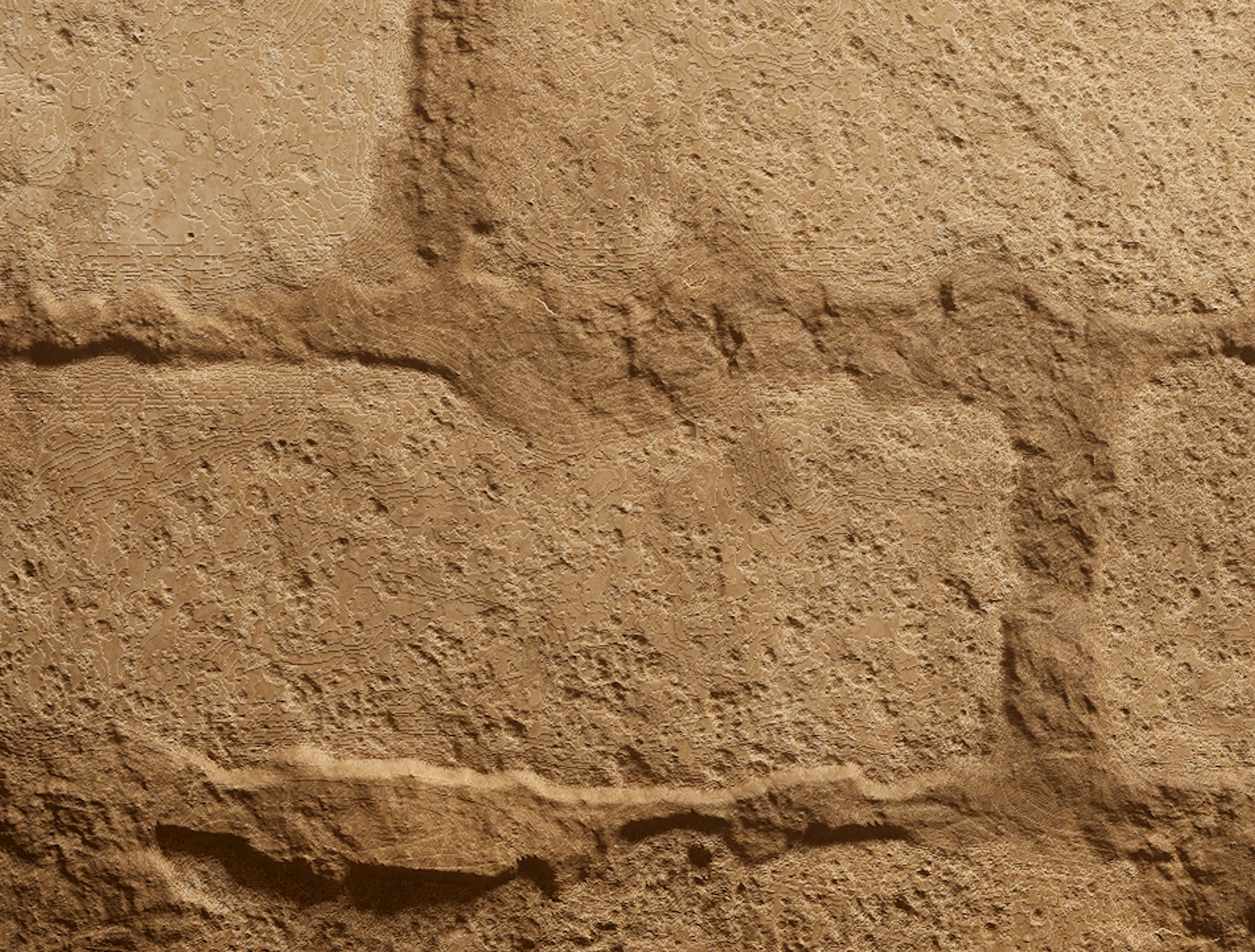
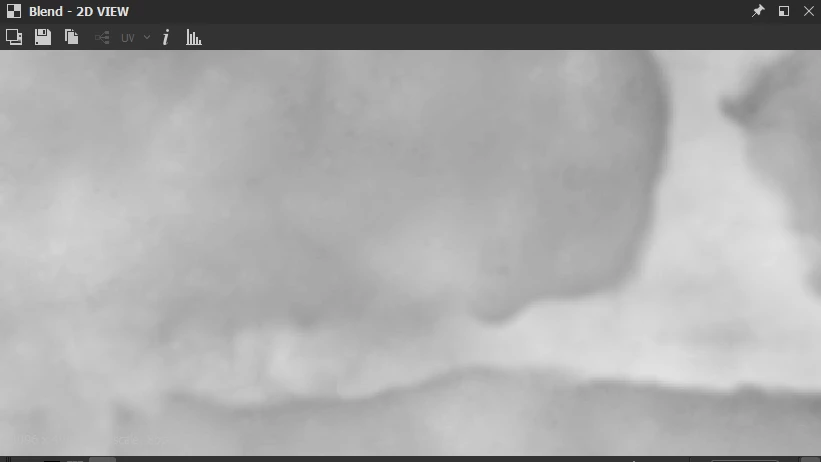
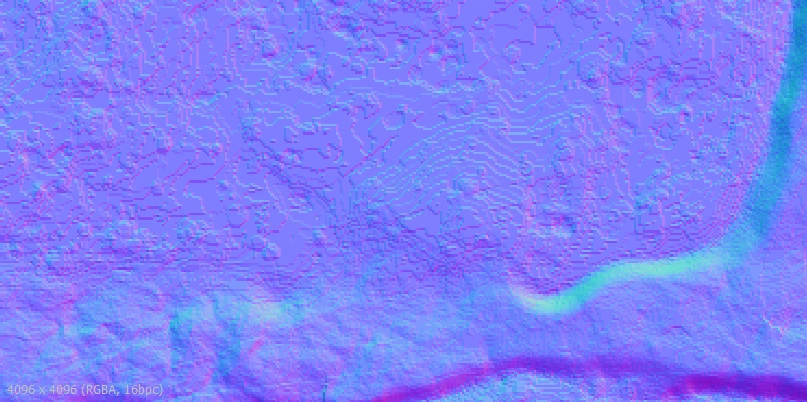
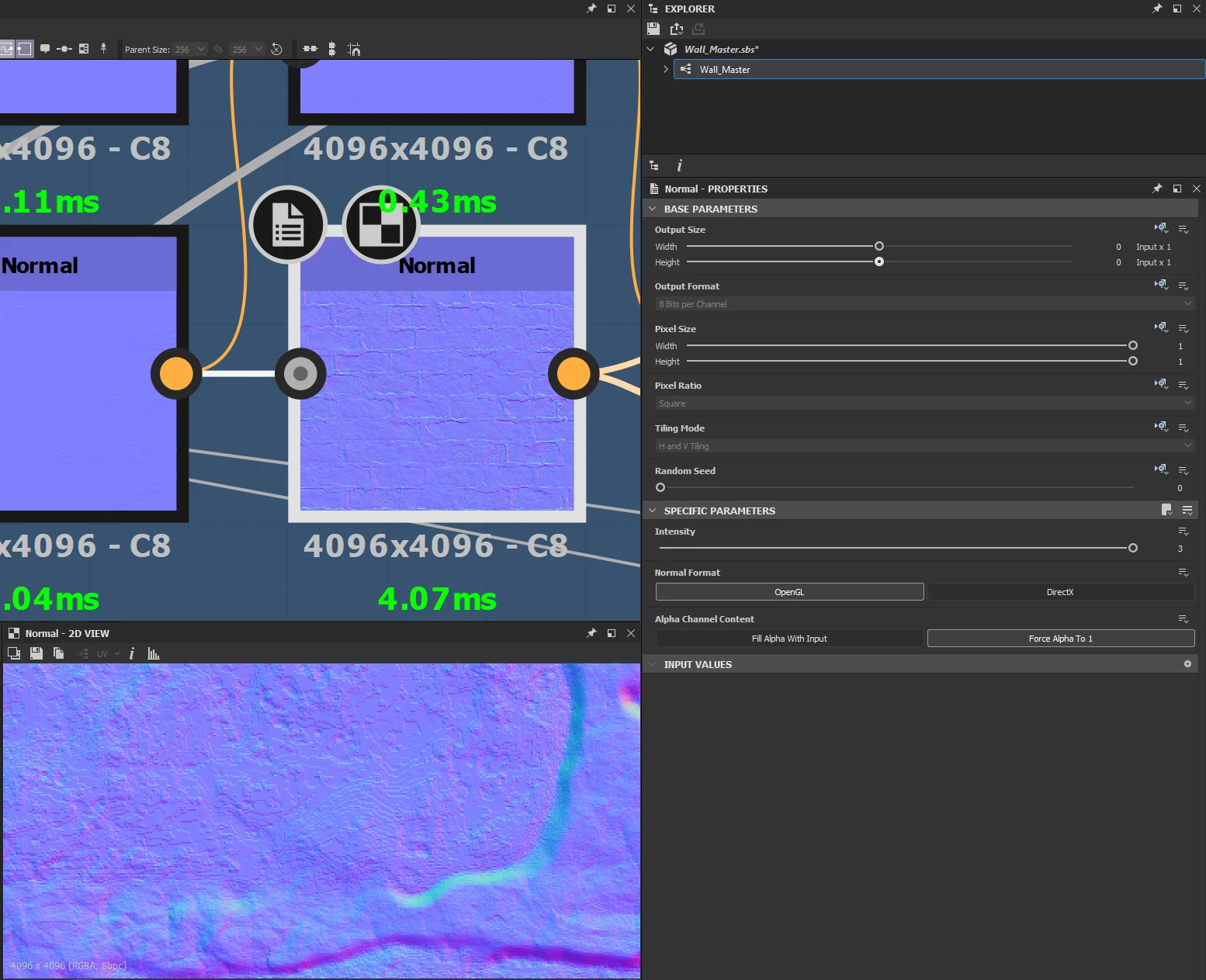
I'm relatively new to substance designer and encountered an error when following a tutorial that I don't know how to fix. In the attached image you can see these weird wavy patterns that almost look like a "topography map". I tried blurring out the map and instead new topography-like lines show instead of just blurring out the lines. My substance material is already in 4k resolution and the preview in marmoset which is where this picture was taken already has a level 5 subdivision at 24 million polys so I'm not sure what the issue is here. I didn't know what to look up on google to fix this issue, I tried a couple searches but couldn't find anything related to my issue.
Any help would be greatly appreciated, thanks.
 AdChoices