


Participant
September 2, 2025
Question

word-based pattern without overlaps

  • September 2, 2025
  • 2 replies
  • 168 views

Hi everyone,

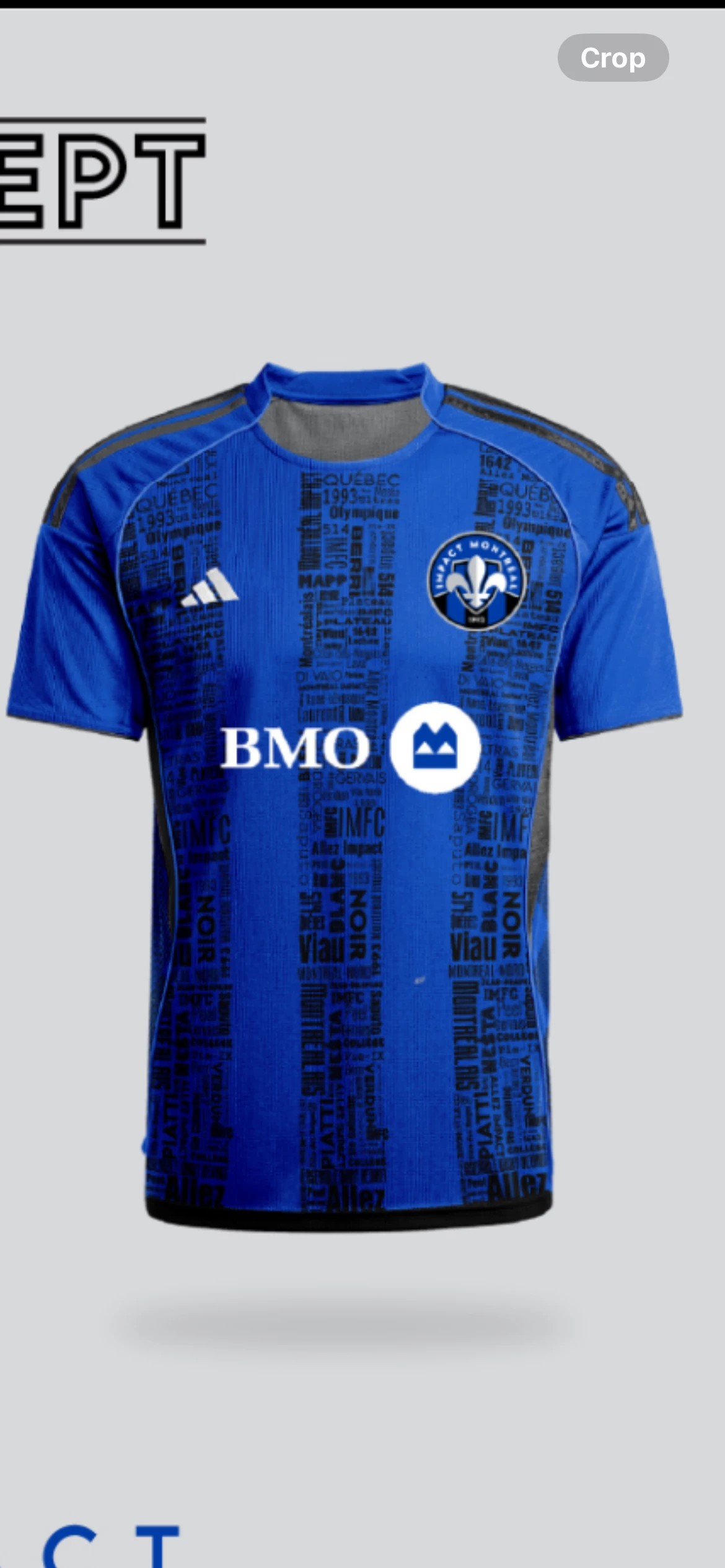
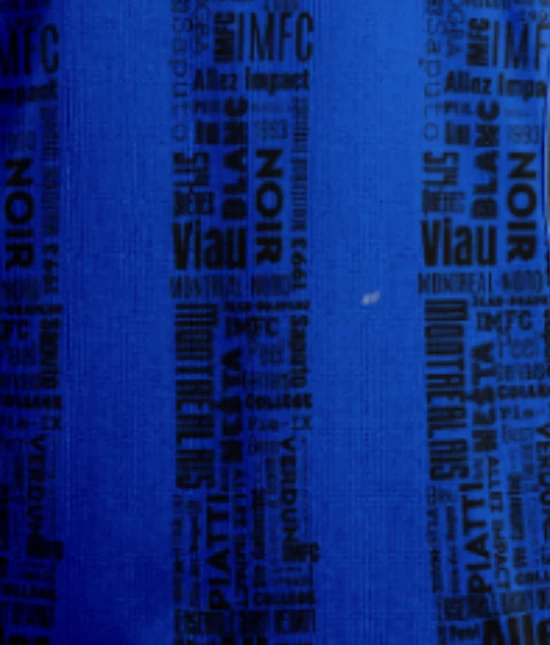
I’m trying to reproduce a word-based pattern similar to the attached reference. Each word has been saved as an individual .png (2048px square exported from Illustrator) and imported into Designer.

I started experimenting with Tile Sampler, but I can’t manage to align the words properly without unwanted overlaps. I also tried using what I know about Flood Fill, but I still don’t get the result I want.

My questions are:

  1. Can Substance Designer realistically be used to create this type of layout (words aligned into a structured block without overlaps)?

  2. If yes, which nodes or workflows could help me achieve this? Even just a hint or direction would be really helpful.


Thanks in advance

Thanks in advance for any guidance!
2 replies

Luca Giarrizzo
Community Manager
Community Manager
September 3, 2025

Hi! @Nicolas Wirrmann and I both did it at the same time without knowing and used the same technique. 😄


I have attached an SBS file with my version. Mind that the masking of the strips is quick and dirty and you may want to find a solution that deals with different random seeds a bit more robustly.


This video series also features working with text effects in Designer. You may pick up a couple of tips for fleshing out this project.


Have fun!

Luca Giarrizzo | Quality Engineer - Substance 3D Designer | Adobe
Participant
September 3, 2025

I honestly couldn’t have received better explanations guys.  I’ll start testing this method today.

Really appreciate your help !

Community Manager
September 3, 2025

Regarding the rotation, I think we can do something smarter: the flood_fill_to_bbox_size can give us the size of the rectangle (or we actually directly get it from the floodfill data), so we can determine if it's better to rotate the text or not based on the X/Y ratio. It'll require a (relatively simple) additional pixel processor though.

Community Manager
September 3, 2025

If you don't mind about the distortion, you can try the tile random + floodfill + floodfill mapper:
To randomize the rotation I use a floodfill to random grayscale and a quantize node set to 4, in order to get 90° increments.