


David BK
Participating Frequently
January 27, 2024
Answered

Workflow to handle loops, multiple outputs, sequences?

  • January 27, 2024
  • 1 reply
  • 244 views

I have a set of 12 images, I'd like to do edits on these images in Designer, and output 12 new images. Each image has the same set of adjustments done to it, ie. the set of nodes is the same exept for the input and output. You can see the pattern in the attached image.
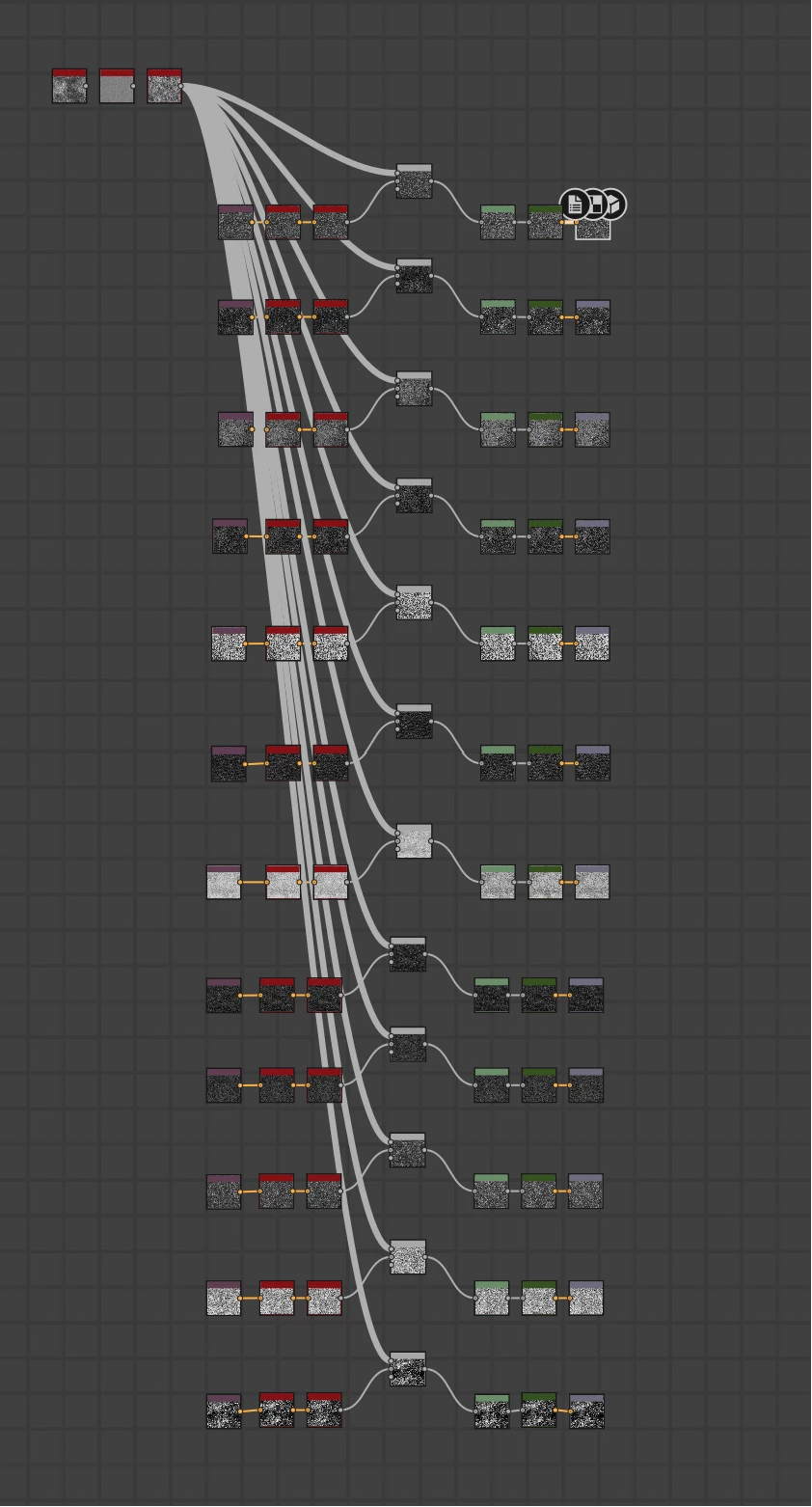
 

The problem I find is that if I want to add an extra node, I need to do it 12 times.


Is there a workflow in Designer to handle loops? I'd like to have set of filters that processes a set of inputs in a for-each kind of way, where each input has a unique output.


Thanks!

This topic has been closed for replies.
Correct answer davescm

Loops and sequences exist within function graphs, but the easy way to overcome your issue in node graphs is to build the material with two graphs and use instancing.

In the first graph put the repeating elements and give it an input and output.

In the second graph (which will have your main material inputs and outputs) drag and drop the first graph which will now appear as a node. You can repeat this as many times as you need it.

Updating the first graph will update all instances used in the second.


Dave

1 reply

davescm
Community Expert
davescmCommunity ExpertCorrect answer
Community Expert
January 27, 2024

Loops and sequences exist within function graphs, but the easy way to overcome your issue in node graphs is to build the material with two graphs and use instancing.

In the first graph put the repeating elements and give it an input and output.

In the second graph (which will have your main material inputs and outputs) drag and drop the first graph which will now appear as a node. You can repeat this as many times as you need it.

Updating the first graph will update all instances used in the second.


Dave

David BK
David BKAuthor
Participating Frequently
January 28, 2024

Thanks @davescm this makes sense!