
Participant
February 24, 2023
Answered

Adobe Podcast Enhancer is not working

  • February 24, 2023
  • 11 replies
  • 38186 views

Adobe Podcast Enhance no longer works. There is an infinite loader.
This happens after login.
Already tried: reset firewall settings, enable VPN, log in from another device
Two days ago, everything was working fine


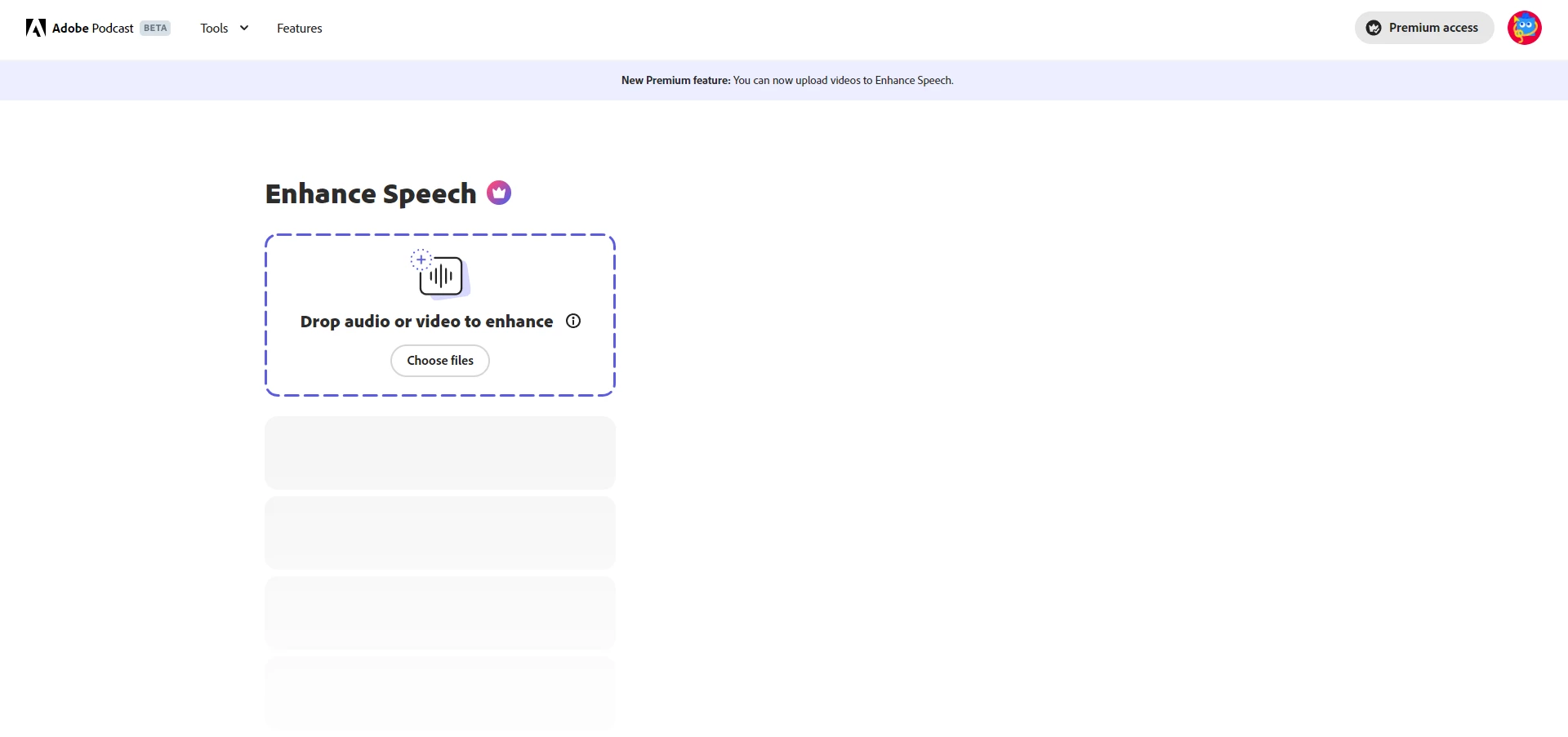
Sometimes after 10 reboots it displays the block for unloading. But it doesn't work


Correct answer Jagger27034518w1cu

GUYS IT WORKS NOW!!

11 replies

Simon madavi
Participant
January 28, 2026

Yes

Participant
November 21, 2025
InShot_20251121_160151202.m4a
Participant
November 20, 2025
quote

Adobe Podcast Enhance no longer works. There is an infinite loader.
This happens after login.
Already tried: reset firewall settings, enable VPN, log in from another device
Two days ago, everything was working fine


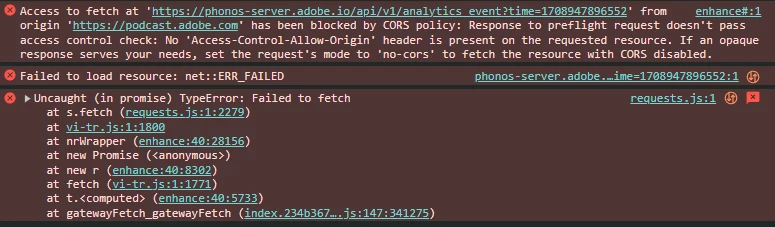
Sometimes after 10 reboots it displays the block for unloading. But it doesn't work


By @Illia Isainkov


Participant
March 12, 2025

change it the habit to make and the habit to change sid by side by indicating them with arrow

### Habits to Make → Habits to Break

1. Wake up early. → Procrastinating tasks.
2. Drink water first thing. → Comparing yourself to others.
3. Exercise daily. → Overthinking everything.
4. Plan your day in the morning. → Holding grudges.
5. Read a little every day. → Overeating or mindless snacking.
6. Declutter your space. → Checking your phone constantly.
7. Practice gratitude before bed. → Saying yes to everything.
8. Limit screen time. → Negative self-talk.
9. Eat mindfully. → Skipping meals.
10. Reflect on your goals. → Multitasking too much.
11. Take breaks throughout the day. → Avoiding difficult conversations.
12. Practice deep breathing. → Relying on caffeine to get through the day.
13. Stay organized. → Dwelling on past mistakes.
14. Set boundaries with others. → Letting distractions control your day.
15. Prioritize your mental health. → Spending too much time on social media.
16. Listen to podcasts or audiobooks. → Ignoring your body's signals for rest.
17. Say "no" when necessary. → Overcommitting yourself.
18. Get outside for fresh air. → Not asking for help when needed.
19. Spend time with loved ones. → Letting fear hold you back.
20. Focus on progress, not perfection. → Blaming others for your problems.

**Credit:** @Harvard-Fiction KH

Citations:
[1] IMG_20250312_093430_160.jpg https://pplx-res.cloudinary.com/image/upload/v1741769052/user_uploads/fLQjDJOHUnZOPig/IMG_20250312_093430_160.jpg

Participant
February 27, 2025

Currently not working still 9am EST 2/27/25

Participant
February 26, 2024

A message appeared from Adobe about unscheduled maintenance:

Adobe Podcast is currently unavailable for unscheduled maintenance and will be back to normal shortly.

kglad
Community Expert
Community Expert
February 26, 2024

in the future, to find the best place to post your message, use the list here, https://community.adobe.com/

p.s. i don't think the adobe website, and forums in particular, are easy to navigate, so don't spend a lot of time searching that forum list. do your best and we'll move the post (like this one has already been moved) if it helps you get responses.


<"moved from using the community bugs">
Participant
February 26, 2024

Thanks a lot! 

kglad
Community Expert
Community Expert
February 26, 2024

sure.  (and glad you found the issue cause.)

Participant
August 21, 2023

When I am uploading an audio file, it keeps saying The audio file is in a format we can't understand. Ensure the file is not corrupted or convert it to a standard wav or mp3 format to try again. I tried changing the file, converting the format, and even switching browsers. It is giving the same error. It worked perfectly fine before, I enhanced 14 files just few minutes ago.


What can I do to fix the issue?

Thanks

Tanmay

Participant
August 21, 2023

Same problem for me. Everything worked very well this morning but now it says the same Error message.

Participating Frequently
February 26, 2023

I have been using Adobe Podcast for a long time and today when I started to upload my audio files it says "Failed to process file for enhancement". I don't why it's happening and I tried using adobe podcast on different web browsers but still, the issue persists.


I don't know what to do if anyone knows how to solve this please let me know.

Participating Frequently
February 26, 2023

Nevermind It worked for me when I tried this on my mobile. So I had cleared all my cache data in my browser and cleared the cookies as well then I logged in to my account and it works fine 🙂

Participant
February 25, 2023

so basically i had heard of adobe enhance speech from alot of sources and wanted to try it out for myself, so i went to the website and logged in, then i uploaded an audio file (.MP3 file to be exact) and then i waited for a while and then a popup was on the website saying "The audio file is in a format we can't understand. Ensure the file is not corrupted or convert it to a standard wav or mp3 format to try again." so i tried to convert it, same response. i the tried a .WAV file, same response, so i tried clearing my browser cache and restarting chrome as well as my coputer, same response. to a final resort i tried 2 different browsers other than chrome, same response.


i dont know what to do but if anybody knows how to fix this, tell me here.

SteveG_AudioMasters_
Community Expert
Community Expert
February 25, 2023

FWIW, I tried it yesterday and it was working fine. It's pretty straightforward with wav files, but I don't know what, if any, limitations there are on MP3s. How was the MP3 created, and how large is it?