
December 17, 2021
Answered

Adobe XD says fonts are missing when they’re not?

  • December 17, 2021
  • 3 replies
  • 5857 views

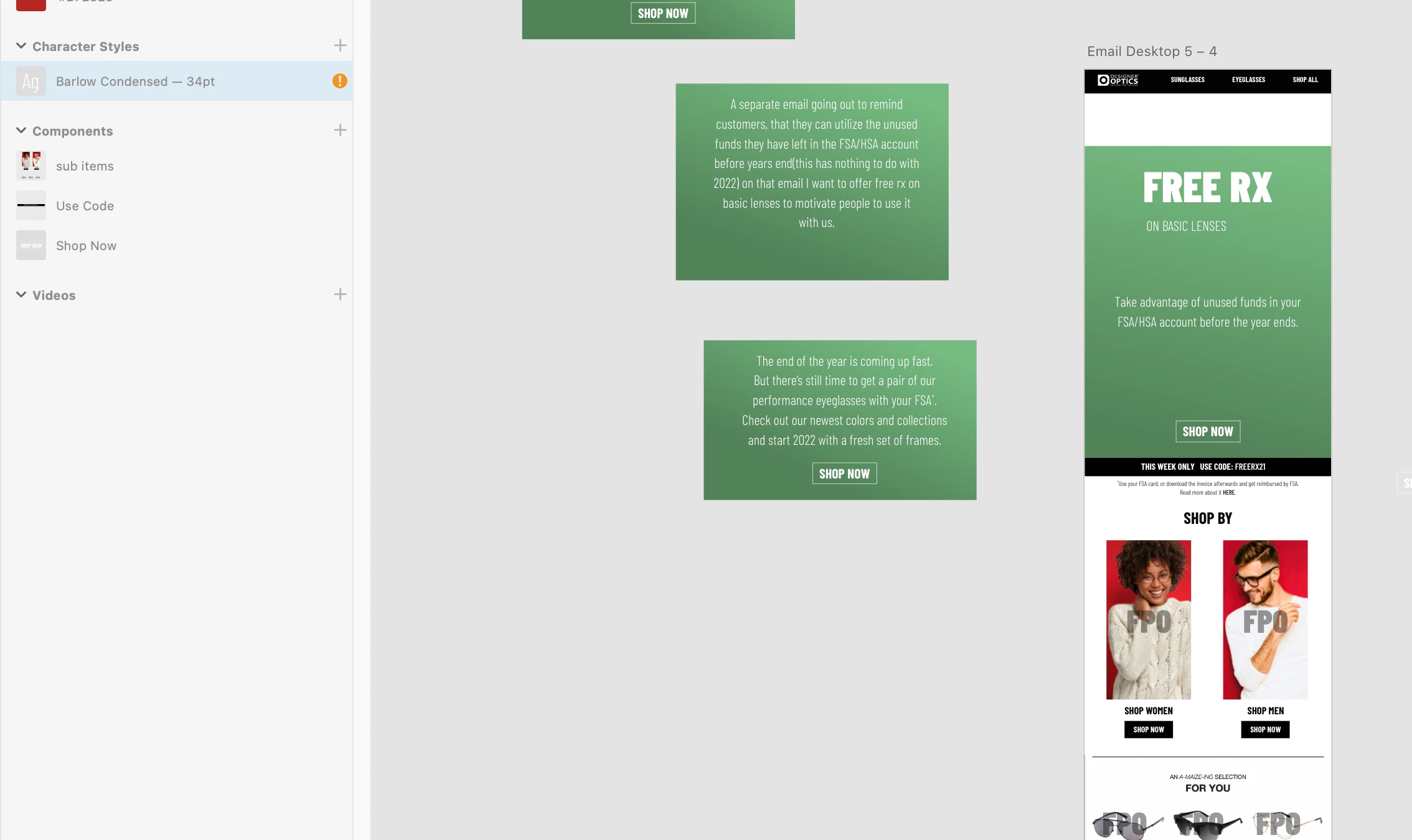
Adobe XD says fonts are missing when they’re not, showing an orange exclamation mark icon (screenshot 1 below).


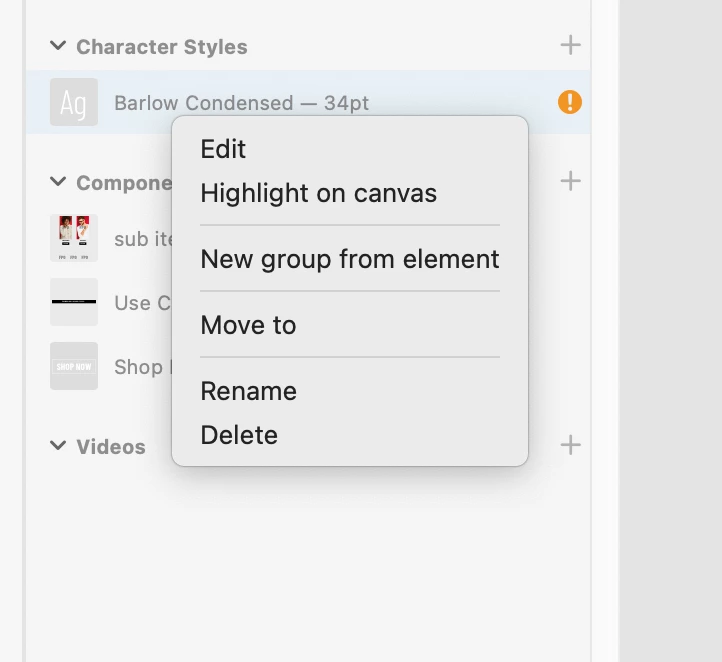
Also when I left click/control click on it, the contextual menu fails to provide a "replace font" option (screenshot 2)?


Even though the adobe helpx page says there should be a menu item called "replace fonts" there.


Thankfully so far this seems like a cosmetic annoyance more than anything that’s interefering with my work.

But it’s still super annoying. 


Anyone else getting this, and is there a fix?


Thanks.


1. Orange circle icon with exclamstion mark, indicating missing font (shows up even though font is there).
 

2. No menu item to "replace fonts" exist? Eveen though Adobe Help Desk page says it should?
 

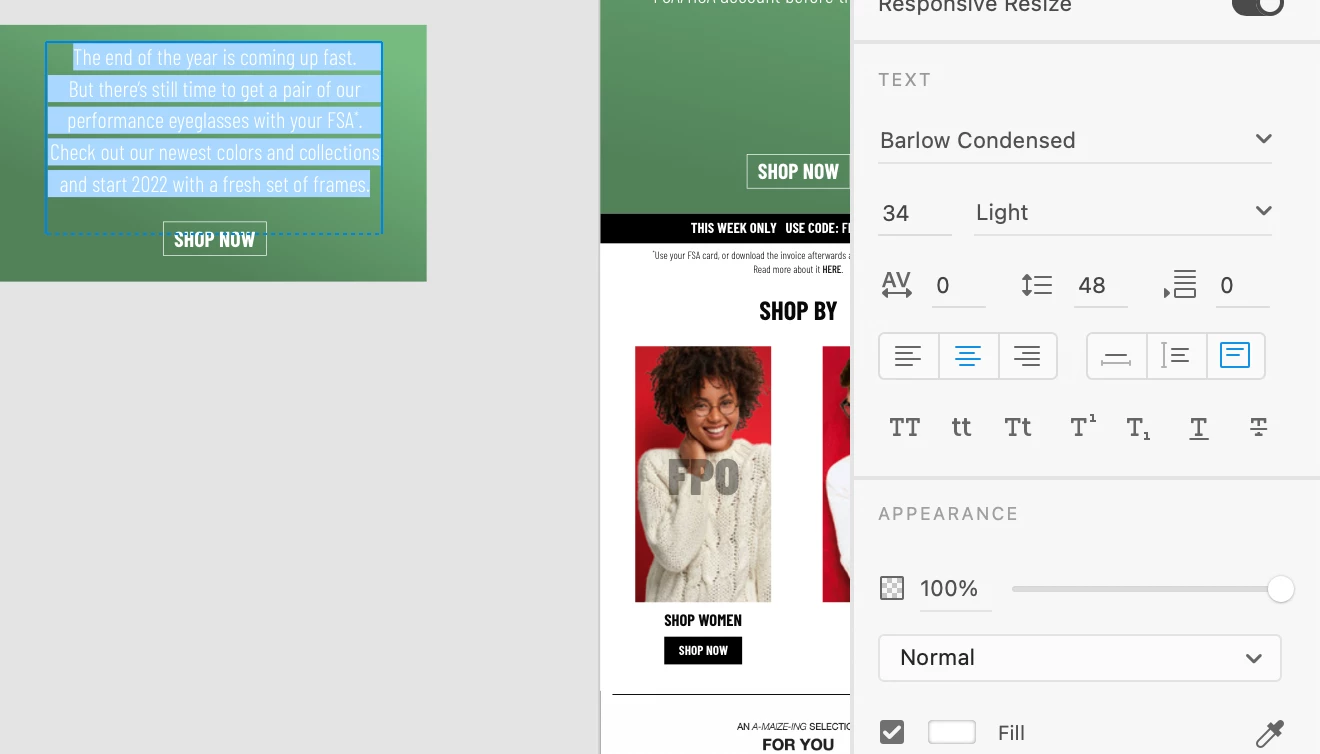
3. Meanwhile the font is there and seems to be working just fine.
This topic has been closed for replies.
Correct answer HARSHIKA_VERMA

Hi Neal Derek Lawson,


Thank you for your patience. Could you please try updating XD to the latest version (XD47)? 


Let us know if you still experience the issue.


We're here to help.


Thanks,

Harshika

3 replies

spyre
Known Participant
November 21, 2023

Same thing happening here

Participant
November 26, 2024

I'm having the same issue. I did everything suggested above, but the fonts still appear missing. They are not missing, I can use them, but the exclamation marks are still displayed.

Participant
October 17, 2022

Not sure if this will help anyone else, but after having the same issue, but also having issues with the "Publish as Library" button disabled, I followed the accepted answer on this issue and it fixed the font issue for me too:

https://community.adobe.com/t5/adobe-xd-discussions/xd-publish-as-library-button-disabled/m-p/12182115

HARSHIKA_VERMA
Community Manager
Community Manager
December 17, 2021

Hi there,


Thank you for reaching out and sorry for the trouble. It looks like you're experiencing the similar issue mentioned here: https://community.adobe.com/t5/adobe-xd-discussions/replace-fonts-window-disappears-replacing-fonts-not-possible-in-xd-45-1/td-p/12542764.


If yes, then this is a known issue and the team is working on it. You will definitely see improvements in the future releases of XD.


Let me know if your issue is different. 


I will try my best to help.


Thanks,

Harshika

December 17, 2021

No, my issue is a little different, because I'm not getting any "Replace font" menu item showing at all. 
Should the "Replace font" menu item always show? 
Or does the "Replace font" menu item not show when there are no actual fonts that need to be replaced? 
In my case XD is just showing me that a font is missing, when it's not missing and I can use it just fine, that's the problem.

XD is showing me that something's wrong when it's not. 

HARSHIKA_VERMA
Community Manager
HARSHIKA_VERMACommunity ManagerCorrect answer
Community Manager
January 12, 2022

Hi Neal Derek Lawson,


Thank you for your patience. Could you please try updating XD to the latest version (XD47)? 


Let us know if you still experience the issue.


We're here to help.


Thanks,

Harshika