


Pé Nana
Participant
November 18, 2020
Question

Apply Charater Style is not working

  • November 18, 2020
  • 1 reply
  • 632 views

Hi, 

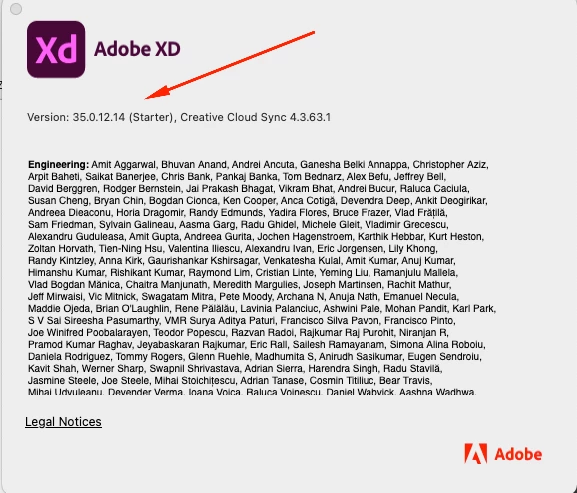
I have just updated the latest version of Adobe Xd. 
 

Current function "Apply Character Style" from Document Assets is not working for text ( bellow image ) 
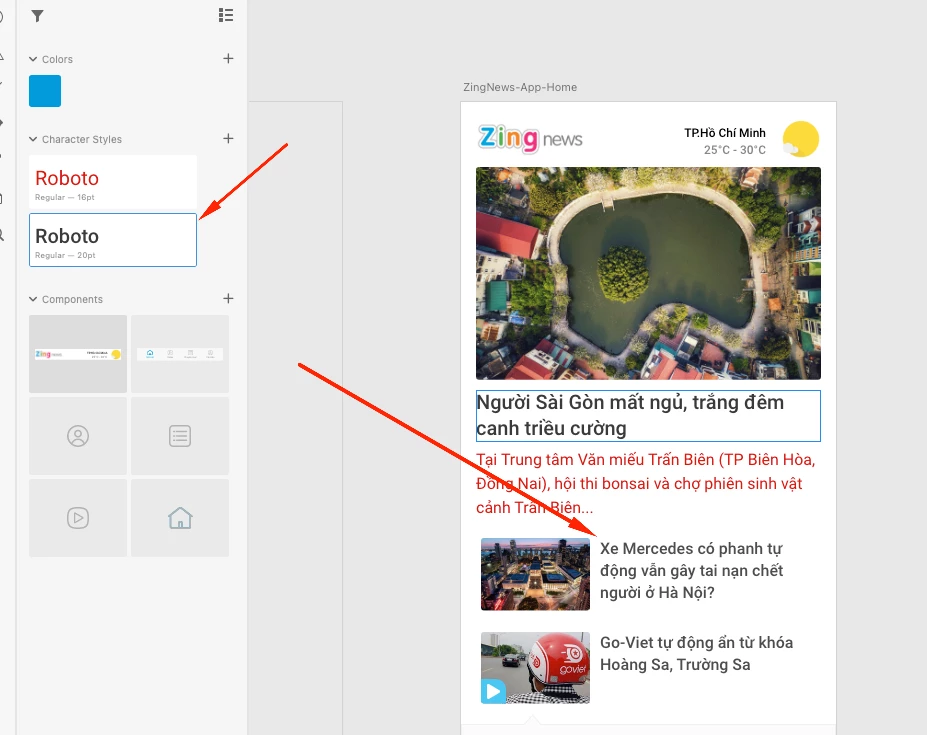
I want to apply the installed font style ( Roboto 20pt ) for text small, but when I click it's not working.

Any solution to this problem.


Thanks.

    This topic has been closed for replies.

    1 reply

    Harshika Verma
    Community Manager
    Community Manager
    November 18, 2020

    Hi there,


    Sorry to hear that. Could you please check this post: https://community.adobe.com/t5/adobe-xd/latest-update-has-broken-document-assets-character-styles-xd-34-0-12/td-p/11524665 and see if you're experiencing the same issue? If yes, the bug is already logged for the issue and the team is working on it.


    Please let me know if I misunderstand your question.


    Thanks,

    Harshika

    Pé Nana
    Pé NanaAuthor
    Participant
    November 20, 2020

    Hi, 

    I don't use a character style where font size is in decimal.

    This is my video for this problem


    Thanks for support

    Pé Nana
    Pé NanaAuthor
    Participant
    November 26, 2020

    Hi, any solution for this issue??