Answered
Can not change the corner radius
Hi there
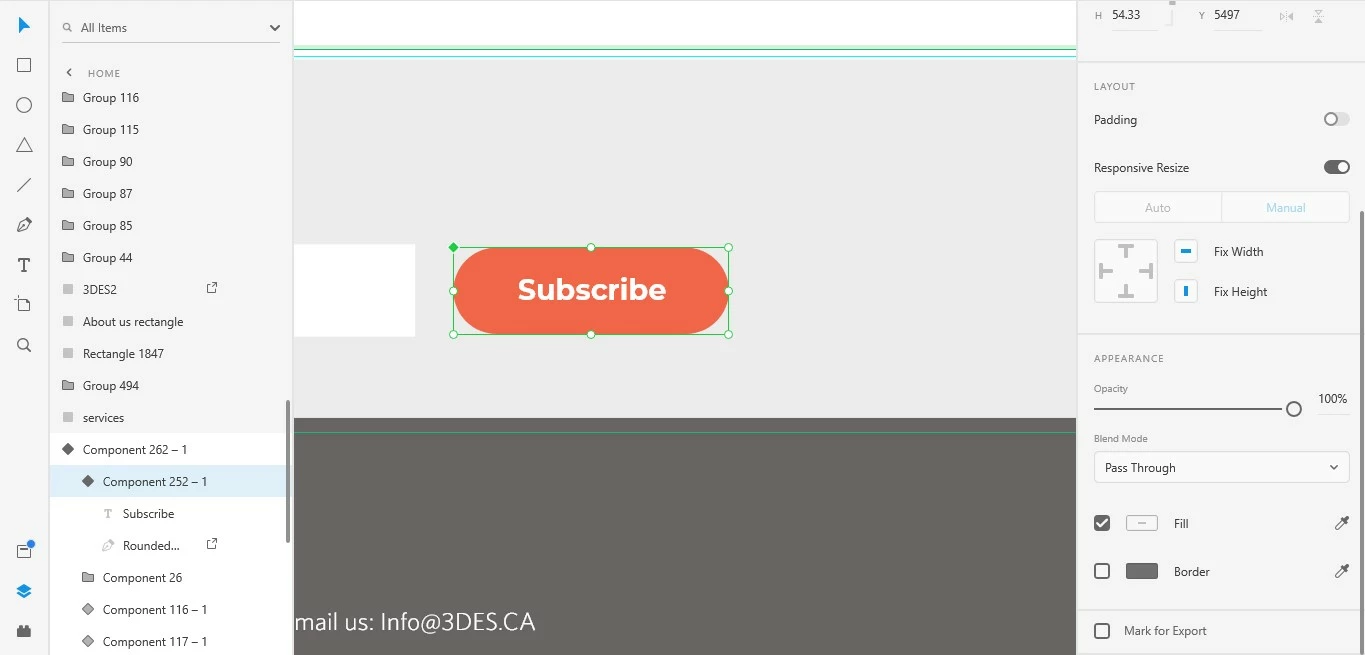 Could you please help me I can not change the radius of the rectangle what is the problem? the radius option disappeared but when I drow the new rectangle I have the option ((

Hi there
Could you please help me I can not change the radius of the rectangle what is the problem? the radius option disappeared but when I drow the new rectangle I have the option ((
Hi Ania. The problem is you accidentally converted the rectangle to a path, and once that happens, you can't edit the corner radius. You will have to re-make the rectangle. It gets converted to a path if you double click on it while you have selected it, and change anything while in path edit mode.
Please refer to my reply in this thread:
https://community.adobe.com/t5/adobe-xd/components-master-component-does-not-have-rounded-corner-options/m-p/11278195
Use Ctrl+Click to direct select things, instead of double-click to avoid that mistake in the future.
Hope that helps. Cheers!
Already have an account? Login
Enter your E-mail address. We'll send you an e-mail with instructions to reset your password.


 AdChoices