
Participant
August 29, 2022
Question

Issue with exporting a SVG object

  • August 29, 2022
  • 2 replies
  • 310 views

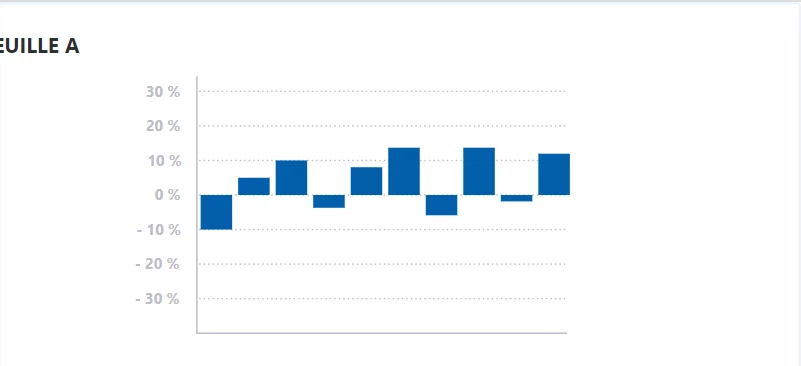
When I export my artboard as an SVG - parts of the layout either move or do not appear. I notice that my case is similar to problem my case is similar to the problem presented in this thread - here.


Here is un exemple of result 
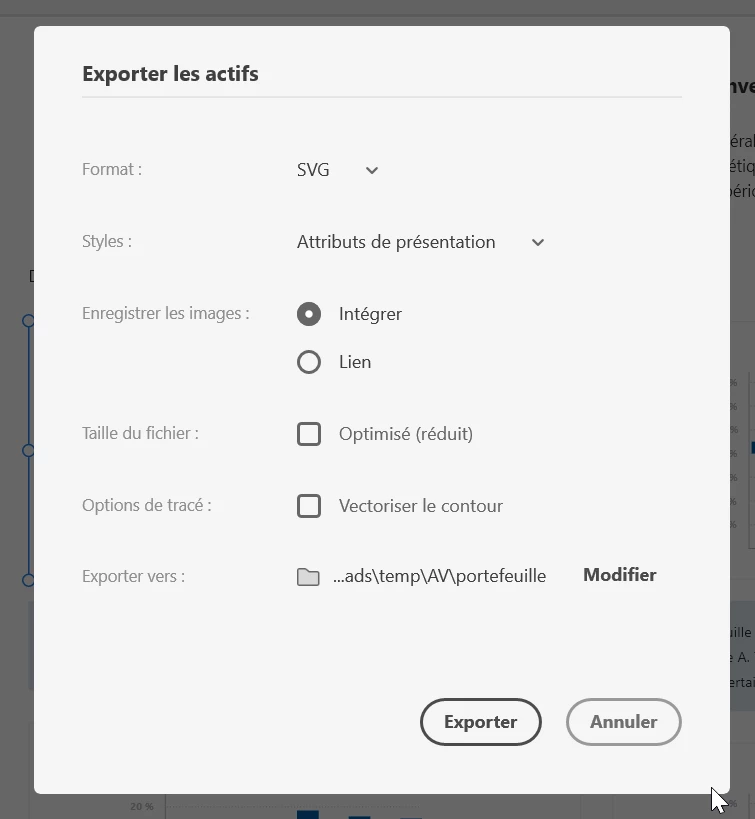
Configurations during export 


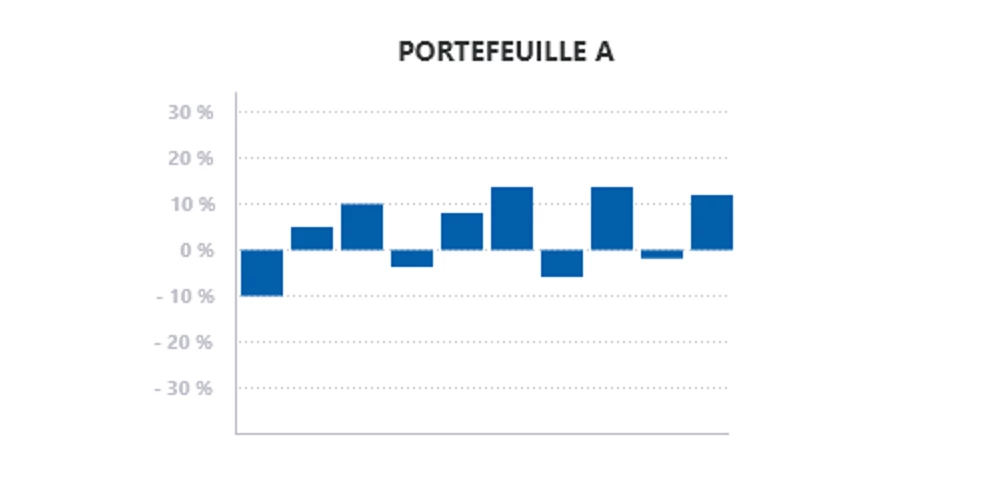
Although if I export the same object in PNG format, then such an error is not reproduced.
XD file : https://drive.google.com/file/d/1oX4w4qc2u6-niEbF24T1aHI_MshsyjnS/view?usp=sharing

OS version : Windows 11, 21H2


Thank you 


    This topic has been closed for replies.

    2 replies

    Spas K.
    Community Expert
    Community Expert
    September 23, 2022

    Hey there. Your problem is the text. Set it to Auto Width or Fixed Size. Auto Height messes it up. For some reason, it moves the center of the text to the left edge of the Auto Height box.


    Also, I would generally not export text as text in SVG. I select all the text layers in the exported group / element, and convert them to paths (Ctrl + 8). It would've been nice if we had a checkbox for this, but yeah. This way you're not relying on fonts / browser rendering to display it correctly.


    With PNG, everything gets rasterized upon export, so you don't have that issue.

    Chaitanya21936374hmkf
    Community Manager
    Community Manager
    September 23, 2022

    Hi Particeep,

    Thank you for contacting us and Sorry for thr trouble caused.

    Could you please group the icon, text and rectangle and try exporting as svg.

    Or uncheck the fixed witdth and fixed hight for all the items from manual responsive resize setting.
    Hope using these setting your issue will be resolved.


    Thanks & regards,

    Chaitanya