
Answered
Transparency bug when viewing prototype in browser
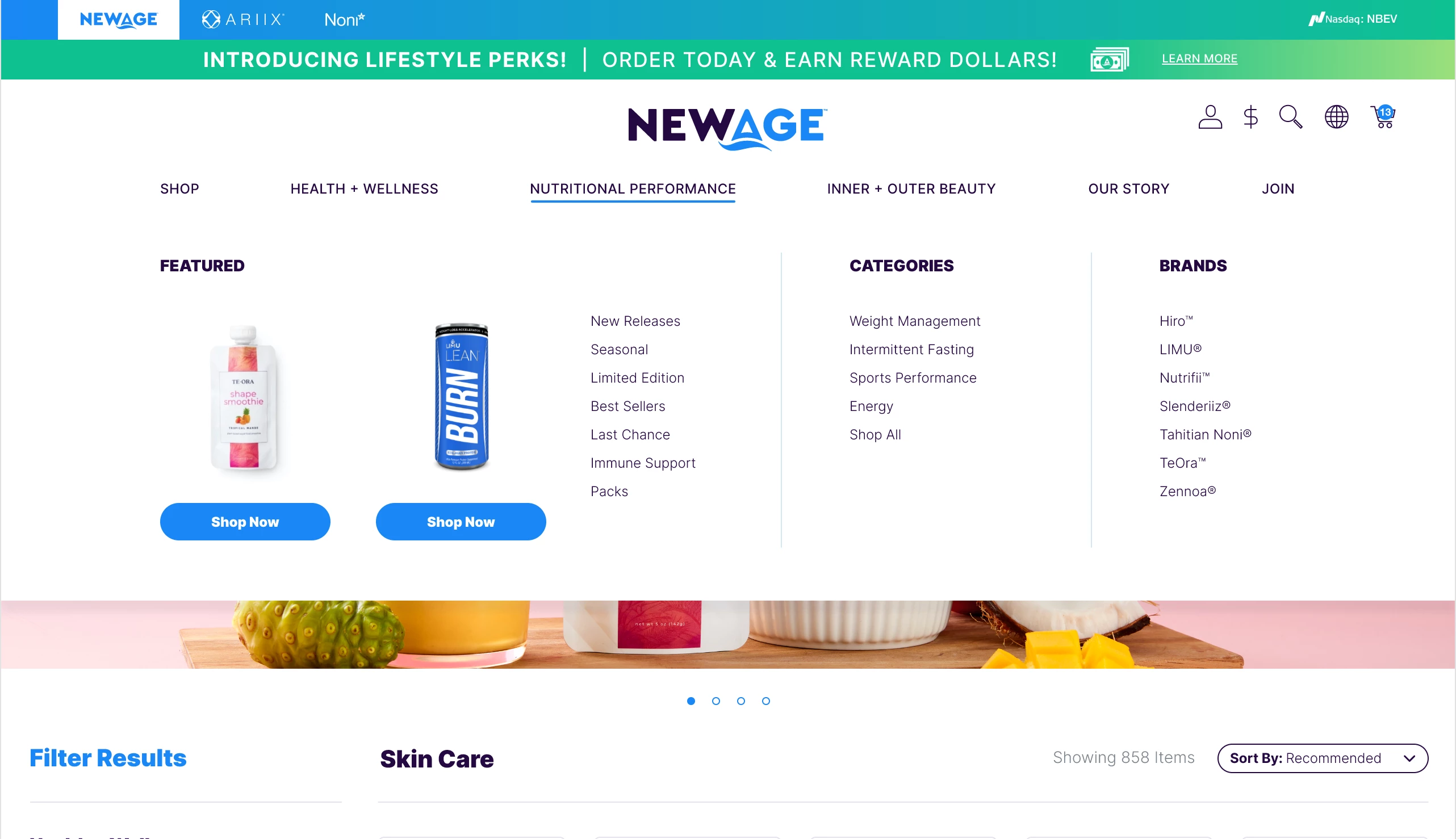
One of my developers is running into an issue when viewing a prototype link in browser. The menu overlay shape (white) does not show up in his view and instead there's a bug where it shows a weird pattern where the white shape would normally be.
The menu looks fine for all of my other developers. Not sure why this is happening to just one of them. Below is the screenshot from him that shows the bug. That should just be a white shape.
What my developer sees in his prototype link:

What it should look like (and what it looks like for everyone else):
My developer's machine specs:
OS Name Microsoft Windows 10 Pro
Version 10.0.18363 Build 18363
Browser: Chrome, Firefox, Edge (bug happens for him in all browsers)
Version 10.0.18363 Build 18363
Browser: Chrome, Firefox, Edge (bug happens for him in all browsers)


 AdChoices