
Unable to open a local XD file
Hy, I am Jashwanth and I have this same issue that is happening with other users which I came across please check the link, I am facing the same problem where I am not able to open that file when I try to open, it will load till the end and it's stuck there forever and that file is something I had been working on till afternoon ,I tried uninstalling the app and reinstalled it and I foud that there was an update within the 2021 version called XD v 39.0.12 but even after doing that it's not at all responding and the size of the file is not a concern I guess, but it is as small as 400 mb.
Also my pc is capable of XD according to the mentioned minimum requirements.
Please help me fix this issue asap,
That would be a great help.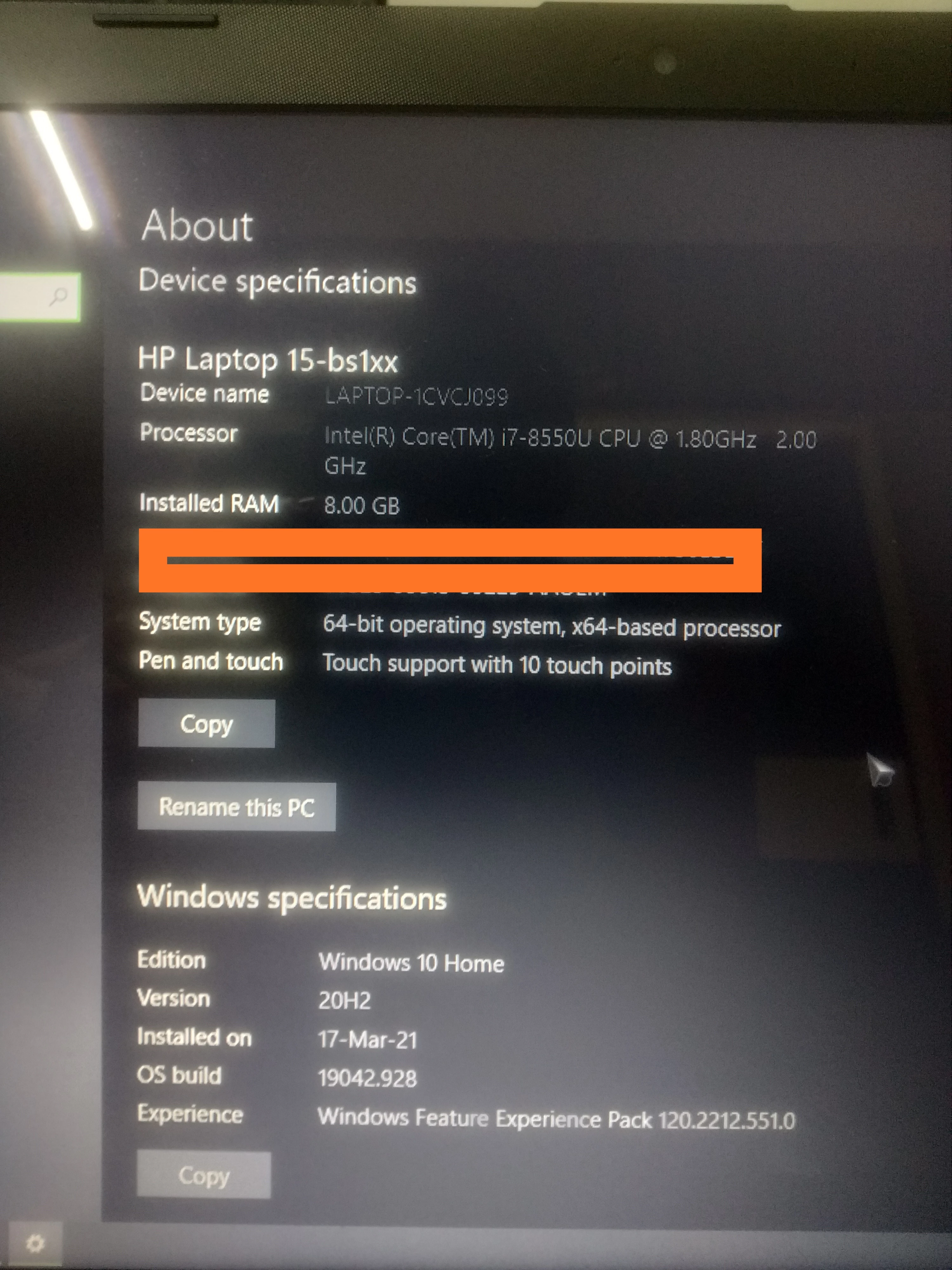
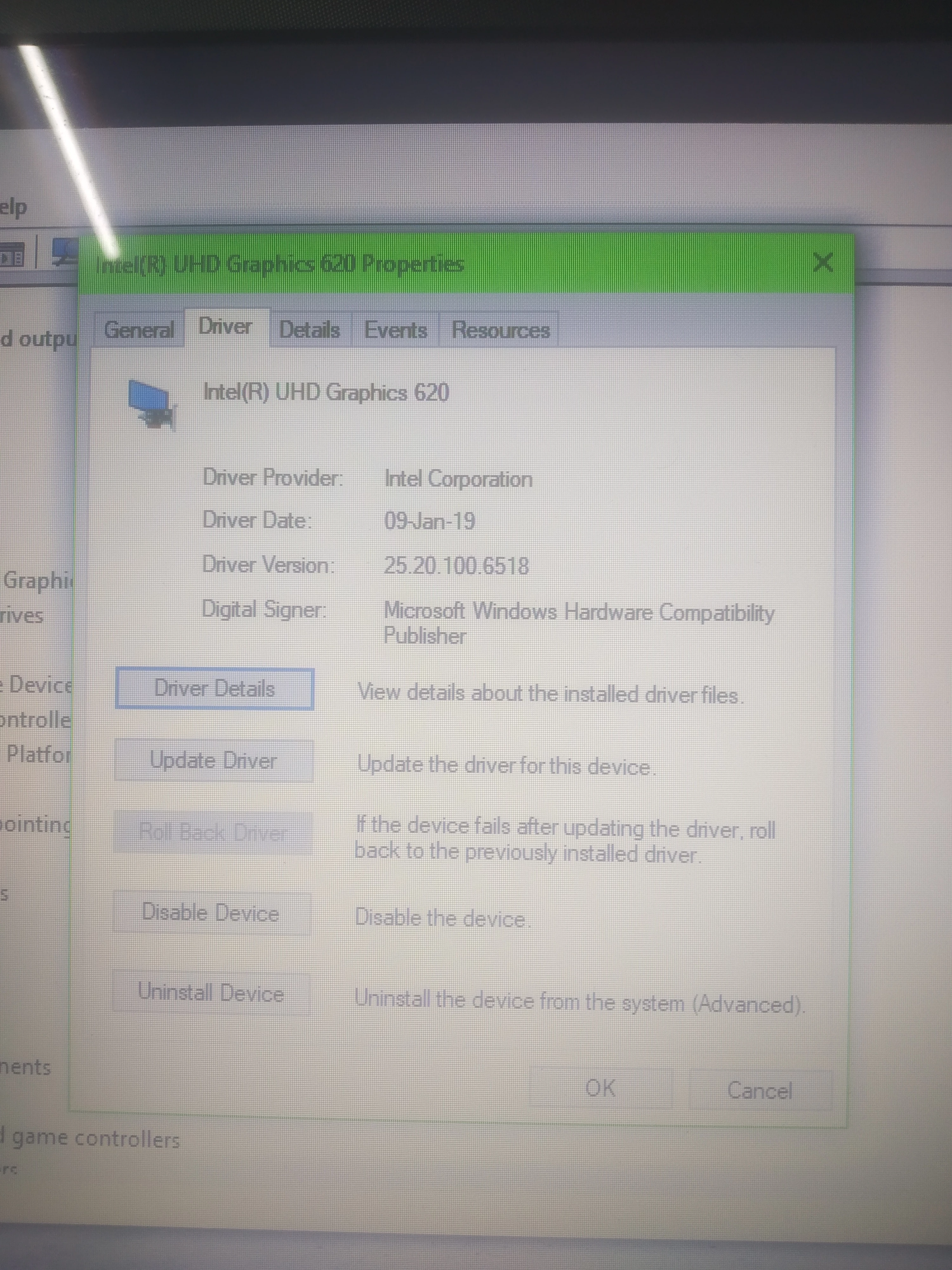
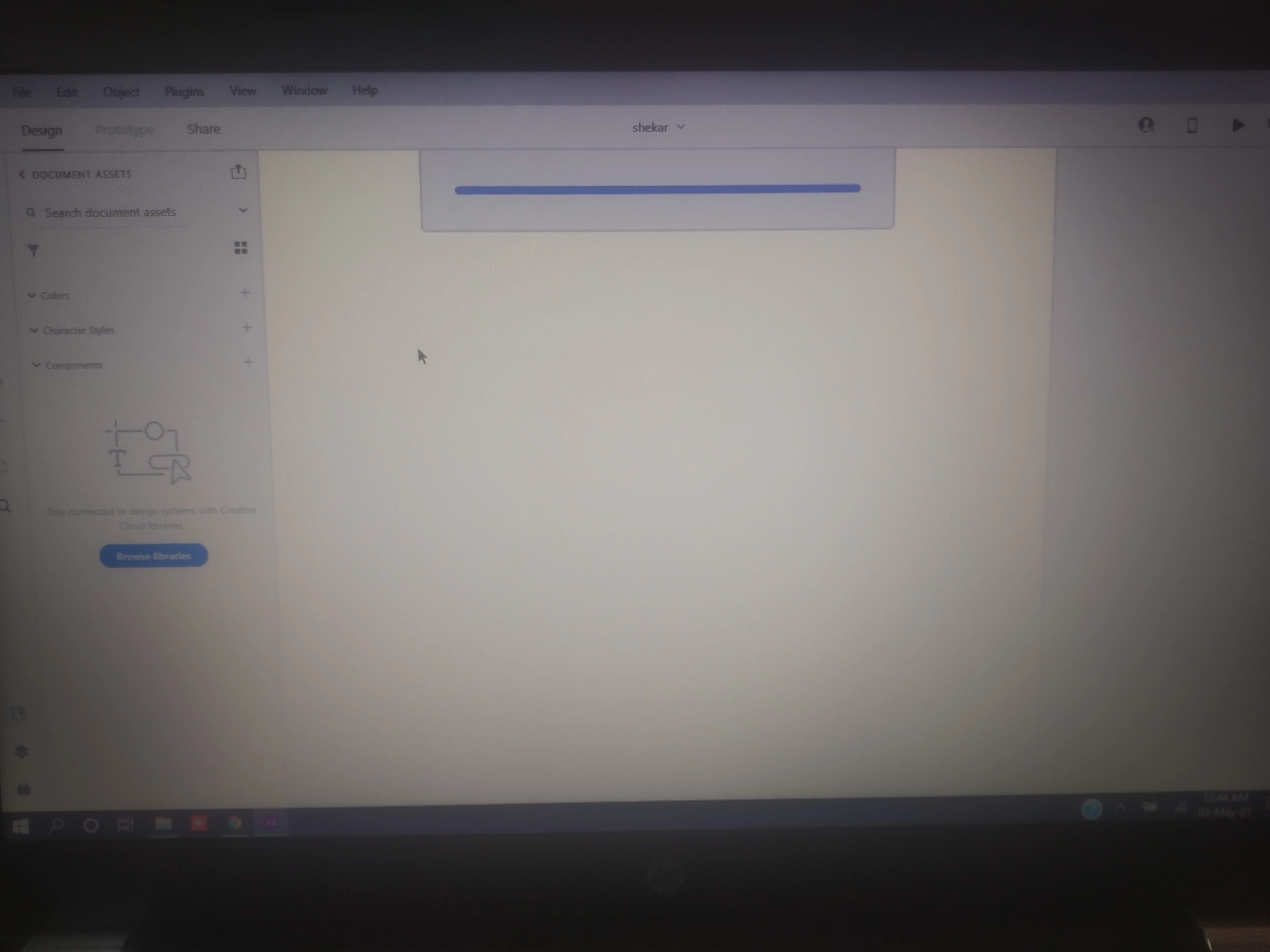
Please help me fix this issue asap,
That would be a great help.
The link related to the issue i have been facing:
https://community.adobe.com/t5/adobe-xd/get-stuck-when-open-file-in-adobe-xd/td-p/9889591?page=1


 AdChoices