


Answered
When use "Apply" and "Reset" buttons
There no info about this buttons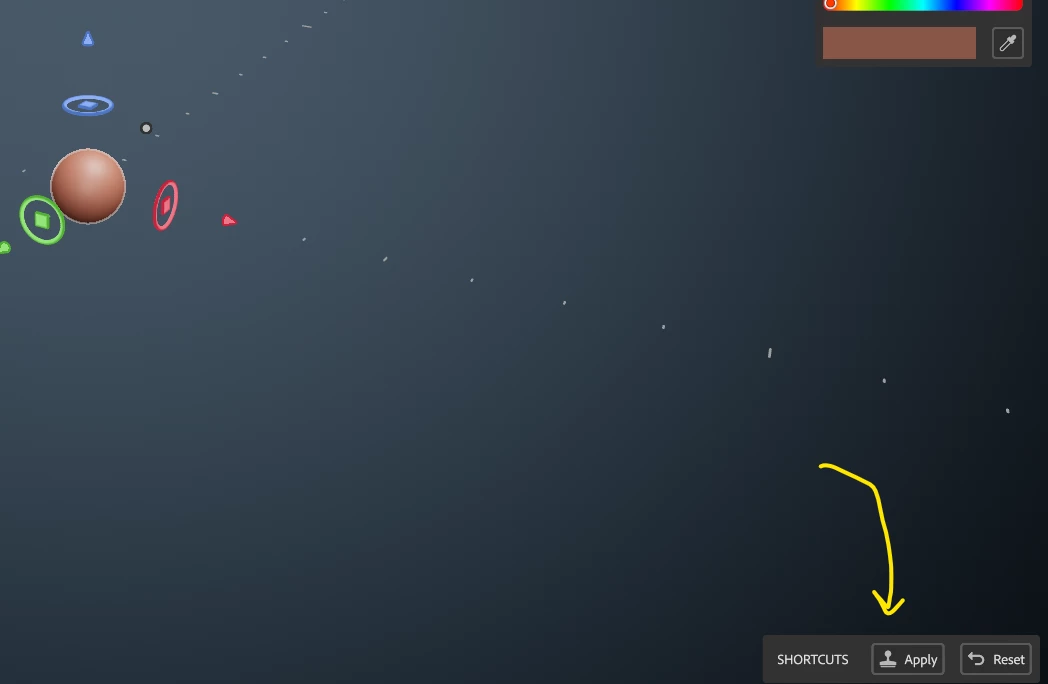 in documentation. What are their function?

There no info about this buttons in documentation. What are their function?
Until you click apply, the shape in the clay tool is just a brush and you don't yet have a model. Clicking apply creates a 'clay' i.e model object, in that position. You can then continue to move the brush and add to that model (or subtract from it using the eraser..etc.
I would recommend watching a couple of videos that explain how the tools work (try the wheel video as it does show some of the tools in action and should make things clearer).
https://substance3d.adobe.com/tutorials
Dave
Already have an account? Login
Enter your E-mail address. We'll send you an e-mail with instructions to reset your password.
 AdChoices