
babypopdipstick
Inspiring
November 22, 2021
Question

Apple sidecar drawing issue with Animate
  • November 22, 2021
  • 2 replies
  • 1076 views

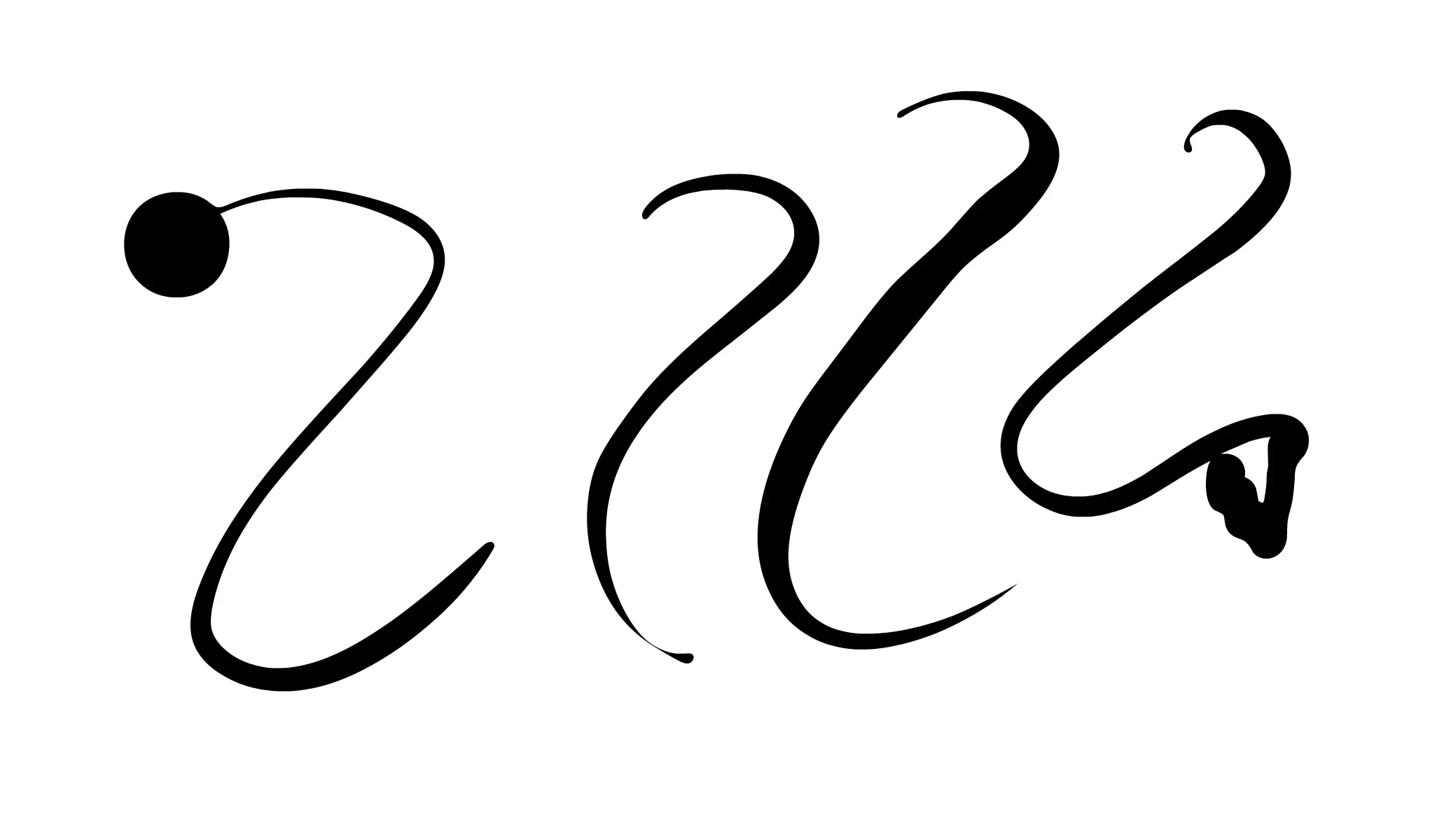
can we PLEASE get a fix for the start of a stroke getting a big dot when using sidecar?

This topic has been closed for replies.

2 replies

Community Expert
November 23, 2021

Maybe tried https://astropad.com/? It works really well for iPad pro. 

You have to pay but it works great. 


_keyframer
Community Expert
Community Expert
November 22, 2021

This could actually be more of a Sidecar support issue than an Adobe Animate issue as Sidecar was designed to extend Mac OS as an extra monitor with touch support. Apple Pencil users can use it as you know but subtle features such as pressure senstivity and tilt can alway be tricky. Does this happen in other applications or just Animate? I don't have Sidecar so I can't test it. Does Sidecar offer a control panel for such features?

Animator and content creator for Animate CC
babypopdipstick
Inspiring
November 22, 2021

Hi! Sidecar actualy doesnt work with touch as an input- the apple pencil or the mouse connected to your computer are the only inputs. I tested it out, and it also happens in Photoshop though a bit less noticeable. I've seen this issue with tablet PC users and adobe made an update to fix it-

https://community.adobe.com/t5/animate-discussions/animate-cc-drawing-bug-for-windows-10-tablet-pc-users/td-p/10126227

so I'm not entirely sure if this is Adobe or Apple. Sidecar unfortuntely does not offer a control panel for senitivity and tilt.

_keyframer
Community Expert
Community Expert
November 22, 2021

Okay. Can you test if this happens with not only the Brush tool but also the Fluid Brush tool? Also, do you have any other tablet drivers installed such ads Wacom or Huion or XP-Pen?

Animator and content creator for Animate CC