
Participant
March 1, 2023
Answered

What should i do to make fla file work on after effect?

  • March 1, 2023
  • 2 replies
  • 1211 views

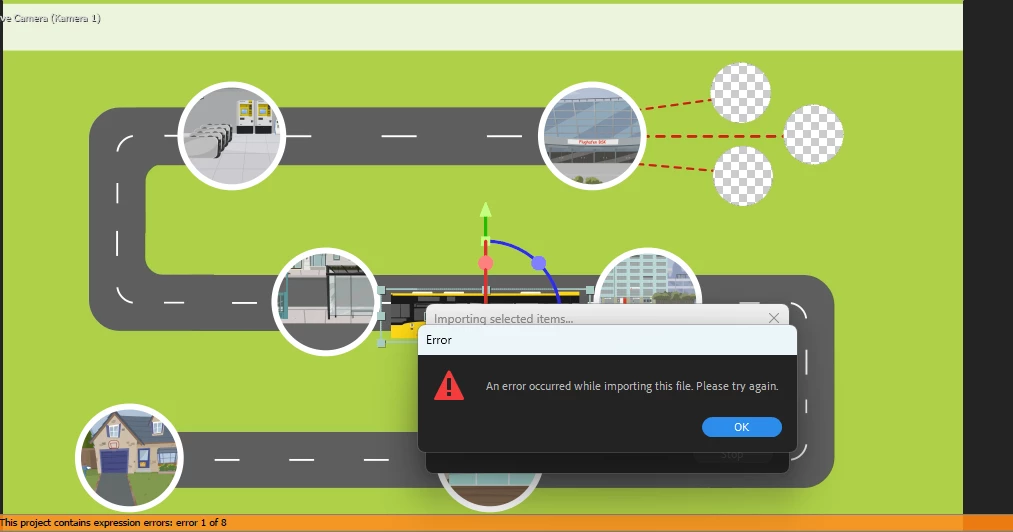
Can someone tell me, why i can't export my fla file after an update. I used to work with both animate and after effect for my animation production. But almost 2 months this pipeline Animate to after effect doesn't work anymore even i did a thousand updates. Did I make a mistake in the export? or is the problem with adobe itself? 
 

This topic has been closed for replies.
Correct answer Franck Payen

It's not a sequence, it's a series of layered SWFs. Each SWF corresponds to a layer in your Animate file. Import them all at once into After Effects.

This method is essentially the manual version of the import FLA option.


That's how I understand it now, thank you.
Oh, and 2 days after I posted my "FLA doens't load in After",  an update in Animate madeit possible again…

2 replies

Mario_CR
Community Expert
Community Expert
March 1, 2023

It's been fixed in v.23.0.0.

Make sure both Animate and After Effects are updated.

Community Expert
March 1, 2023

I have both the latest versions and it errors out for me too. I am using a mac. I don't even see a way to export a fla from after effects. I have never done this. So I am interested in how this works.


Mario_CR
Community Expert
Community Expert
March 2, 2023

Ah looks like it broke again: https://community.adobe.com/t5/after-effects-bugs/unable-to-import-fla-files-into-ae/idi-p/13575254


Well a workaround is to publish your layers in SWF archive format from Animate.

Go to the properties panel (doc tab) > Publish Settings > More Settings > check the SWF Archive option and hit Publish.


Each layer on the main timeline will be converted into separate SWF files which you can then import into After Effects.

kglad
Community Expert
Community Expert
March 1, 2023

you saved your fla and tried to import into after effects?


if so, post your question in the after effects forum.