
Question
Add file to files pane when create new file.
I remember in the past when you "saved as," or saved a new file from an exisiting one, it would automatically populate in the files pane list. For the past few years, I've had to open the folder manually (click folder icon, upper left) in the files pane, locate the file and click it. I would love to eliminate this step. Is there a way to have the file appear in the files pane from a "save as?" 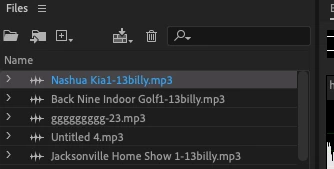


 AdChoices