Pariah Burke
Community Expert
Community Expert
June 6, 2026
Answered

Adobe Audition 2026 Applying Echo FX On Its Own

  • June 6, 2026
  • 1 reply
  • 6 views

I’m trying to mix radio liners, but Adobe Audition 2026 (26.0.0.56) is ruining them by applying an echo effect on every one. It seems insane! And it’s driving me close to the same precipice. Maybe I should just switch back to a stable version like 2024?

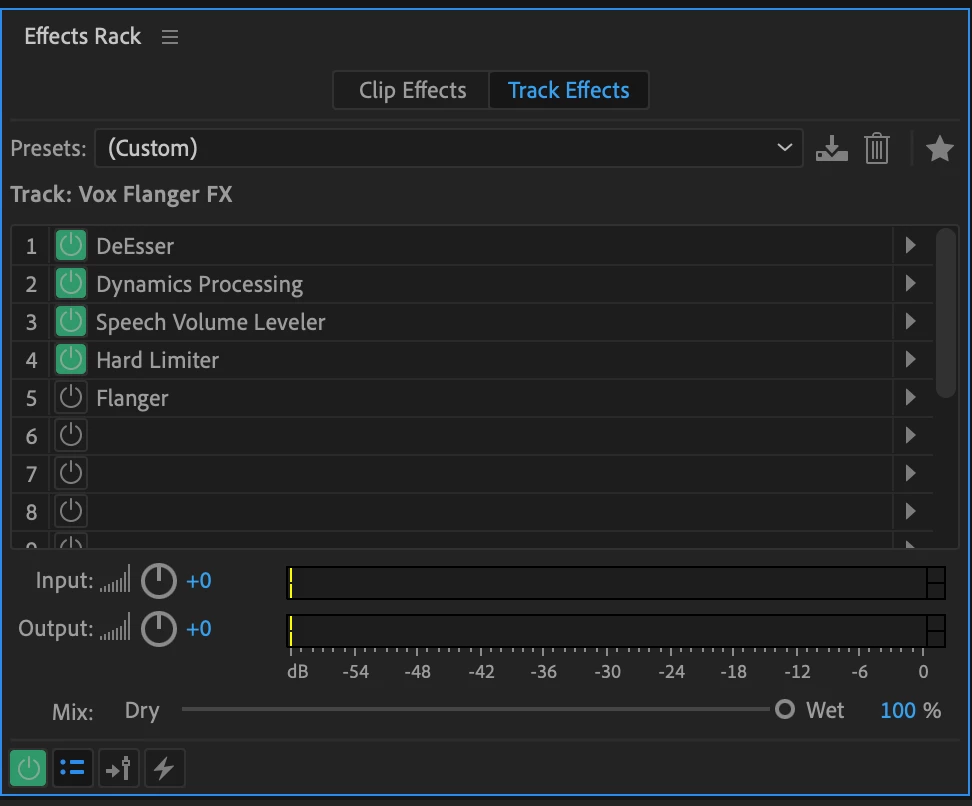
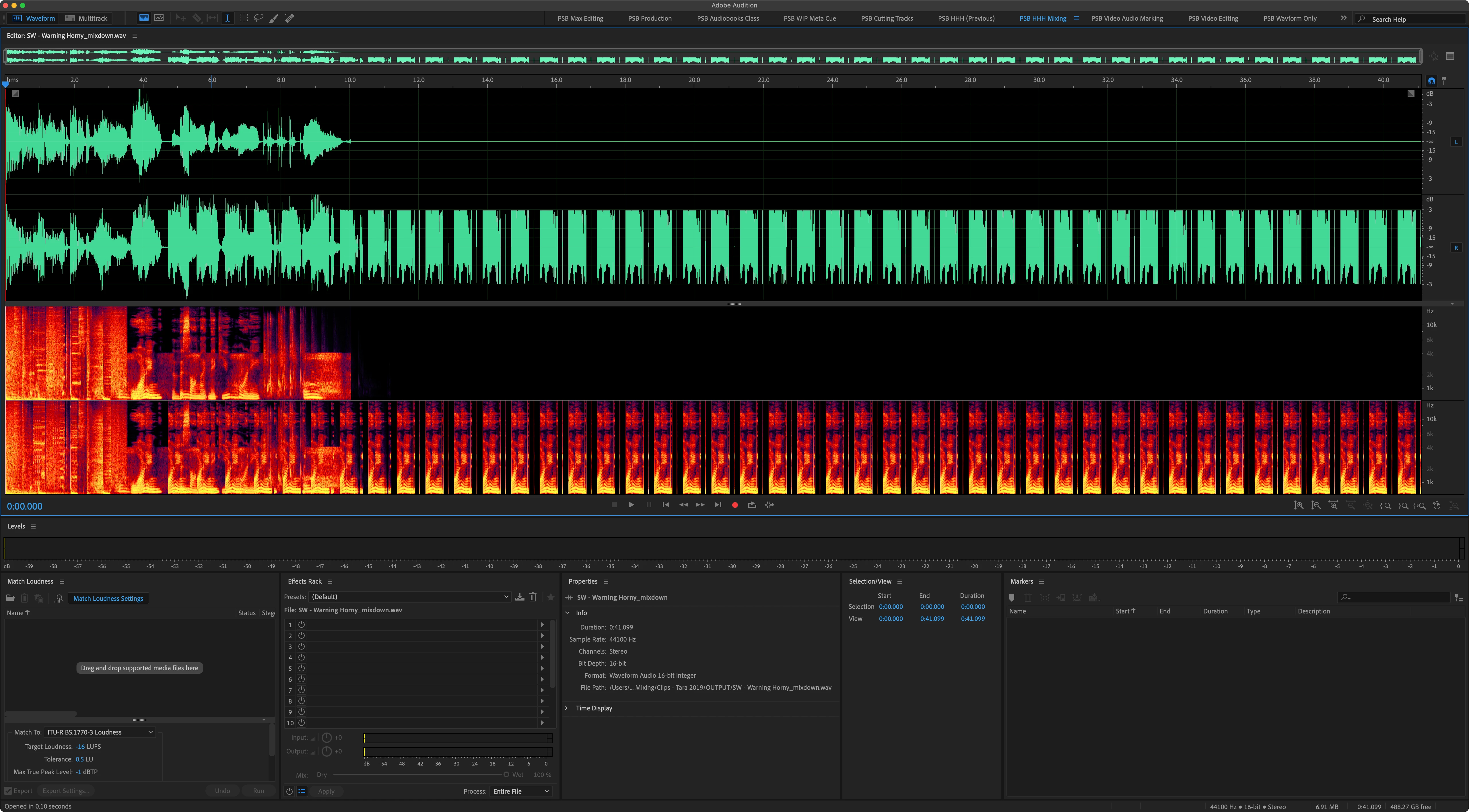
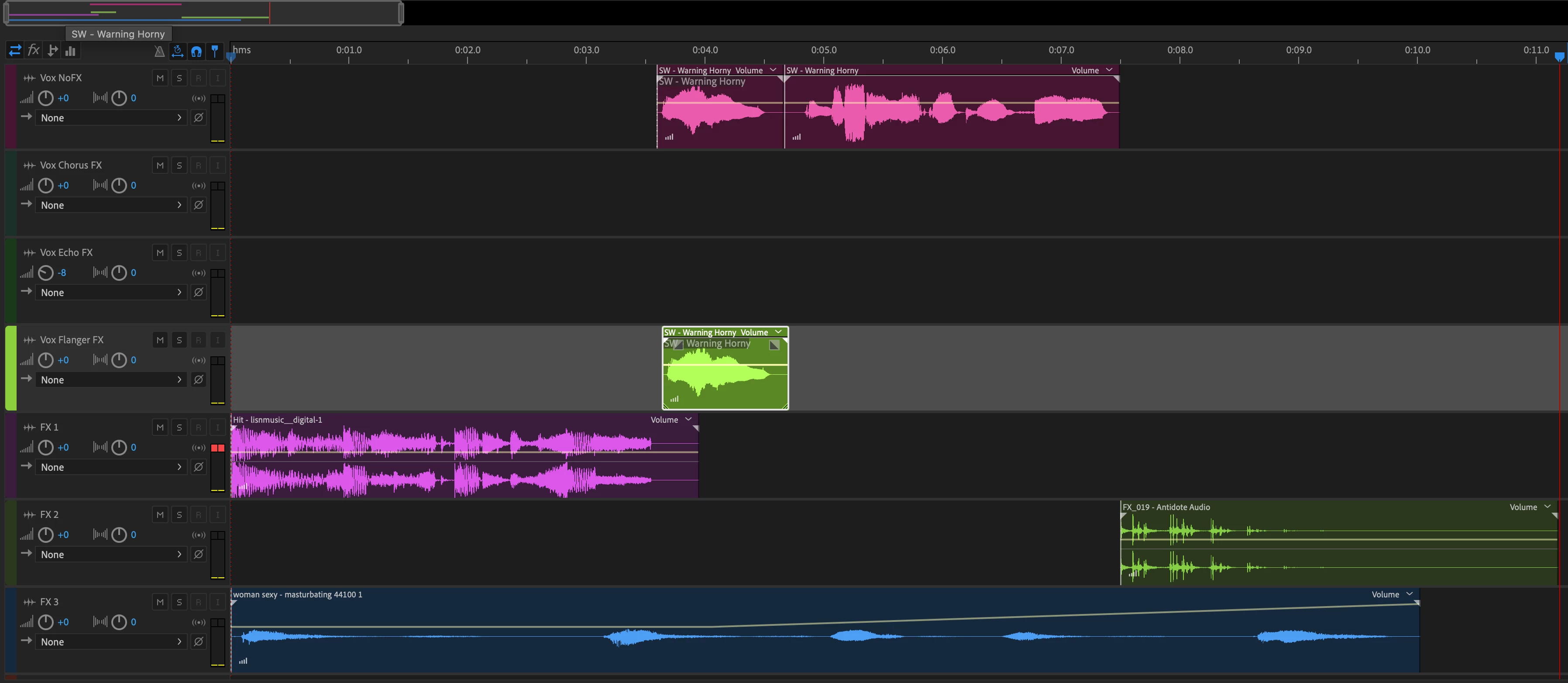
Any clip on the Flanger track gets an echo effect. There are absolutely no clip FX, and you can see the track FX in my screenshot. Even with Flanger turned off, the echo happens in the mixdown (not in the SESX itself).


    Correct answer Pariah Burke

    I’m so glad Adobe seems to have given up on changing Audition after 2023.

    Opening this and the other 9 (so far) mixes in Adobe Audition 2023 allowed me to mixdown without without the randomly applied Echo FX. I didn’t test ‘25 and ‘24, but these kinds of bugs are exactly why I maintain several installed versions of every Adobe application. Some of us just need to get work done.

    Solution: use a prior version of Adobe Audition to bypass new… um… “features”.


    1 reply

    Pariah Burke
    Community Expert
    Pariah BurkeCommunity ExpertAuthorCorrect answer
    Community Expert
    June 6, 2026

    I’m so glad Adobe seems to have given up on changing Audition after 2023.

    Opening this and the other 9 (so far) mixes in Adobe Audition 2023 allowed me to mixdown without without the randomly applied Echo FX. I didn’t test ‘25 and ‘24, but these kinds of bugs are exactly why I maintain several installed versions of every Adobe application. Some of us just need to get work done.

    Solution: use a prior version of Adobe Audition to bypass new… um… “features”.