
Question
Adobe Audition Glitch
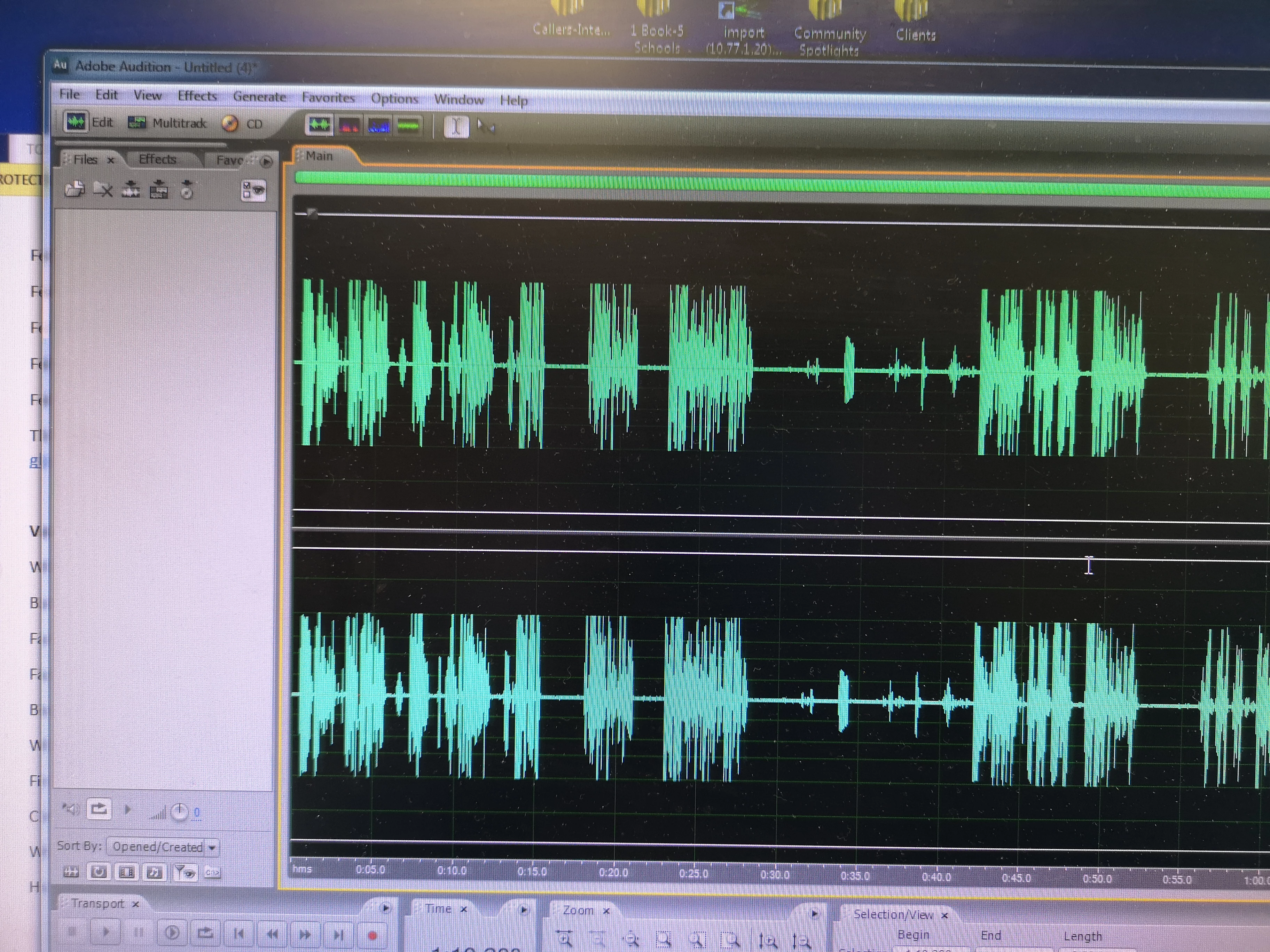
So I did some recordings on Audition and NONE of them are showing up in the files sections of Audition. I have about 4 recordings done and the files section is empty. I can not find them, I can not go back and edit ones I already recorded, and I can not even save them. Anybody know what is going on and how I can fix this? Before you ask, I already tried resetting the workspace: nothing. I closed and reopened the program: nothing. I restarted the computer: nothing.


 AdChoices