
Adobe Audition Inconsistently Recording Sound When Playhead is moving
Ok, so total noob here so this has to be something so simple it's gonna be a "There's no gas in the gas tank" situation but I'm just not seeing it. I'll try to provide all the info, but if I miss something please ask.
I just purchased a Logitech Blue Yeti microphone and upgraded my Adobe Suite to include Audition.
I have the mic plugged into the USB hub of my Dell U3223QE monitor, and I have output through the jack located on the mic itself.
I can hear through my headphones everything going into the mic.
On Windows 11, all of my updates are updated.
I've read a few articles and so far I have:
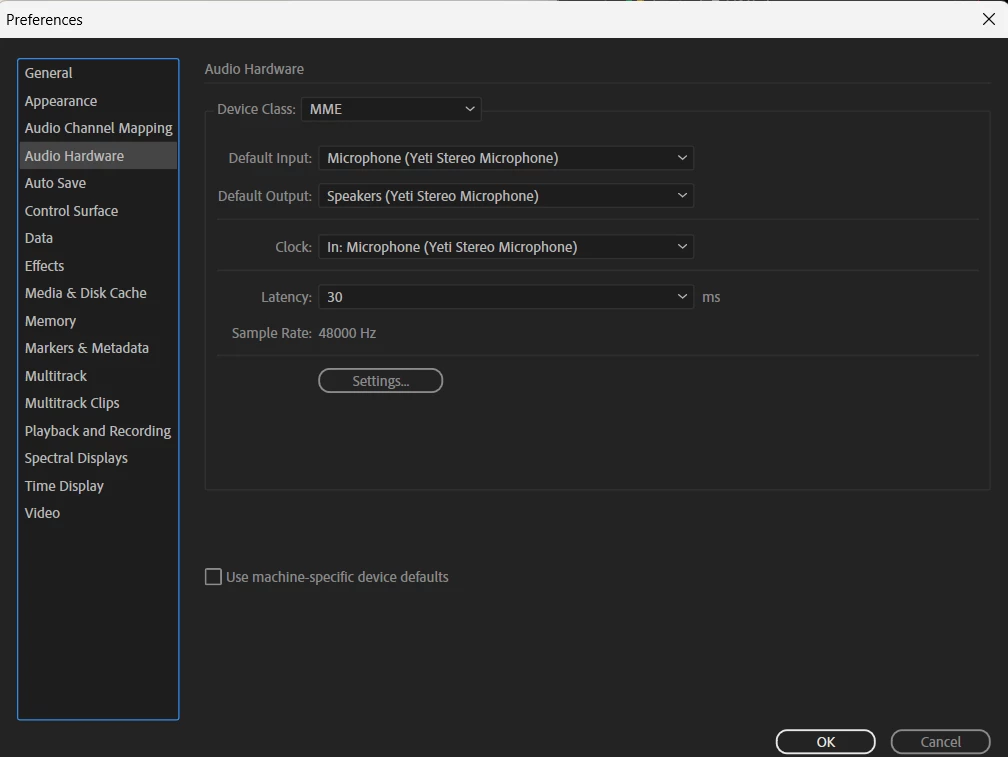
Made sure that Audition has the Yeti set for the Audio Hardware
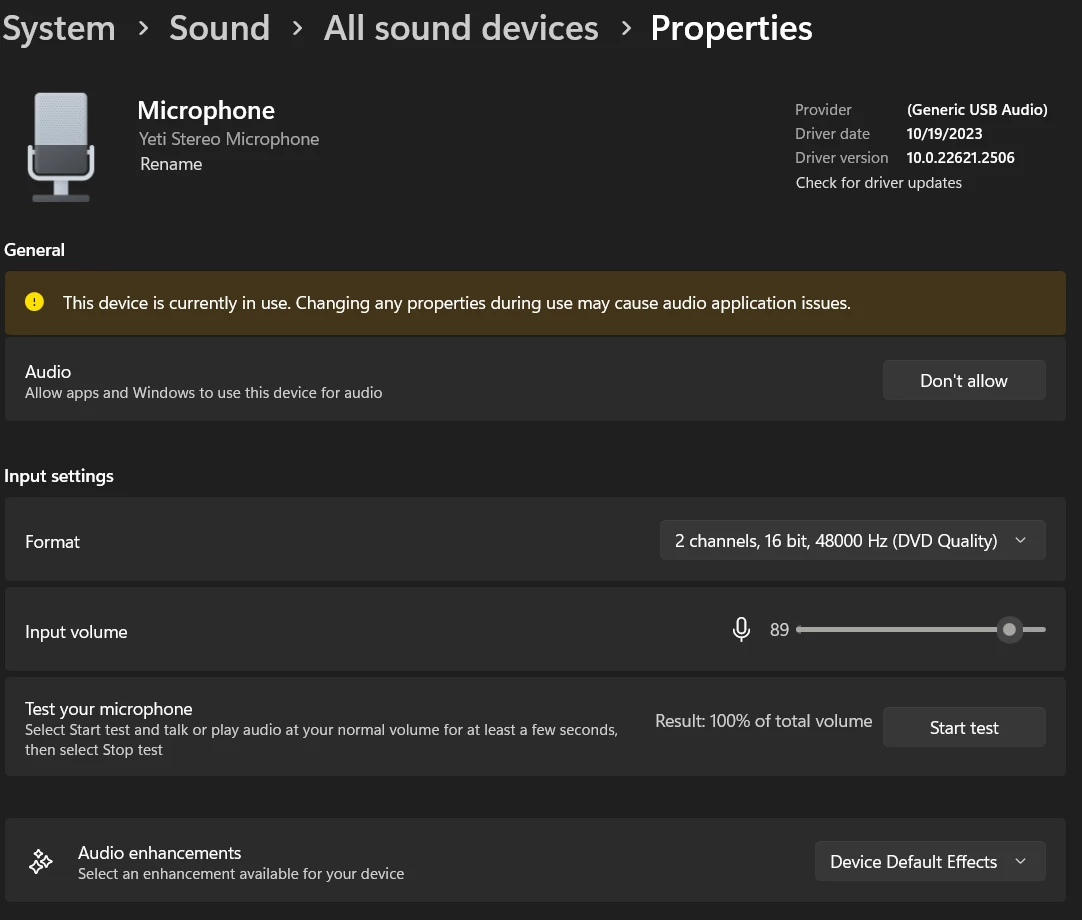
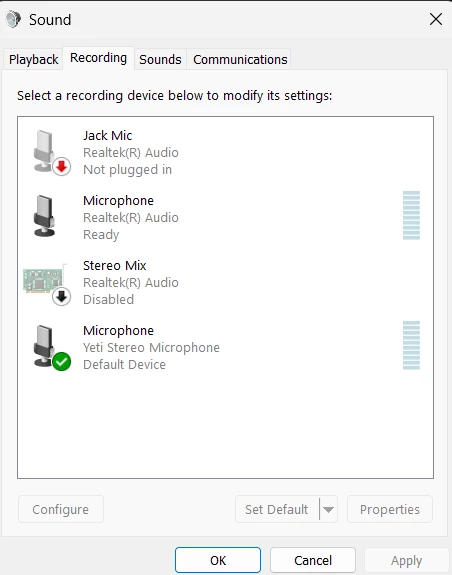
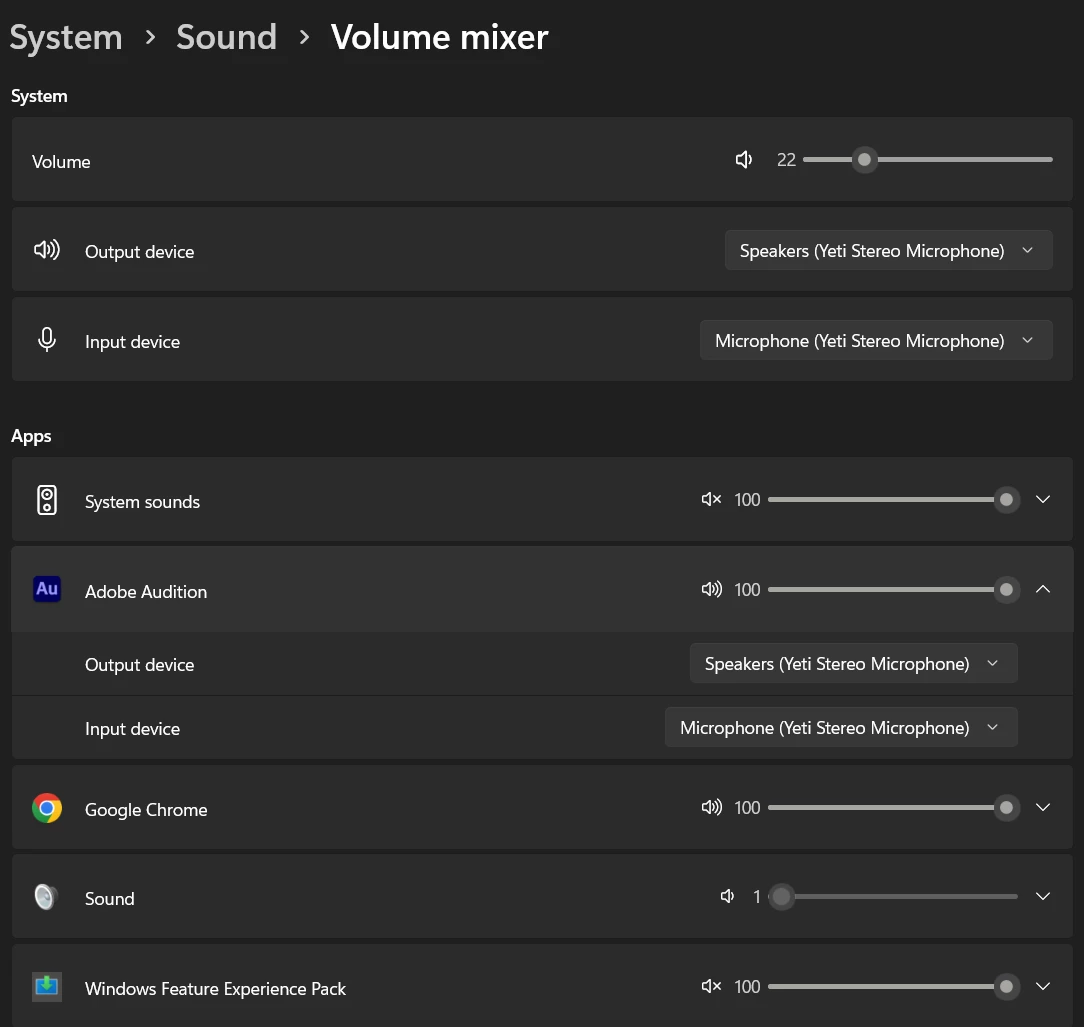
Made sure Windows also knows I want to use this mic
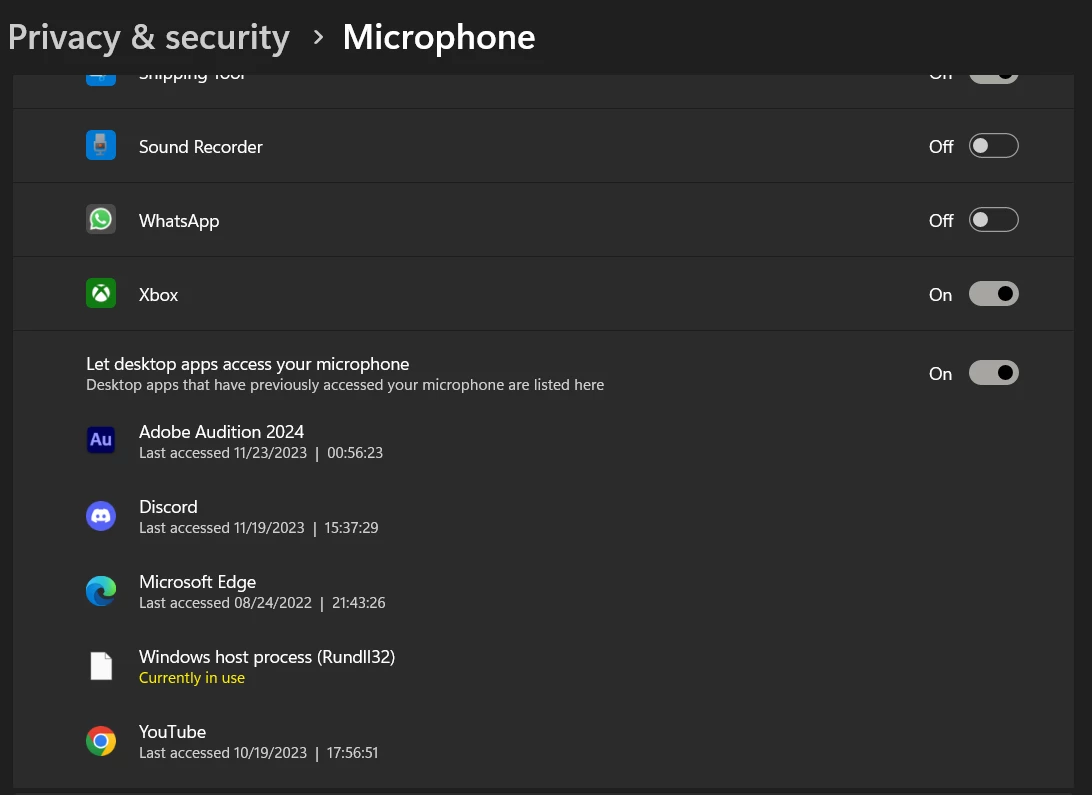
When I test this in any other application the sound sounds.
When I'm in Audition, and I right click on the Levels window and select Meter Input Signal and speak, the level meter bounces around all happy it has a job to do.
When I click record, I get nothing (most of the time). Sometimes, and I cannot figure out why, it will record something. But then it won't, and for the most part won't is all it will do.
The playhead moves everytime I hit the record button, it's just that nothing is recording (again like 9 out of 10 times)
I'm in waveform
Please halp!


 AdChoices