



Question
Adobe Audition reduces the file size when saving.
Hello.
I am using build 24.0.0.46.
Windows 10 x 64
When I save the FLAC file, it shrinks significantly!
Some information is lost, which means the quality is deteriorating!
The FLAC source file is 16 bit, 44100 hz.
When saving, I also set the FLAC parameters to 16 bits, 44100 hz.
In the program settings, 44100 hz is also set.
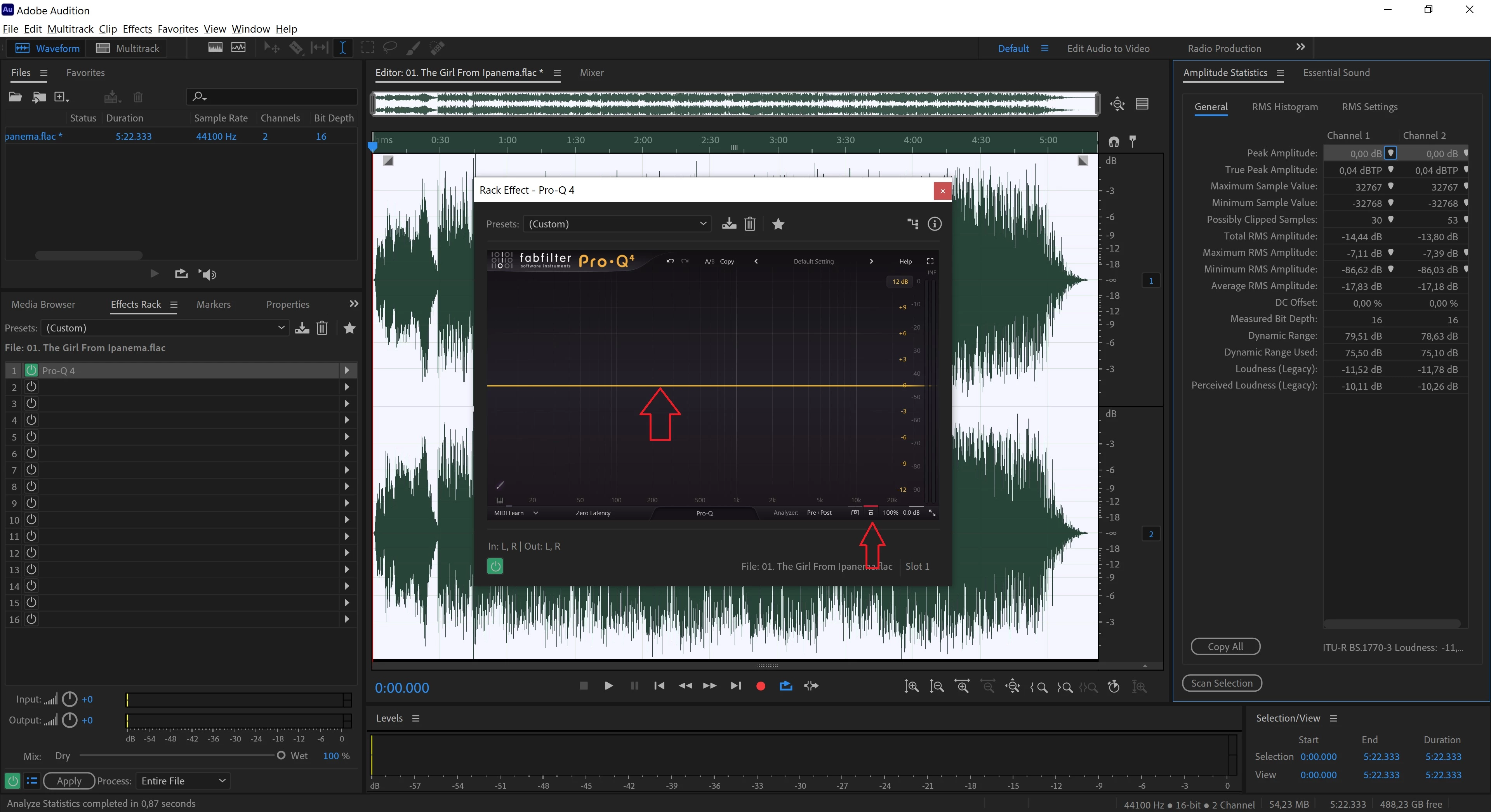
For the experiment, I upload only one VST3 plug-in to the Effect Rack (FabFilter Pro-Q 4 (flat default)), enable bypass mode on this plug-in, click Apply, and save it in the same format. The result: more than 5% of the information is lost. The source file is 36.1 MB, and the saved file is 34.2 MB. On large 24-bit files, up to 20% of the information is lost!
Is this a flaw in the program?
How can I fix this?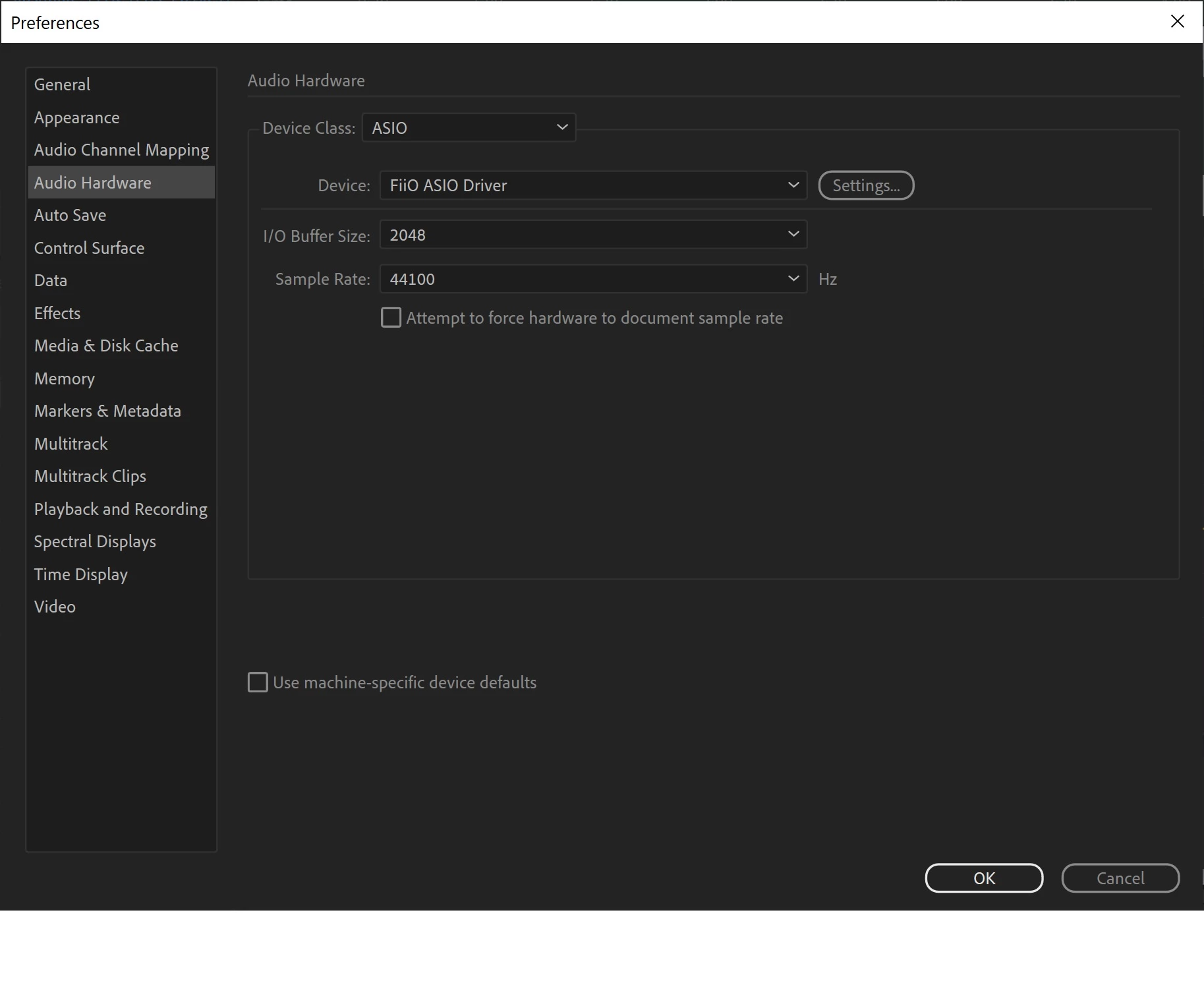
 AdChoices