
Adobe Audition - Unable to export my file as MP3
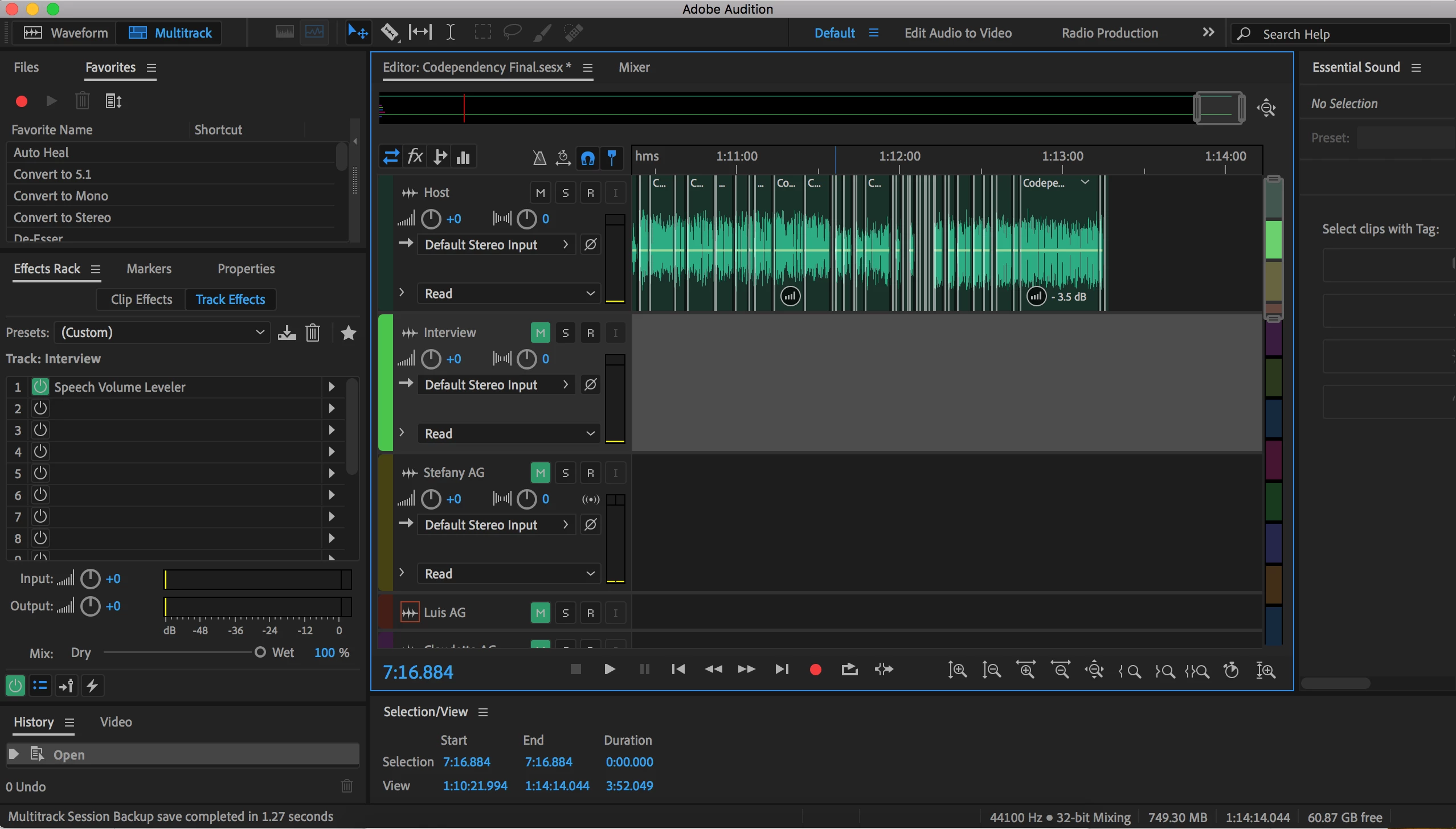
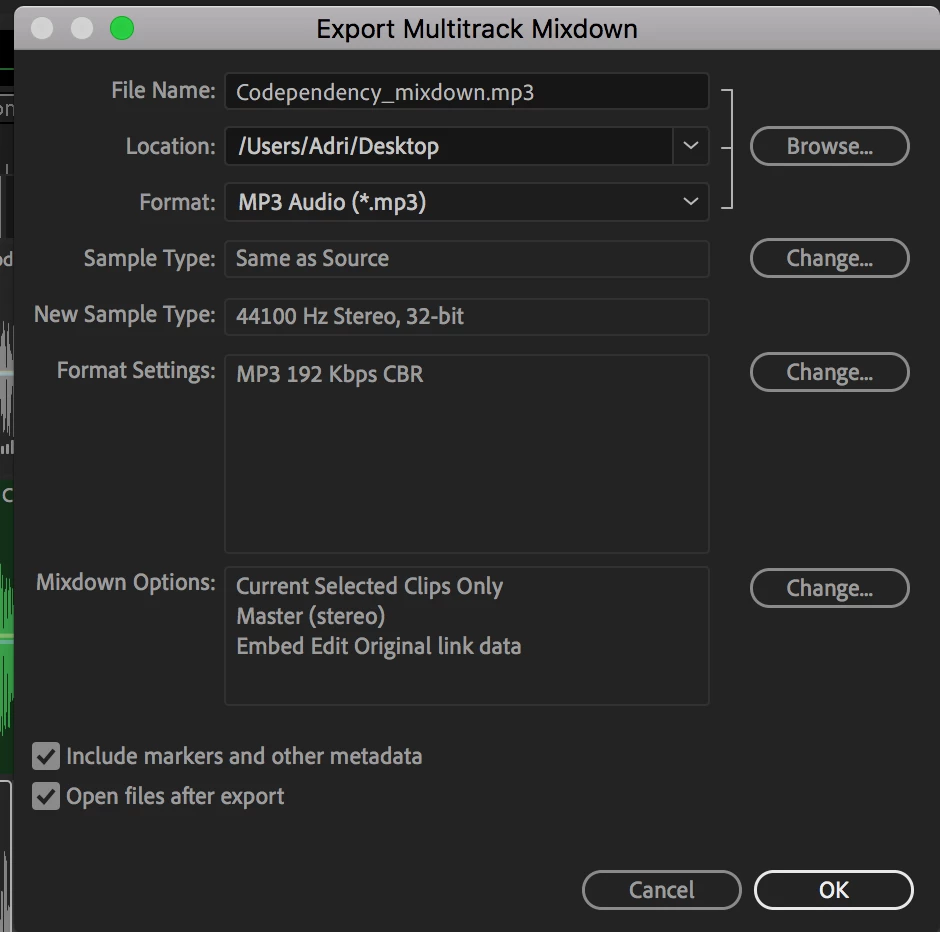
I have exported MP3 files before, but for some reason, last night my program stopped exporting my files. I highlight the track I need, which is the one labeled as Host, then I go to File>Export>Multitrack Mixdown>Selected Clips.
I am no longer getting the little circle that shows the progress/percentage when project is complete/exported. I am using High Sierra on a Macbook (early 2015), updated Adobe Audition, & restarted computer.
I also copied and pasted the file to another track and exported, it saved but with no audio sound! It was not muted when I highlighted and exported. 1 hr and 14 seconds were just silent.
I sent the raw file to myself so I could open on another computer that has Adobe Audition, but all the tracks were flatlined.
What am I missing?


 AdChoices