

Advice/Question for Live Stage Monitoring - Rehearsal Recording Setup (TL;DR at the bottom)
Please note: I apologize for any misuse of terminology, I'm very new to this.
Hi all,
So, outside of recording a few voiceovers, and guitar tracks for things; Audition is fairly new software to me, so I have a question about/could use some advice on what I'm trying to do here.
Background: I built a 16-channel mobile recording rig that I could easily carry around to rehearsal and live sessions for the purpose of demoing songs, and live video with better sound.
This is the aforementioned beast: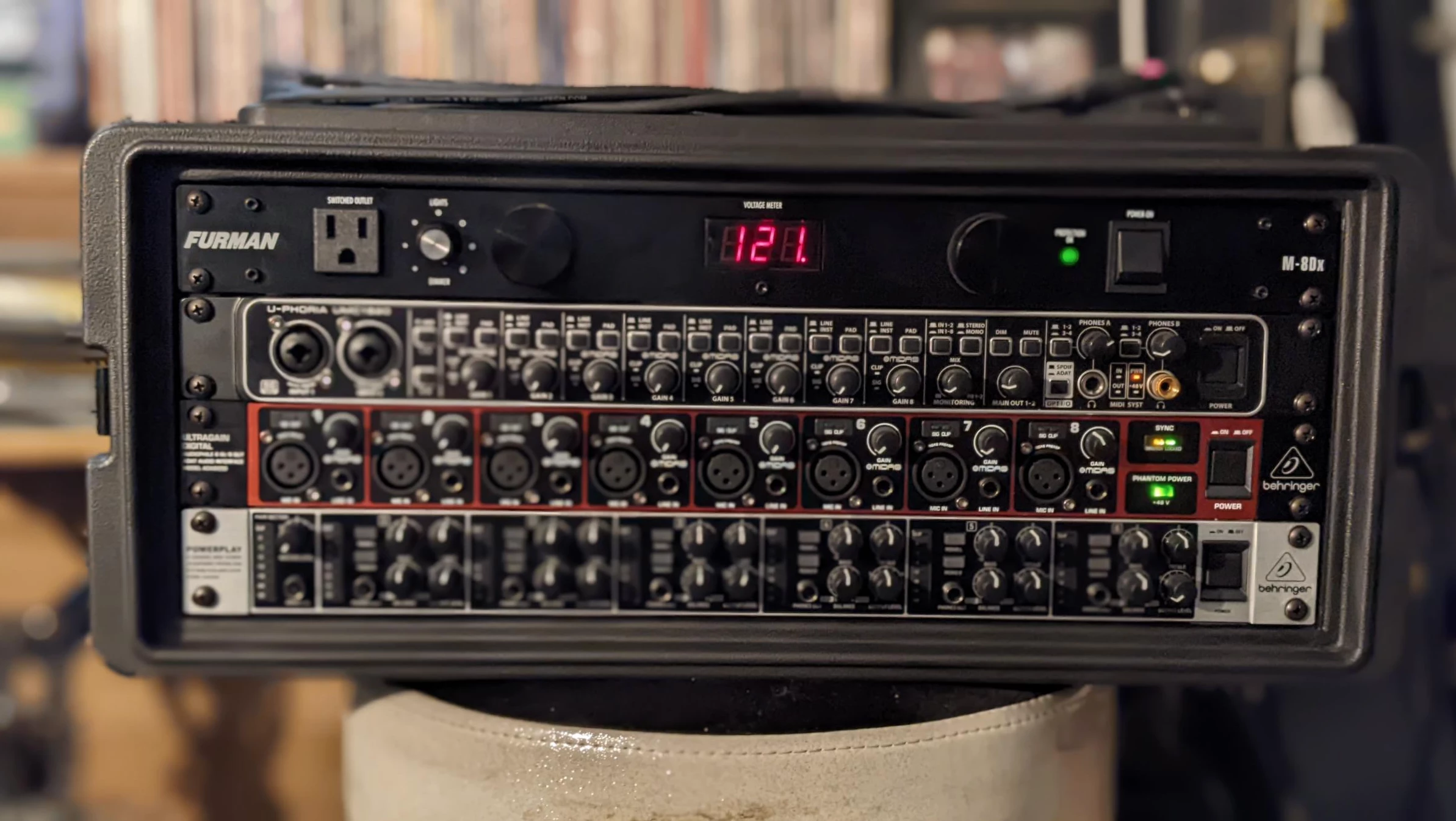
The extent to which we've used it so far has been two overhead drum mics, a single guitar mic, and a single room mic with a separate mixer feeding the guitar into our IEMs.
I realized that we should (theoretically) be able to use the Audition mixer to live monitor everything we're recording when we're finally mic'd up and live demoing, so I embarked on the journey of figuring that out and this is as far as I got using the Audition resources Adobe has on it's site.
I was hoping someone might be able to confirm/deny whether or not this should work (we're not getting together for another few weeks, so testing immediately isn't an option).
Please note: I currently have all bus tracks set to mono for simplicity's sake, while I figure this out.
Step 1: Send all drum tracks to a single Bus
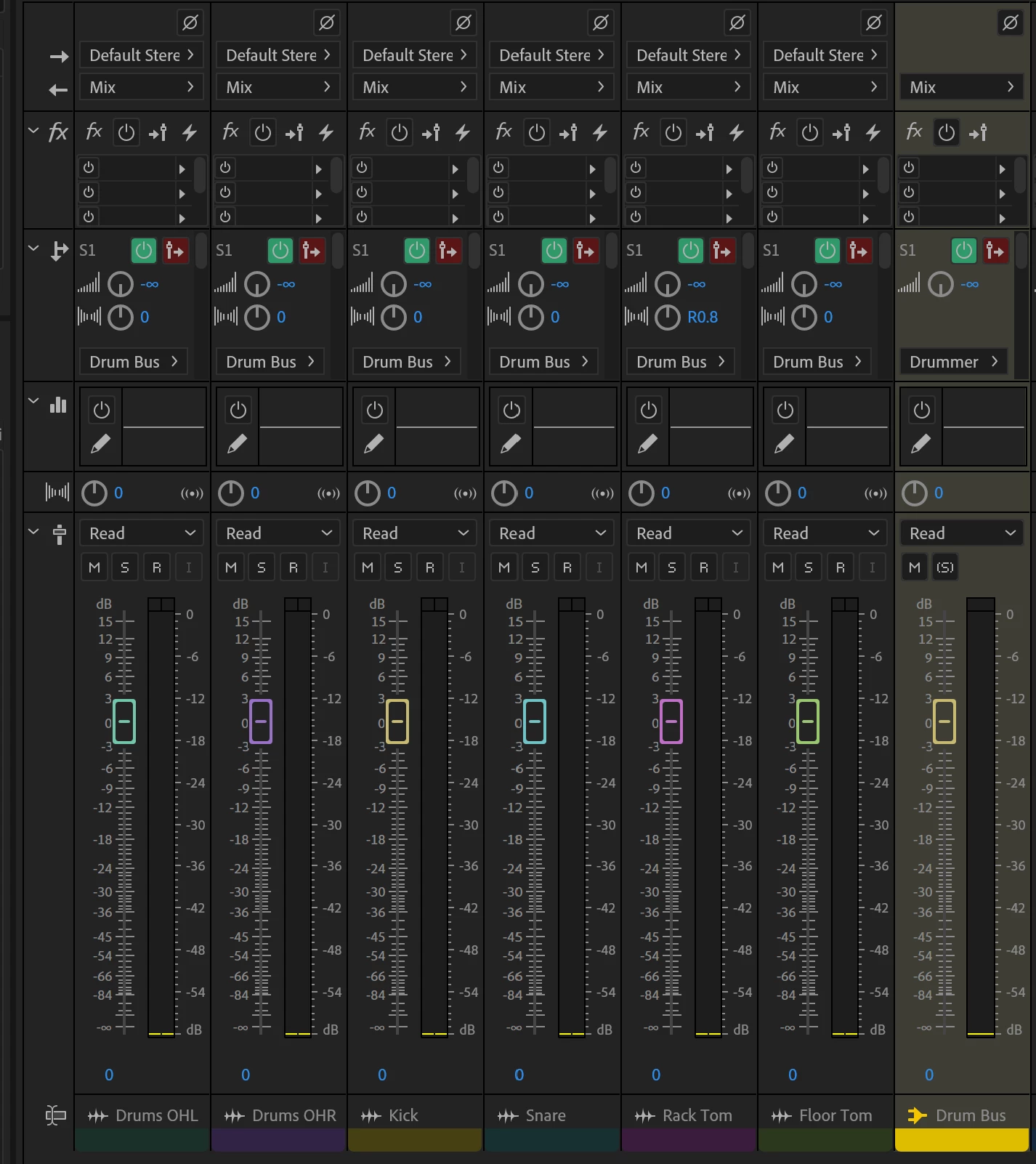
Step 2: Create individual bus tracks for each out. Assign to corresponding hardware outs.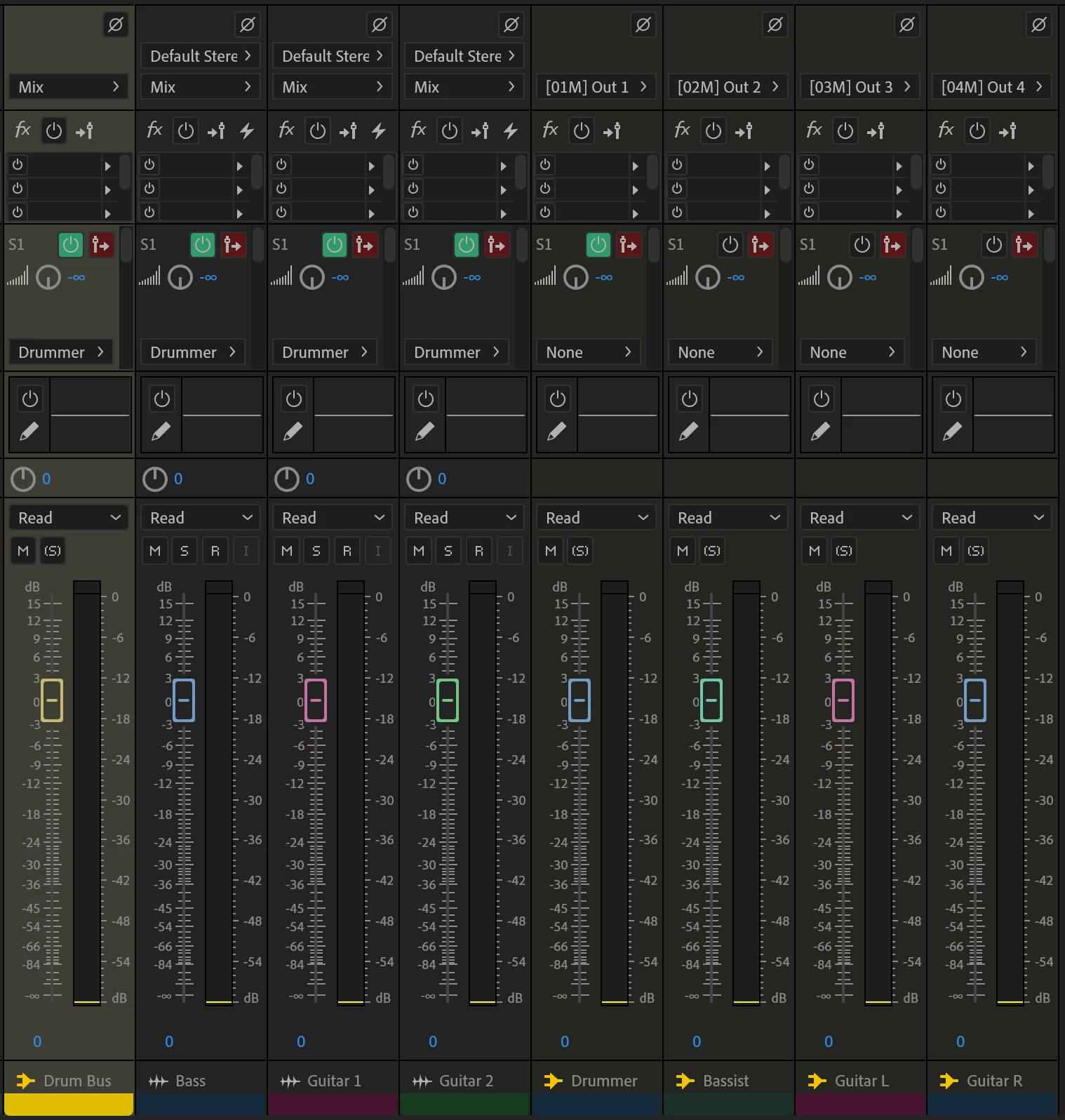
Step 3: Assign sends to each bus as needed
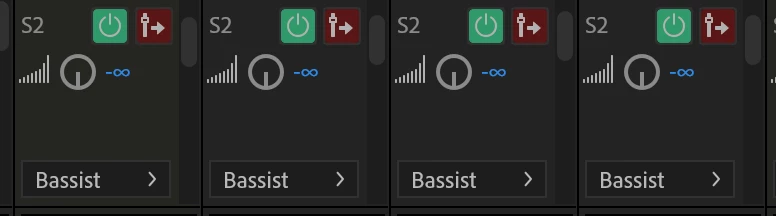
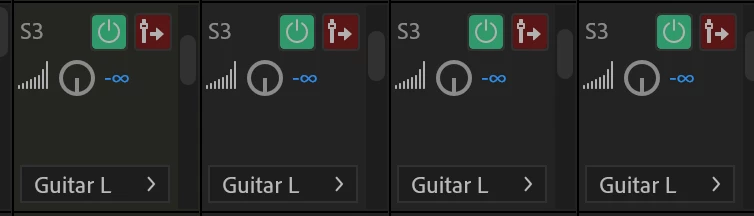
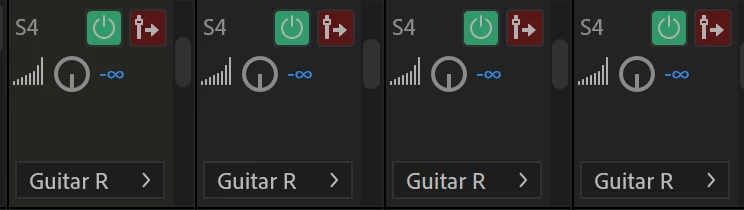
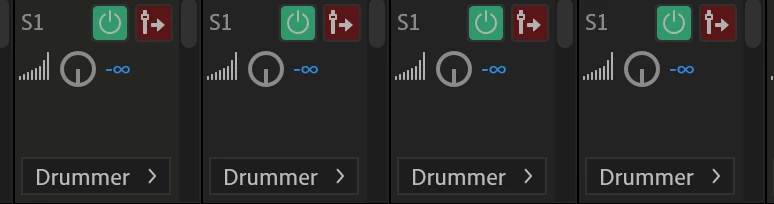
Now, as far as I've been able to tell, but not test (need my cables to come in), this should allow me to send the full mix to each individual out.
From what I've gathered: You can't use the sliders to adjust the send volumes (which is too bad since my travel machine is a Surface Pro, so that would make things extremely convenient), you have to use the gain to do this. Is this correct?
I've tried google machine to see if I could find any resources for this, specifically, but I wasn't able to come up with anything (likely due to not using the correct terminology).
If anyone can tell me if this looks right, or has any advice/resources on what I'm trying to do it would be much appreciated.
Thanks!
-K
(TL;DR - Trying to route a live recording setup to IEMs for stage monitoring.
Am I on the right track based on the provided screen caps, or way off?
I haven't been able to find many resources on this specifically. Does anyone know of any?
Can send volume only be adjusted via Gain control "knobs" and not the sliders?)


 AdChoices