
Application Memory
I am running Audition CC 12.1.0.182 on a brand new MacBook Pro running OS 10.14.4 with 8GB RAM and 500GB flash storage.
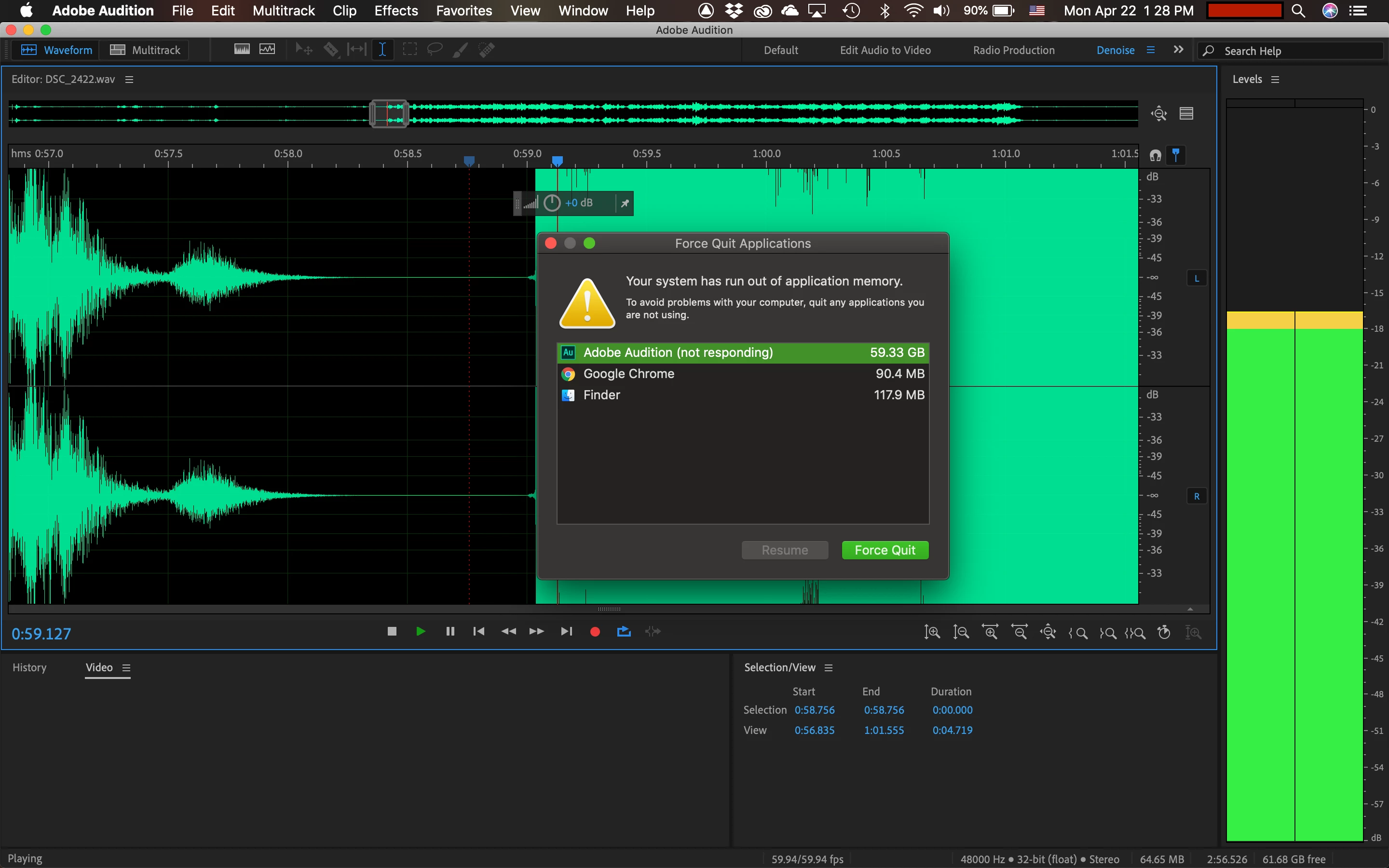
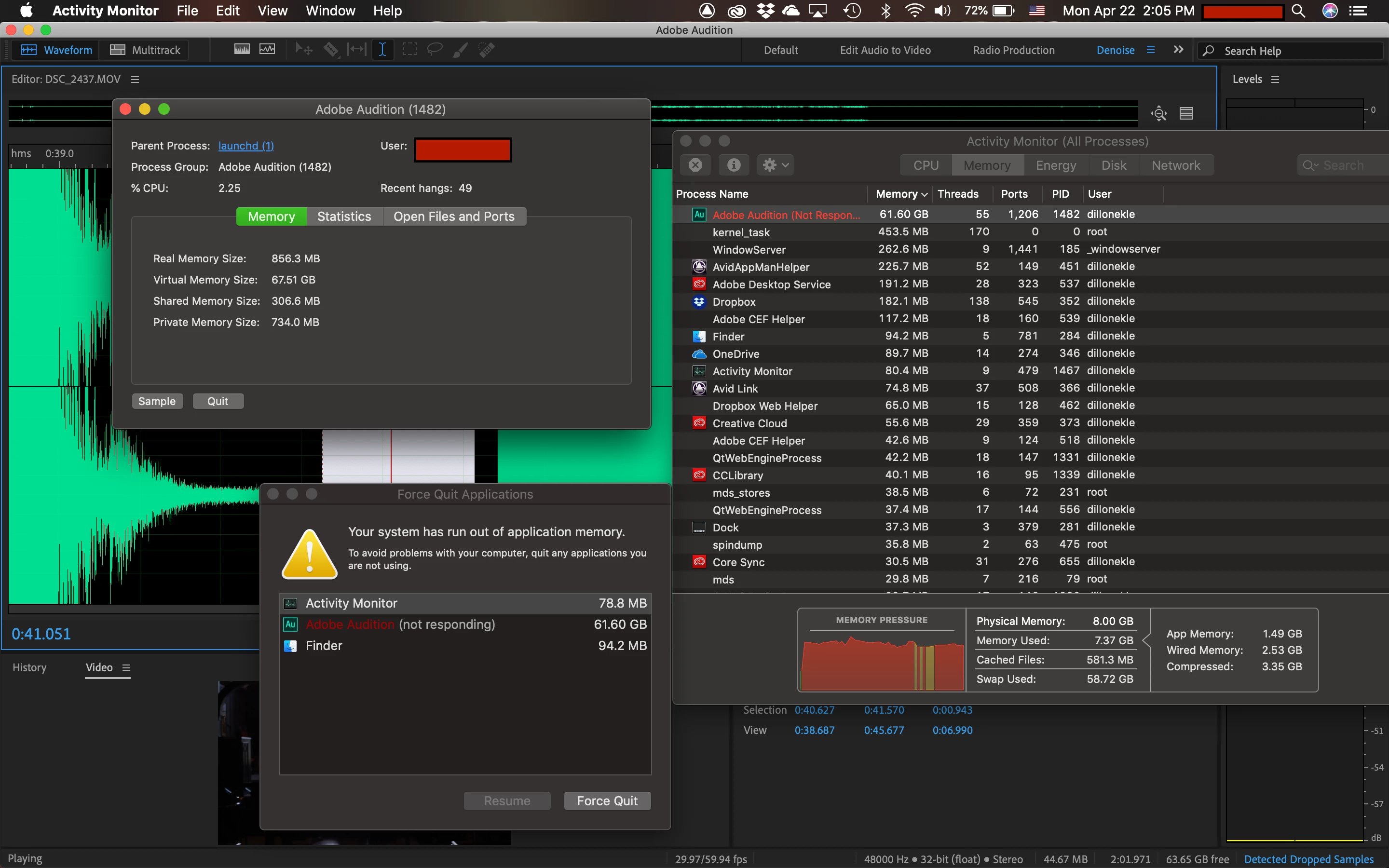
I use Audition to denoise audio files, and it has been working swimmingly until today. Now, almost every time I STOP playback, the program freezes and tries to use over 60GB of application memory. It is fine loading noise prints, denoising files, saving, opening, and even playing. It is only when I stop playing that the RAM goes crazy. I restarted my computer and it worked for a few files, then started acting up again.
The files in question, by the way, are only about 50MB for WAV files or 300MB for MOV files. (I start with the MOV files and save as a WAV after denoising. It has not mattered whether I am using the MOV file or the WAV file, it's freezing either way.)
I have two screenshots attached, from two different files, one with just the Force Quit window, and one with the Activity Monitor. What I found is that the program is running fine, less than 1GB of memory generally, until I hit space bar to stop playback, at which point it begins eating more and more memory until my OS pops up the force quit window.
Any help would be appreciated.


 AdChoices