
AU Crashing on Export
I already followed the steps on Audition Crashed. Now what? and am still waiting for a reply. I was hoping if anyone can chime in or has experienced this lately. 2 weeks ago my stem exporting went fine. I have made edits and need to re-export. Now this...
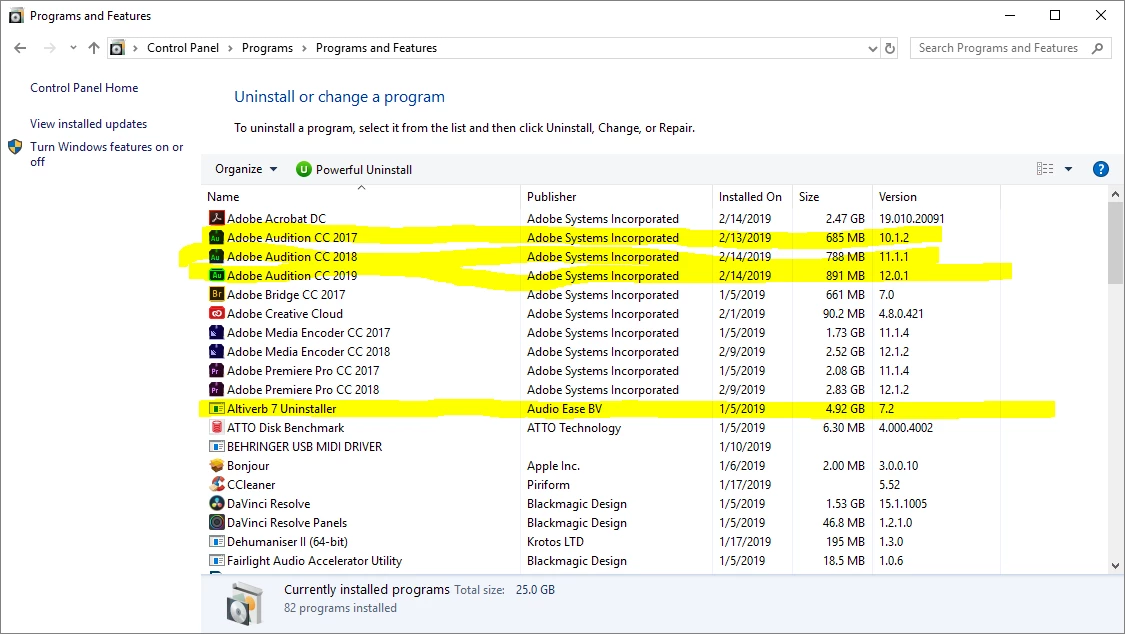
Audition crashes on export for versions
- AU CC 2017.1.1 Build 10.1.1.11
- AU 2018 Build 11.1.1.3
- and latest AU 2019 Build 12.0.1.34
Session is a 5.1 mix for a film reel, around 25 minutes long with several buses and tracks.
Whether I export via buses or master, it crashes after around 5 minutes. I have been trying to export the same reel since February 12 on 2 different machines on the different AU versions stated above with no success.
Video 1 - AU CC 2017 ,some session details, no crash report generated
https://youtu.be/3VvewpIgx4o
Video 2 - AU CC 2018 (same project) with crash report
https://youtu.be/y1yq8qaTFbQ
Video 3 - AU CC 2017 (same project) repeated screen cap for crash report
https://youtu.be/GnsCQOMLx1A
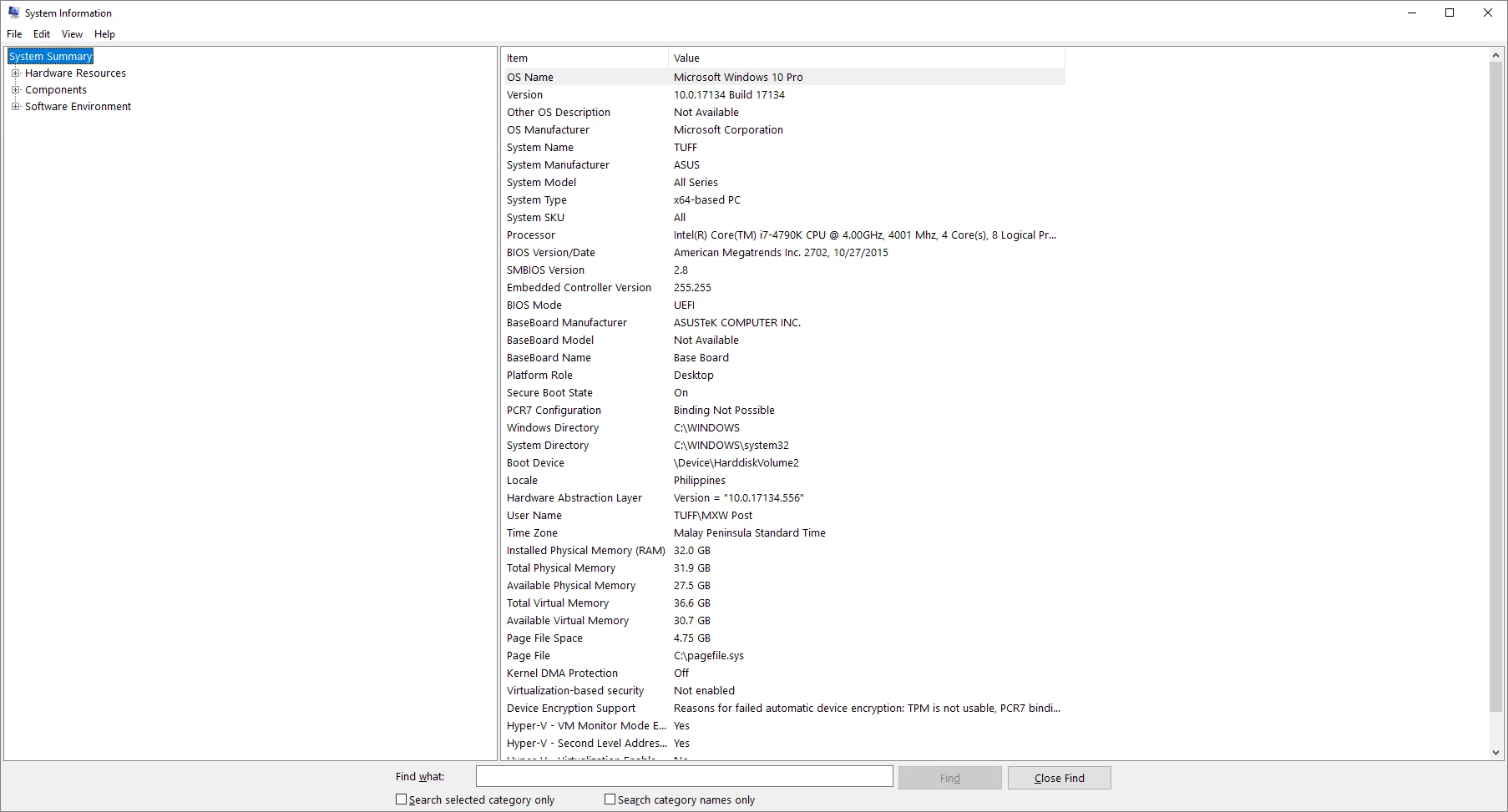
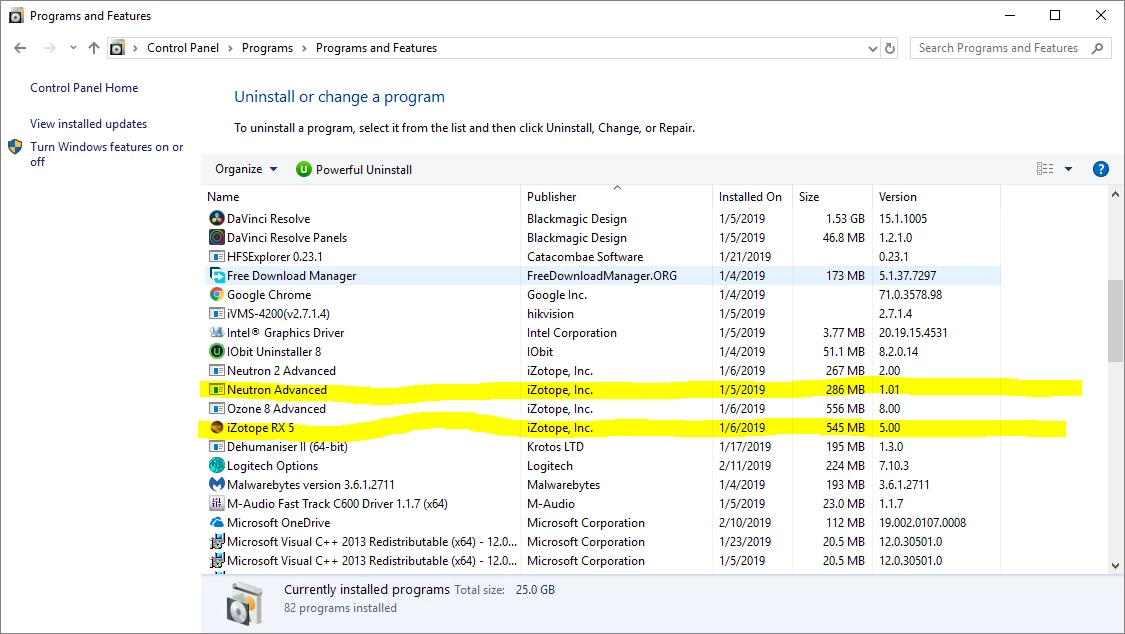
Please take note that the videos above have been sped up, it takes around 5 to 10 minutes before the crash occurs. Crash Logs and system specs have been sent to audbugs@adobe.com. I will attach system specs and plug ins used here also for your perusal.
I've tried pulling the project file from the servers and transferring them to an internal drive on the PC; I tried transferring them to the OS drive (SSD), tried on two machines with the AU versions above. I hope it's not any of the plug ins used since they are crucial for the mix, and my exports were fine 2 weeks ago. I have tried re-installing the AU versions also to no avail. The only software I installed within the span of time after the initial export 2 weeks ago was 'Soundly' - the sound effects software - which I have also uninstalled for the time being as I was troubleshooting. Any assistance would be appreciated. 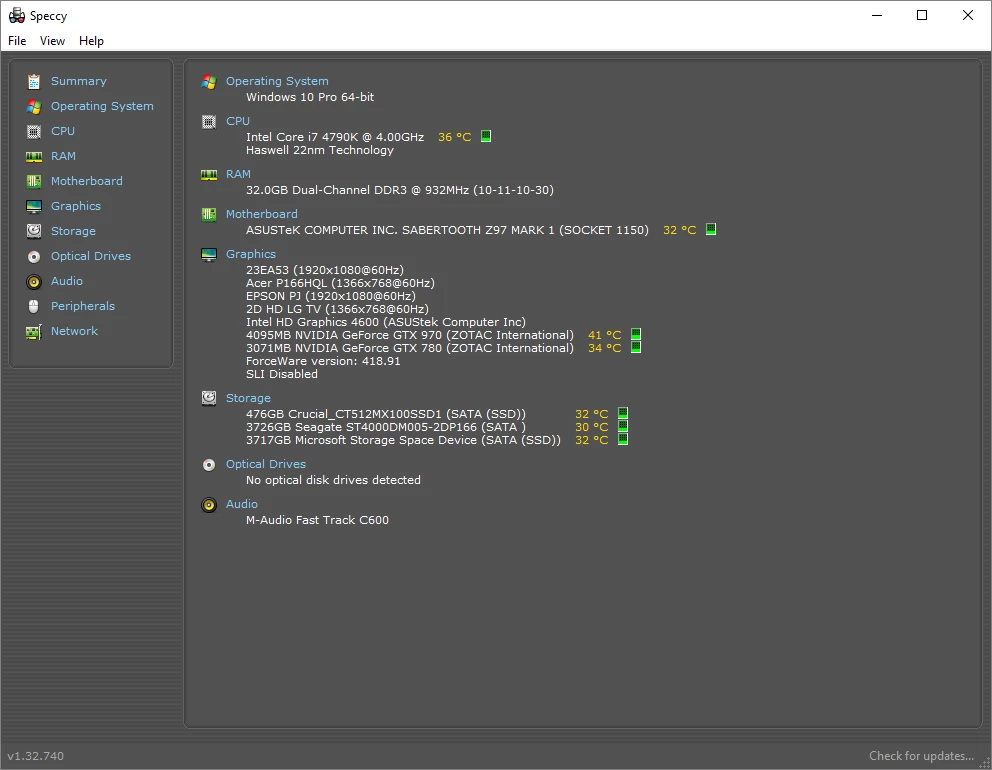
-Bryan D.
 - it was the Snapshot automation that was causing AU to crash on Export. On playback it functions well and spot on, no problems, no glitch nada. When I removed all the Snapshot automations, Export pulled through without a hick up. So now I have to re-route/remix the session so that I have an instance of Altiverb for every Snapshot I made....oh well. Probably best to get in touch with Audio Ease.

 AdChoices