
mich_2
Inspiring
December 28, 2020
Answered

au error when booting happens

  • December 28, 2020
  • 1 reply
  • 336 views

I hope someone has had the same problem as me, but what can I do to get rid of the label that comes out at startup. I have reinstalled "AU 2" times just a little helped it. I made two screen jumps.
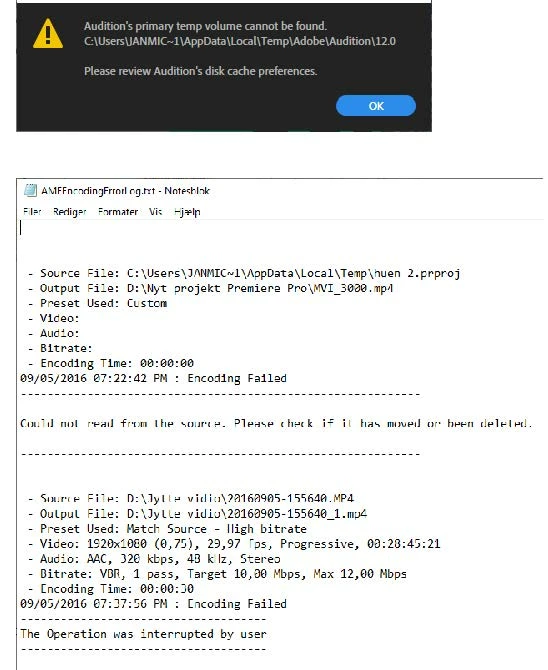


I'll be glad that someone can help me so I can solve the problem - thank you in advance.

This topic has been closed for replies.
Correct answer mich_2

Hi SteveG.
I want to say thank you for taking the time to answer me.
I can inform you that I have followed your instructions and things work perfectly - thank you for that.
We might as well end the case, because things are working out right now.
Finally, I wish you a Happy New Year
Regards me_2

1 reply

SteveG_AudioMasters_
Community Expert
Community Expert
December 28, 2020

You need to go into Edit>Preferences>Media & Disk Cache and locate, using the 'Browse' button, a place where the temp file can be placed where it will remain visible! The best thing to do is to create a folder on the root of your disk called 'Audition Temp' or something like that, and point Audition at that.

mich_2
mich_2AuthorCorrect answer
Inspiring
December 28, 2020

Hi SteveG.
I want to say thank you for taking the time to answer me.
I can inform you that I have followed your instructions and things work perfectly - thank you for that.
We might as well end the case, because things are working out right now.
Finally, I wish you a Happy New Year
Regards me_2