Participant
February 25, 2019
Question

Audio error in Audition

  • February 25, 2019
  • 1 reply
  • 525 views

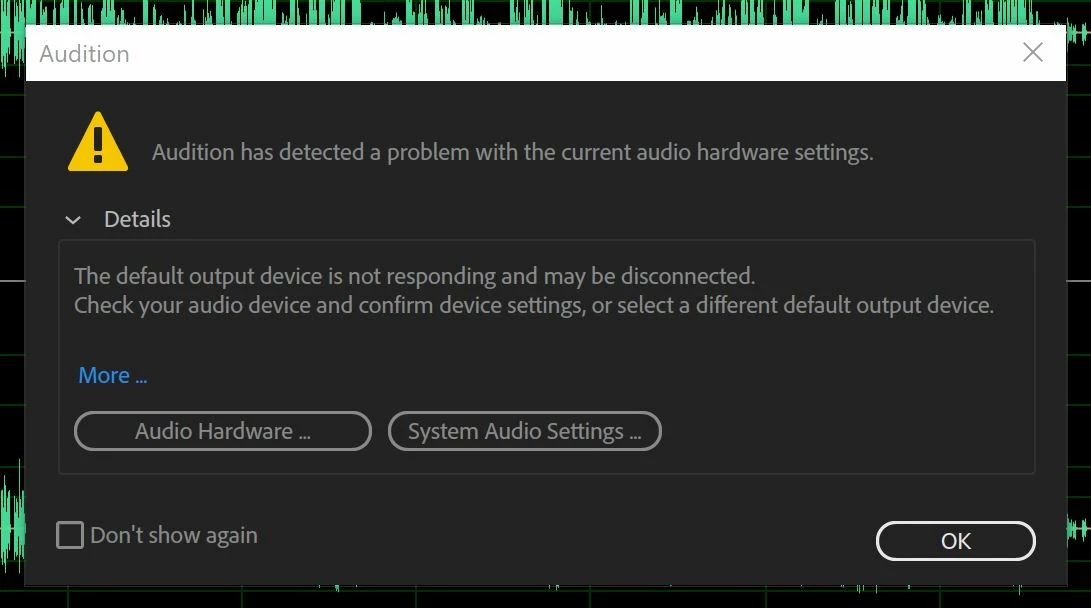
Please help, I cannot figure out why this error is popping up. Music plays from my laptop speakers just not through audition.

This topic has been closed for replies.

1 reply

SteveG_AudioMasters_
Community Expert
Community Expert
February 25, 2019

Have you tried clicking on the Audio Hardware option and finding out what's disconnected? If you've been using another app for playing audio and you haven't closed it, this is exactly what will happen - you need all other audio-playing apps closed before Audition can access your sound device. Similarly, you'd find that if you were playing something in Audition, the chances are that the other app wouldn't work, for exactly the same reason.

Participant
February 25, 2019

Hi SteveG - when I click the Audio Hardware option it tells me that the built-in speakers in my laptop are not connected. I was on the phone with microsoft for about 2 hours last night and they confirmed that it was an adobe audition issue. I can play music on my laptop and other mp3 files. The temporary solution was I "deactivated" the speakers and put in a headset. I will definitely be contacting adobe again to do a screenshare so they can see the issue I'm facing.

SteveG_AudioMasters_
Community Expert
Community Expert
February 25, 2019

ste10399671  wrote

I was on the phone with microsoft for about 2 hours last night and they confirmed that it was an adobe audition issue.

That's how they get you off the phone... actually it's 100% their fault - all to do with active socket sensing, by the sound of it. Make sure that Audition's the only thing running, reduce the Windows volume control to zero and bring it back up again - that often works. It's got to be their fault; they're the ones providing the audio interface software!