
Participant
Jun 3, 2018 8:49 PM UTC
Answered

Audio Won't Play - Hardware Settings?

I'm attempting to edit using Audition for the first time on this computer (I've used it before on other devices). But it won't play. It keeps telling me my hardware is not configured properly. But my speakers, headphones, etc. work perfectly with other applications (including Audacity).
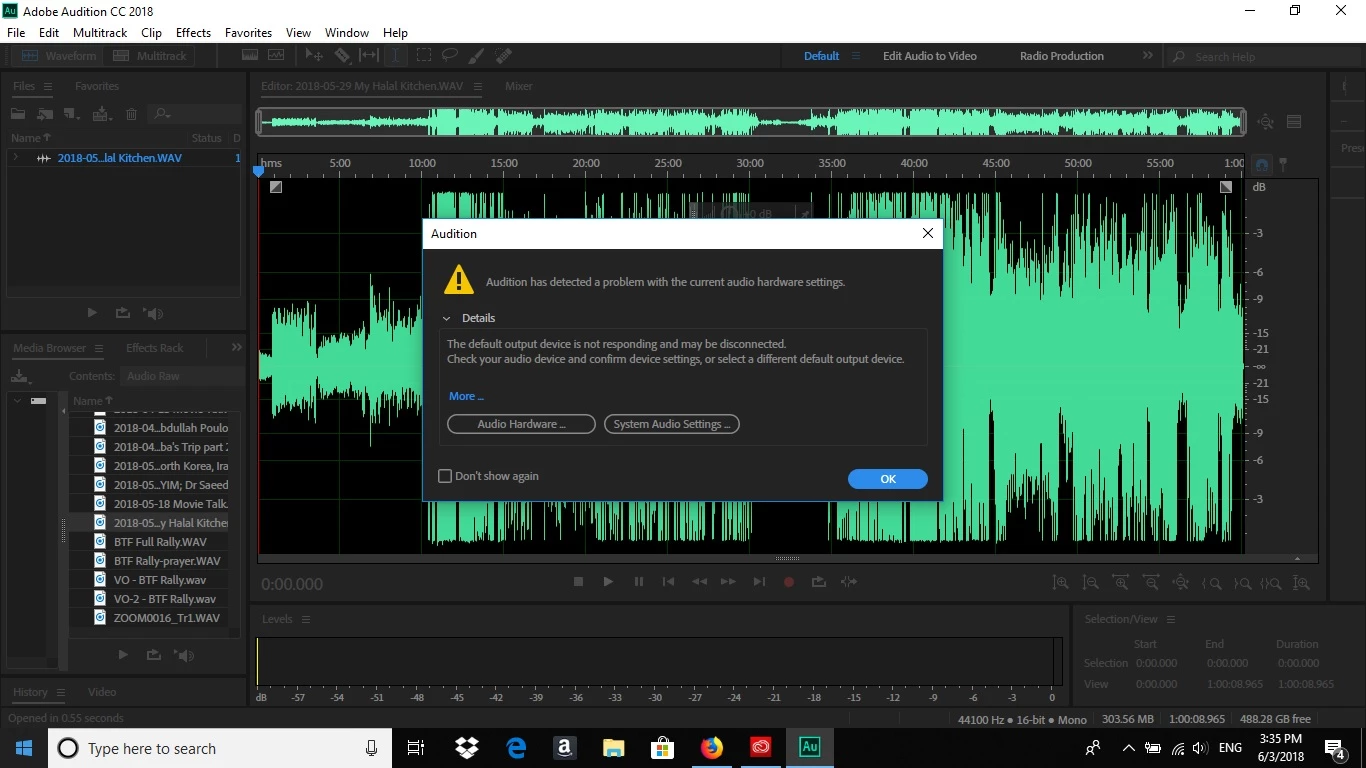
It's telling me my Realtek Audio isn't working. As I mentioned, the audio is working just fine with everything else.
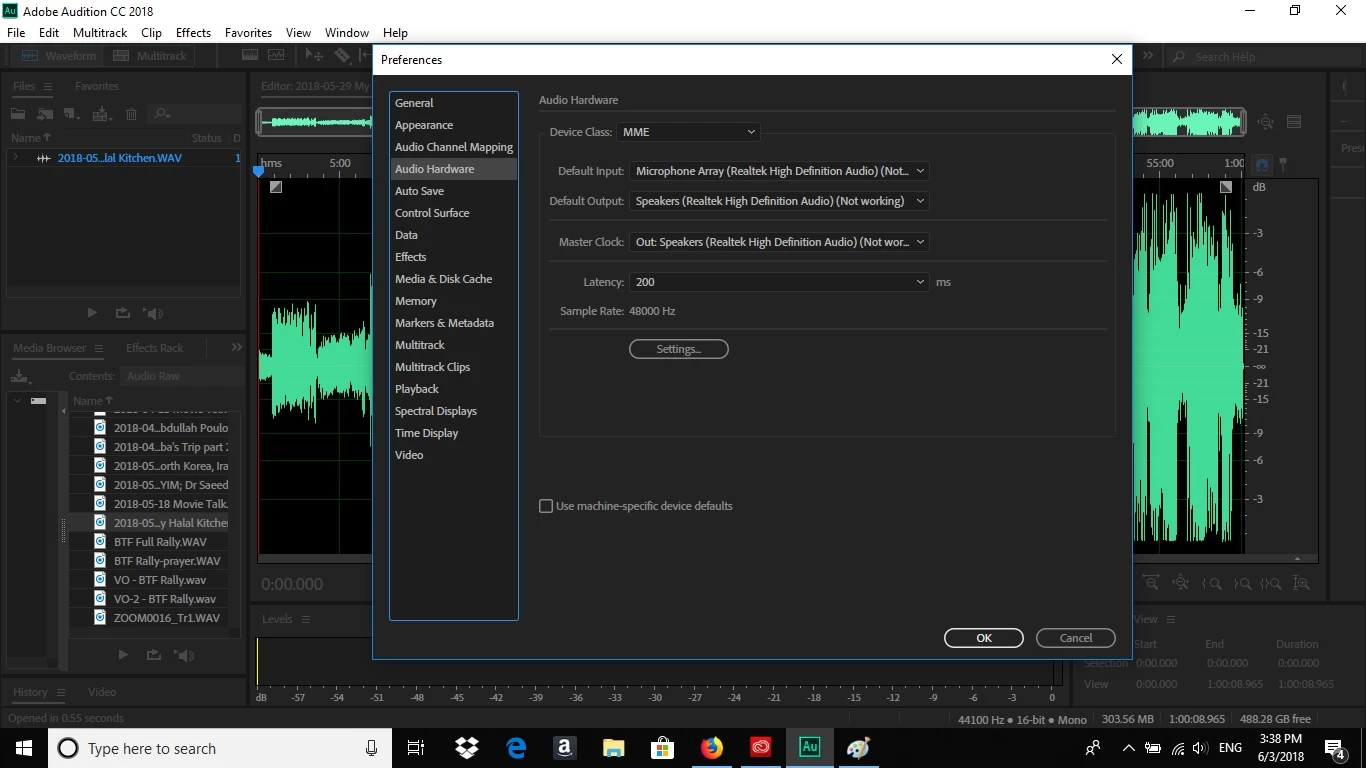
What could be the problem here?

This topic is closed to new replies. Start a new post to keep the conversation going.
SteveG_AudioMasters_
SteveG_AudioMasters_Correct answer
Community Expert
Jun 4, 2018 8:45 AM UTC

Okay... try closing Audition and restarting it with the shift key held down.

8 replies

SteveG_AudioMasters_
Community Expert
Community Expert
Jun 3, 2018 11:23 PM UTC

Try going to the Device Class option and selecting WASAPI, and see if it works then...

Translate
Participant
Jun 4, 2018 5:08 AM UTC

I actually tried that already, and it didn't work.

Translate
SteveG_AudioMasters_
Community Expert
SteveG_AudioMasters_Community ExpertCorrect answer
Community Expert
Jun 4, 2018 8:45 AM UTC

Okay... try closing Audition and restarting it with the shift key held down.

Translate