


Answered
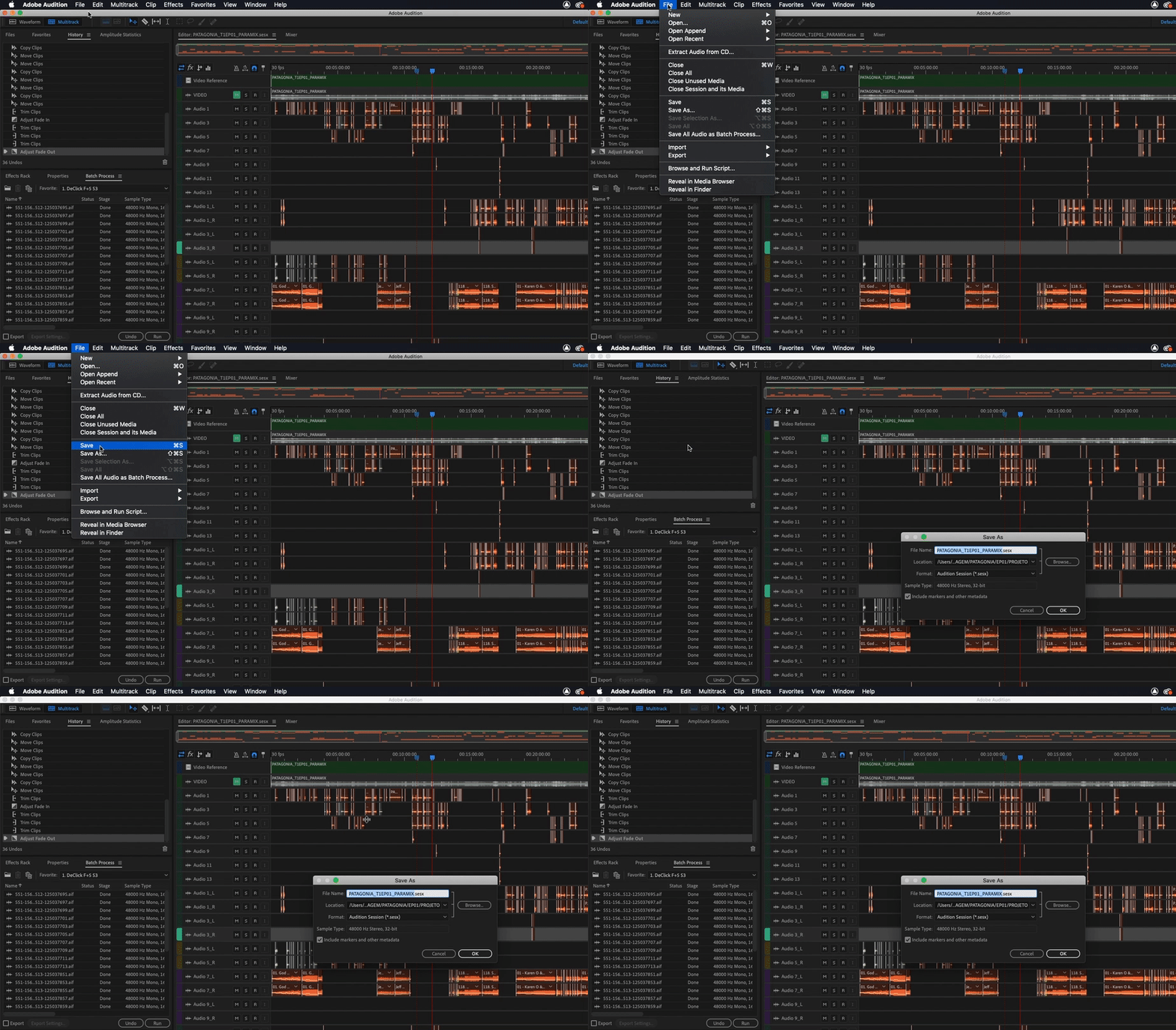
Audition 12.1 “save” always does “save as”
Just upgraded to Audition 12.1 - every time I save, the app goes into the "Save As" flow, asking me to name the file, telling me it's overwriting the existing file. Same result whether I use the keyboard command or click the menu. It's more of a nuisance than a real issue. I found another person on reddit with the same issue but nothing else on the web
I've checked all the preferences and found nothing relevant.
Any ideas?
-a-
Mac Pro (Mid-2012)
macOS 10.13.2
 AdChoices