

Question
Audition 2020 Multitrack Recording Issues
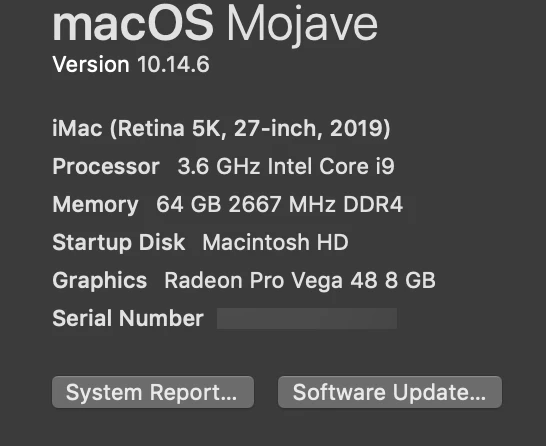
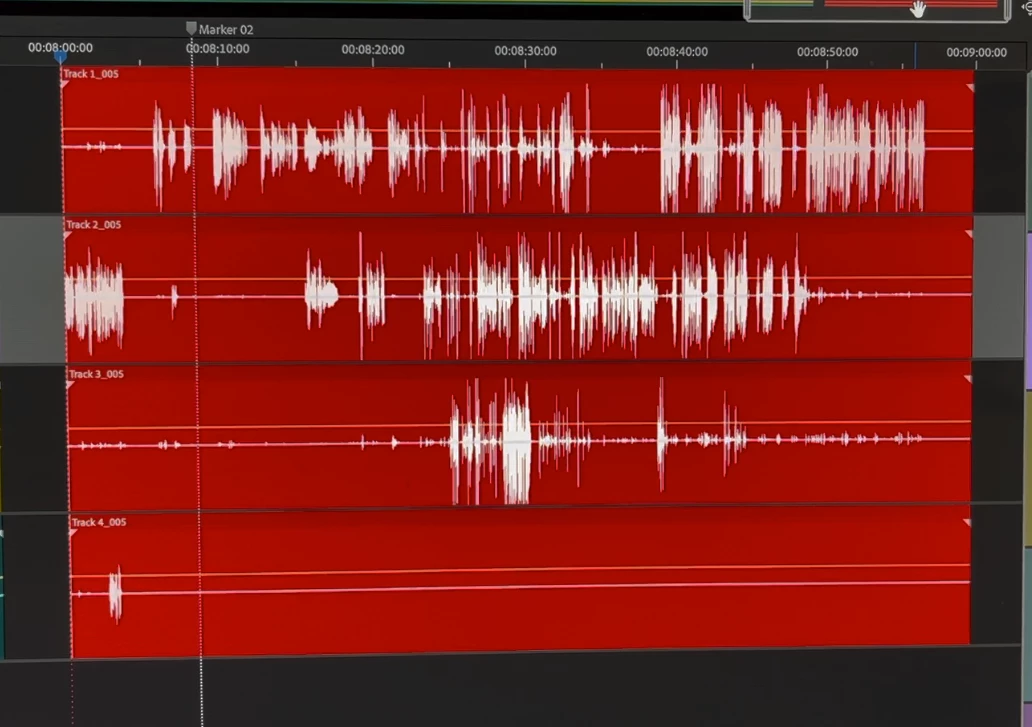
Recently, I have been encountering a recording issue with Audition 2020. I have 4 tracks armed and recording. Normally, the tracks will turn red and you can see the waveforms while recording - in real time. Now, I notice this strange anomaly where the tracks only turn red in short blocks and the waveform is slow to write on the screen. When I play back the recording, it has nasty digital noise. After a reboot, sometimes it is ok and sometimes it is not. Audio that was fine, plays choppy and noisy if I put it in the SESX file. Sometimes a few reboots will fix it, but I have to start a new project because I feel like the session is corrupted. Photos attached are the computer specs and an example of the timeline while recording.


 AdChoices