
Participant
February 14, 2020
Question

Audition 3 spectral display

  • February 14, 2020
  • 1 reply
  • 2005 views

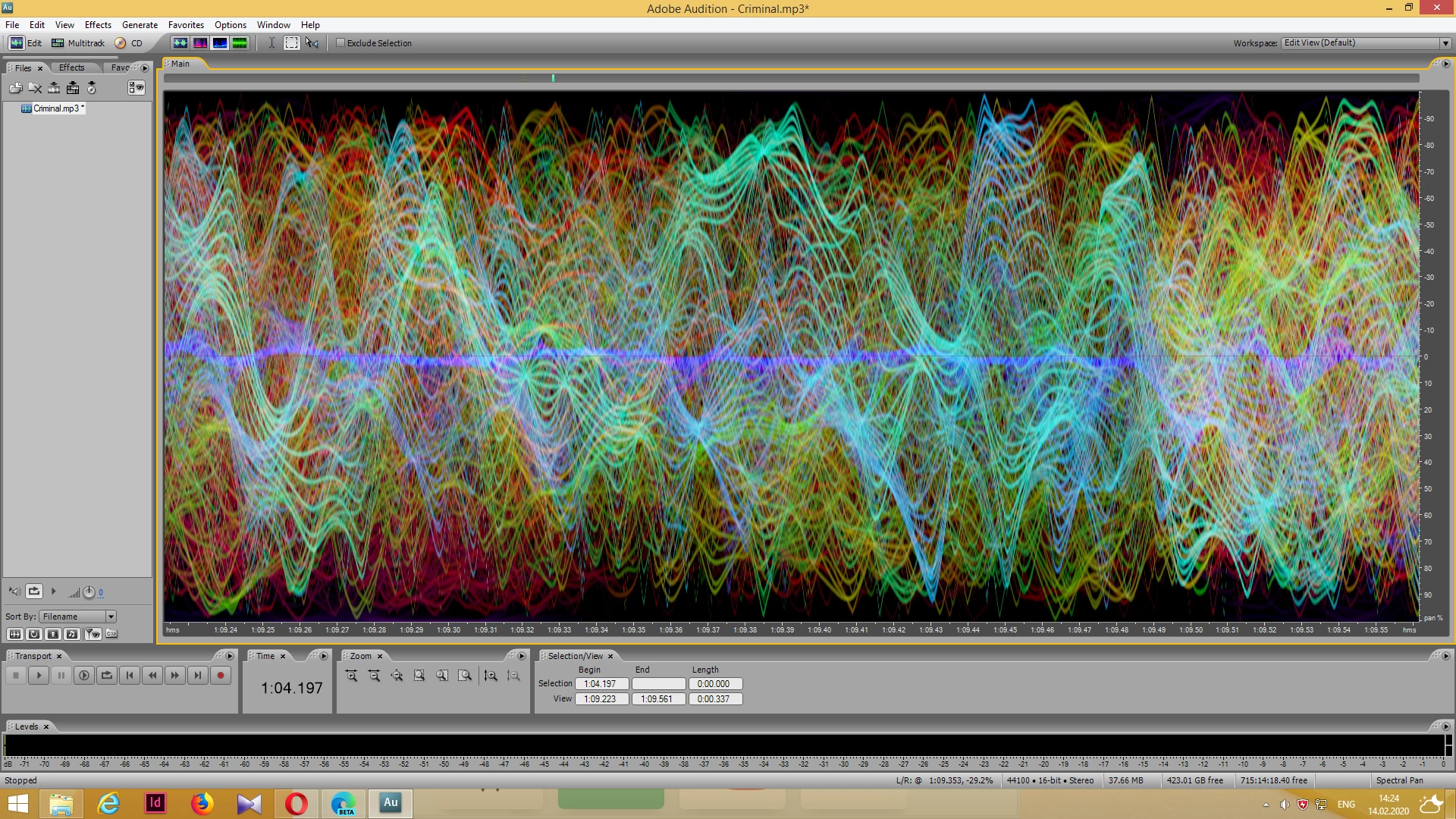
Hello! A long time ago I used Adobe Audition 3.0. It had wonderful spectral phase display. I try to understand what it means? There are different coloured curves. What does their colour mean? 
[Mod note: moved to a thread of its own, as it wasn't relevant to the one it was originally posted in]

This topic has been closed for replies.

1 reply

SteveG_AudioMasters_
Community Expert
Community Expert
February 14, 2020

It wasn't really very meaningful at all, in any sort of helpful way. To a first approximation it shows the difference between the two channels and on a complex signal, and the further the display got from the centre, the more out of phase the two channels were - but it displayed different frequencies as different colours - the redder they got, the higher the frequency. The brightness related to the relative amplitudes. So on a complex waveform, like yours (which has to be zoomed in quite a way to look like that) it's showing you that... it's a complex waveform!


TKA86Author
Participant
February 18, 2020

Thank you for your help. I've already imagined that those lines represent separate instruments. And i wish we could erase separate lines so we could make karaoke or jam tracks or even isolated instruments.

SteveG_AudioMasters_
Community Expert
Community Expert
February 18, 2020

No, they don't represent separate instruments - you can't separate audio out like that. The best you can do with any software is a harmonic analysis, for instance the way that Melodyne does - but even that can't separate instruments out; that technology (unbaking a cake, if you like) doesn't exist at all.