
Audition Audio Quieter When Added to Premiere Timeline
When I bring a .wav edited in Audition into Premiere, the levels peak at just above -6db when I'm previewing in the Premiere source window, but when I add it to the timeline it peaks just between -6db and -12db (I know this is actually a better range, but I'm more concerned with the inconsistency).
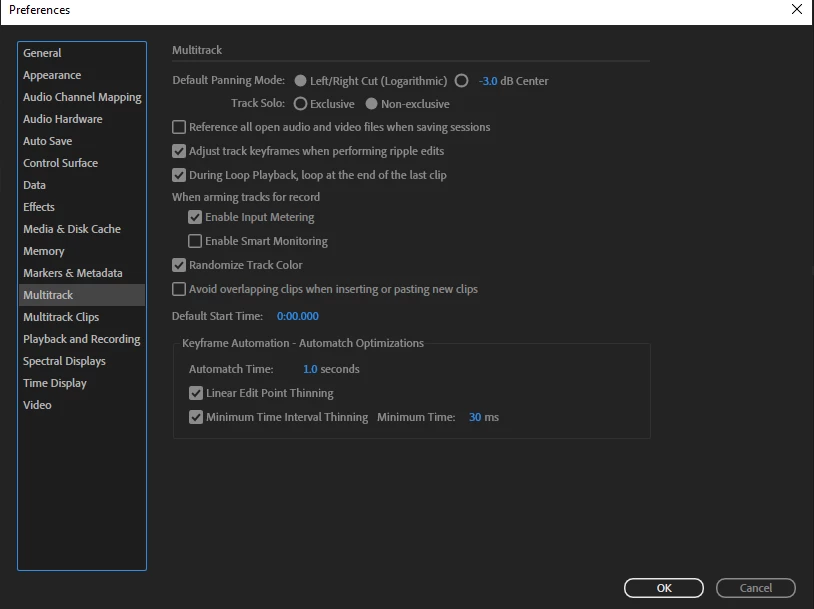
I read on this post that it's the Pan Law, and to change the panning mode in the multitrack settings to Lograithmic. I edited this file in the waveform editor, not multitrack, but I tried anyway with no results.
I don't know much about audio, so any insight is greatly appreciated.
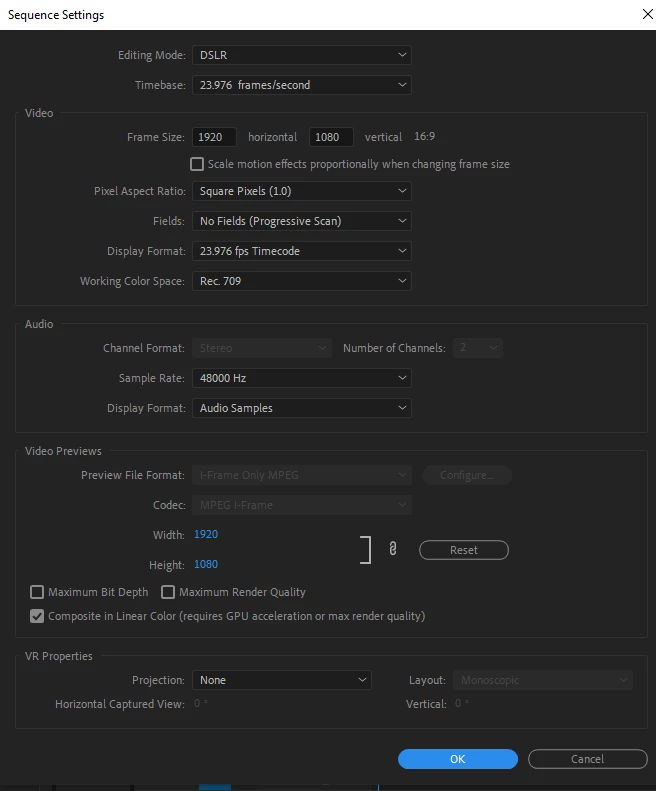
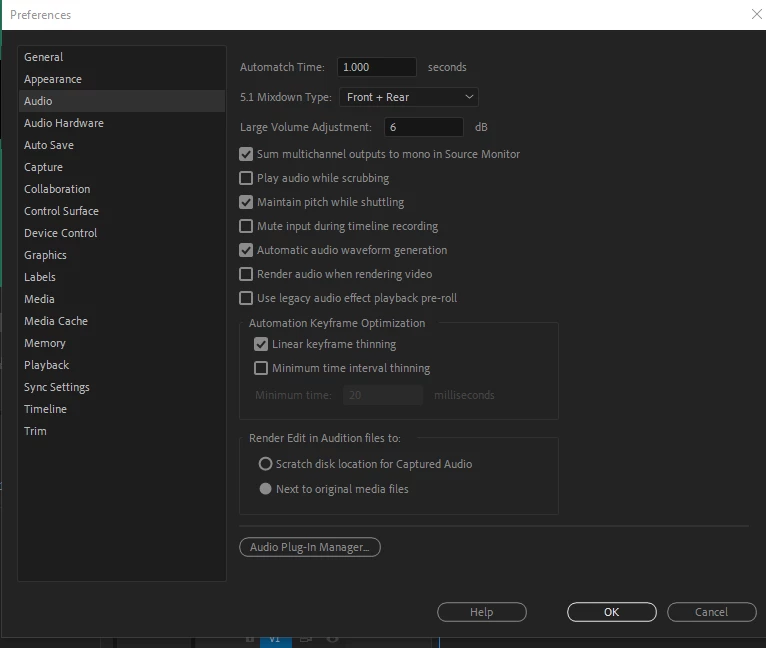
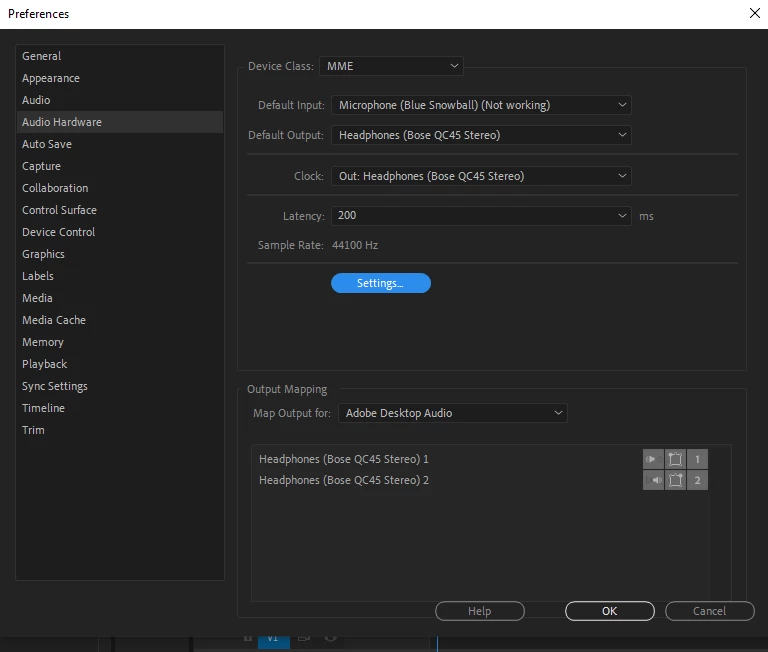
I recorded this audio on the Zoom F6 in 32-bit float with a Sennheiser ew G4 lav. In Audition I added Amplification, Noise Reduction, Single Band Compressor, and Parametric Equalizer. Here's some more info:



 AdChoices