
Participant
Aug 21, 2018 12:07 PM UTC
Answered

Audition crashes every time I enable ducking

I am mixing a podcast and have two tracks - one for music and one for dialog. I have been using the new Essential Sound ducking feature and it's been a little glitchy. It's caused crashes off and on for a few weeks now. I've always been able to start over and get it to work. But now every time I enable ducking Audition crashes. I simply cannot get it to work at all.

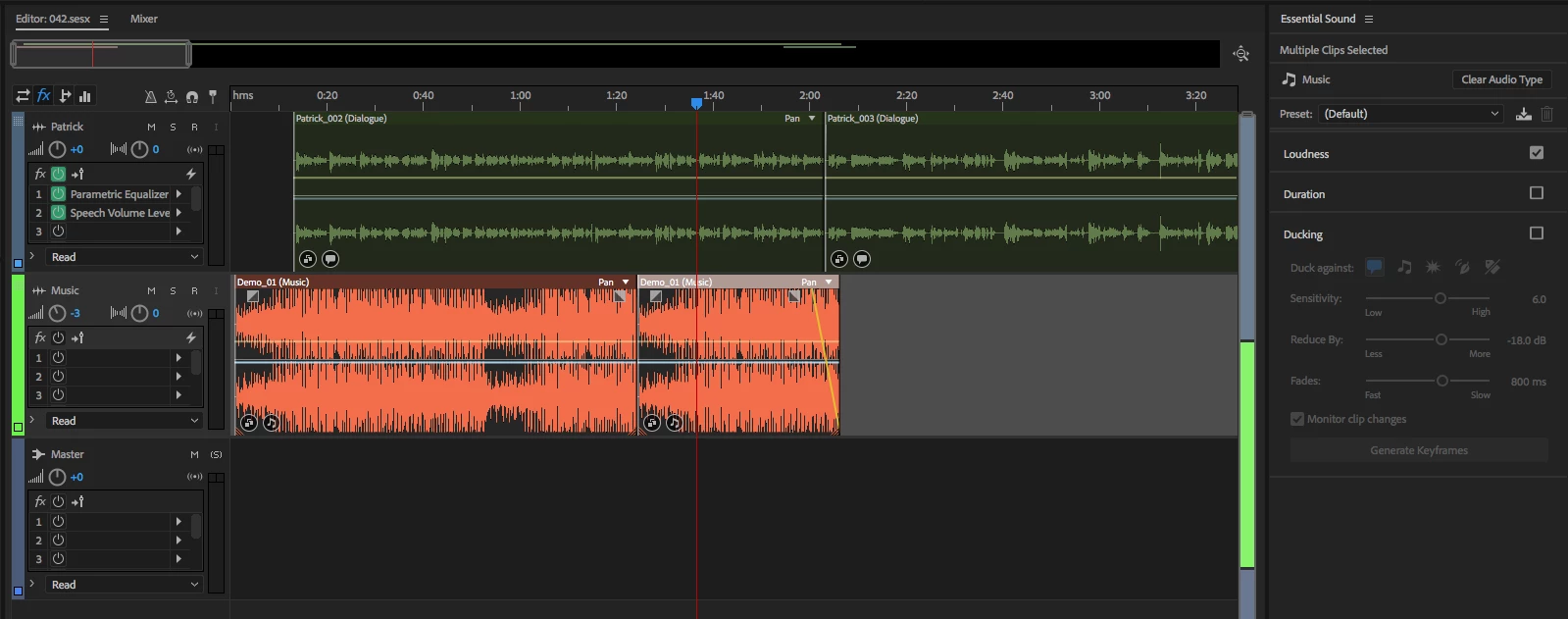
The screenshot is of my workspace.
This topic is closed to new replies. Start a new post to keep the conversation going.
ryclark
ryclarkCorrect answer
Participating Frequently
Aug 21, 2018 3:28 PM UTC

It is not something that has been happening before to anyone else that we have heard about. So a bug report to the developers is probably in order. See the FAQ Audition Crashed. Now what?

4 replies

Participant
Feb 13, 2019 8:25 PM UTC

Ducking stopped working on my system - audition 2019 CC.  running on mojave.  had been working quite well, but all the sudden "poof".  so, here is a second report to what the above posts state is not something that has happened before......have also had problems with adobe overloading my system which is more than adequate.  i'm just about to drop adobe. 

Translate
ryclark
Participating Frequently
Aug 21, 2018 1:56 PM UTC

Which version of Audition and on what operating system please?

Translate
Participant
Aug 21, 2018 2:45 PM UTC

Audition CC 2018 on macOS High Sierra 10.13.6

Translate
ryclark
ryclarkCorrect answer
Participating Frequently
Aug 21, 2018 3:28 PM UTC

It is not something that has been happening before to anyone else that we have heard about. So a bug report to the developers is probably in order. See the FAQ Audition Crashed. Now what?

Translate
