
Question
Audition CS6
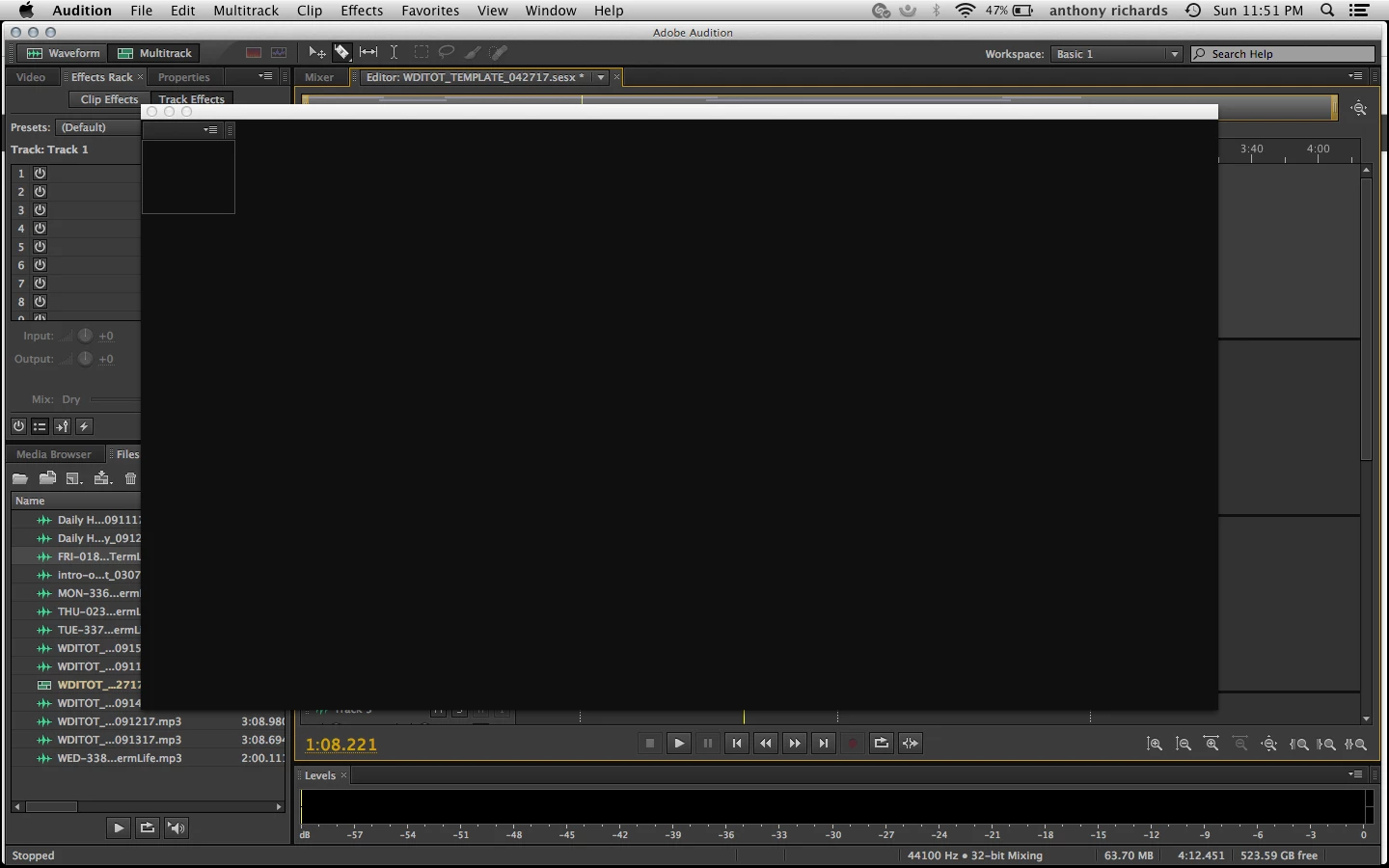
I've been trying to save my files as "Save all audio batch processing," and I'm getting a black screen overlay on top of the adobe audition session its place. Any ideas to overcome this? BTW I'm on Mac.

I've been trying to save my files as "Save all audio batch processing," and I'm getting a black screen overlay on top of the adobe audition session its place. Any ideas to overcome this? BTW I'm on Mac.
Already have an account? Login
No account yet? Create an account
Enter your E-mail address. We'll send you an e-mail with instructions to reset your password.


 AdChoices