
Audition CS6 Version 5.0 issues on macOS Sierra 10.12.6
Hello everyone,
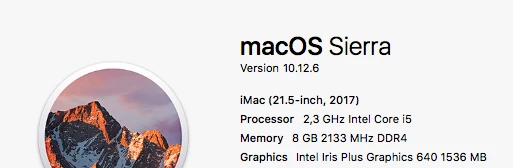
I bought a new iMac 2017 model with macOS Sierra 10.12.6 (with no optical drive / line in) recently.
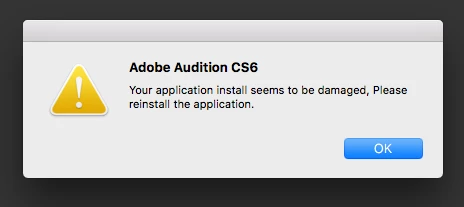
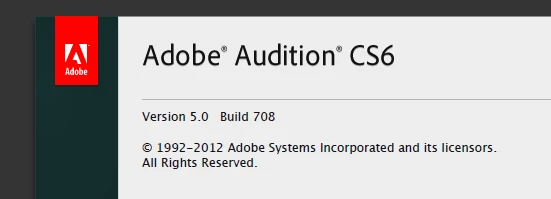
I installed my Adobe Audition CS6 Version 5.0 from a disc and been getting a message about the application being damaged and to re-install. Which I did but the message keeps popping up.
Despite of the message the program works. However, since the iMac does not have a 'line in' I need to use an external sound card connected via USB for recordings.
While everything is set as it should (Audition hardware / the sound card inputs / levels) I get a random 10-20mins long distortion. It comes and goes. Sometimes it is at the beginning of the recording, sometimes in the middle. In any case - my work is ruined.
I don't think the issue is with the external sound card. I tried all the options, settings, re-installing the drivers etc..
Anyone else is having difficulties with with Audition on iMac models without dedicated 'line in' ?
Thanks a lot


 AdChoices