


Participant
June 4, 2025
Question

Audition File disappeared apart from last 5 seconds?

  • June 4, 2025
  • 1 reply
  • 150 views

Hi All,

I have edited a podcast but when I went to continue editing it looks like all the audio has been silenced apart from the last 5 seconds - can anyone help? 🙂
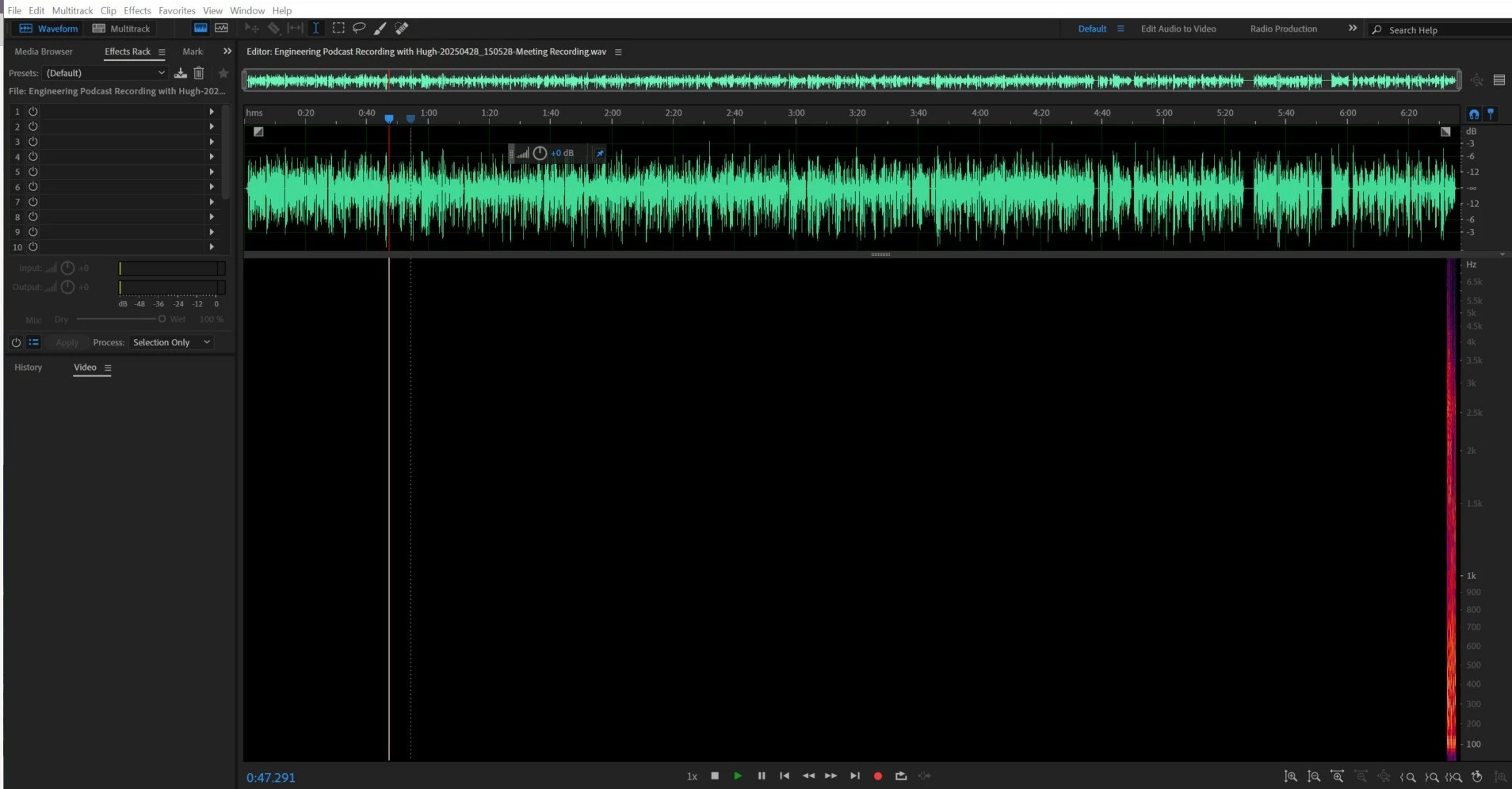
 

When I change the decibels, the green audio at the top disappears and it does this:
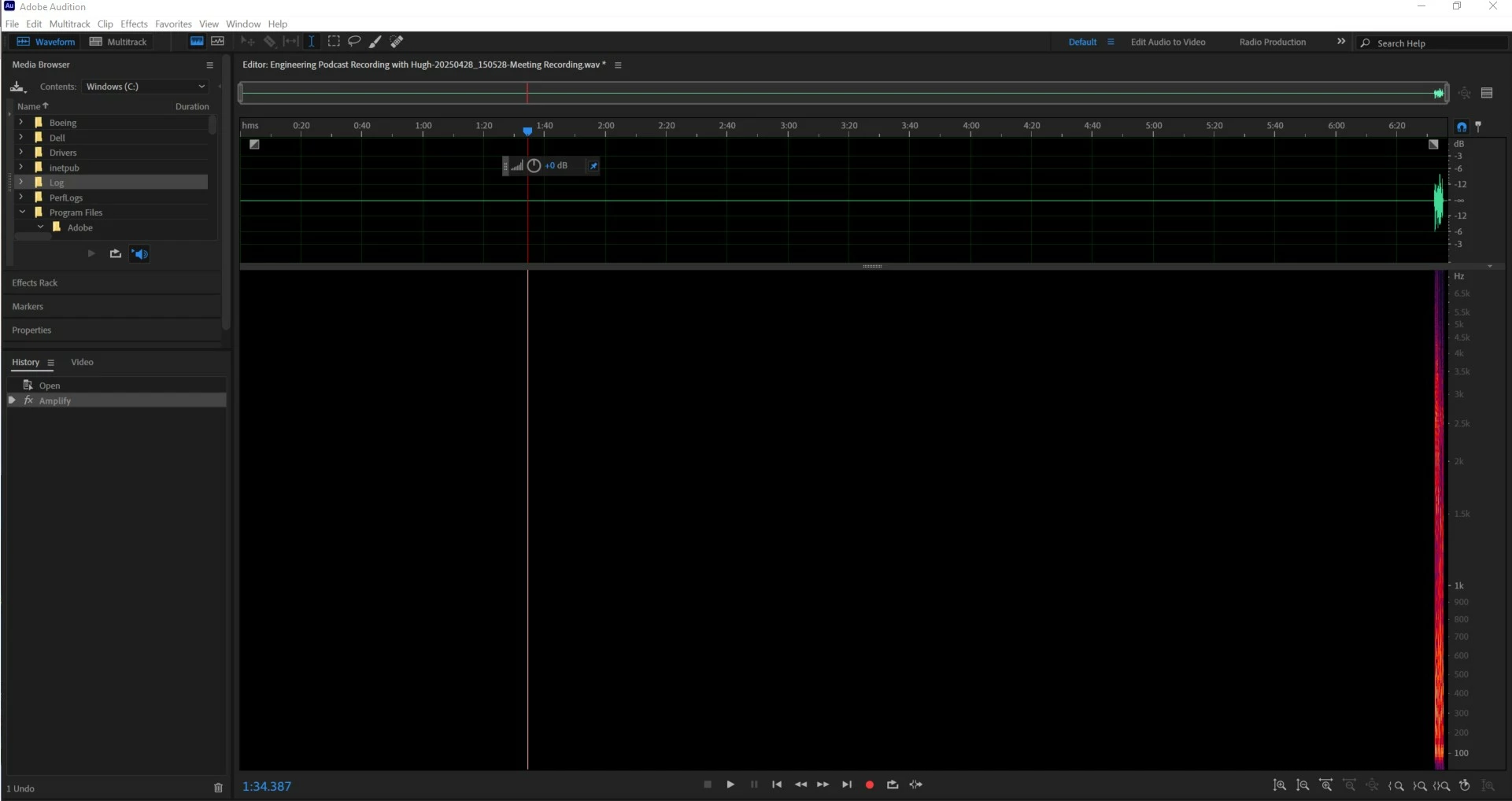
 

What did I do wrong!??! 😞

1 reply

SteveG_AudioMasters_
Community Expert
Community Expert
June 5, 2025

You may not have done anything wrong at all - it looks a bit like a manifestation of the 'delete' bug that's supposed to be being fixed. The clue here is that in your first screengrab you can see a waveform, but no spectral data. What this implies is that there isn't any actual audio present, apart from the last five seconds, anyway - the visual waveform display is provided from the .pkf file associated with the wav file. Do you have an original copy of your file still?


There is another thread about this bug here that you might like to peruse... TBH, I don't know exactly what's going on with this bug at all - there are confusing reports now. As far as I'm aware, the current beta version doesn't do this, so you might be better off using that for the time being.

Participant
June 5, 2025

Thanks so much for the response @SteveG_AudioMasters_ 🙂

Both wav and pkfs are experiencing the same issue 😞

But yes I do have my original file pre edit, looks like back editing in the beta version!