


Audition Freezing/Not Responding
I'm running Adobe Audition 2020 and it has been for quite a while now really just been causing a lot more trouble than makes sense. I edit podcasts with 4 clips I need to clean out the usual umms, uhhs, likes, etc. on top of the usual hardware glitches and problems. Can be a reasonable amount of clipping but overall about 20 minutes of timeline total. And yet after a point, usually after I save it (not and close/reopen just manually save) starts really lagging/hitting not responding any time I move the playhead. For reference this is a most recently finished project that took an extra hour from this:
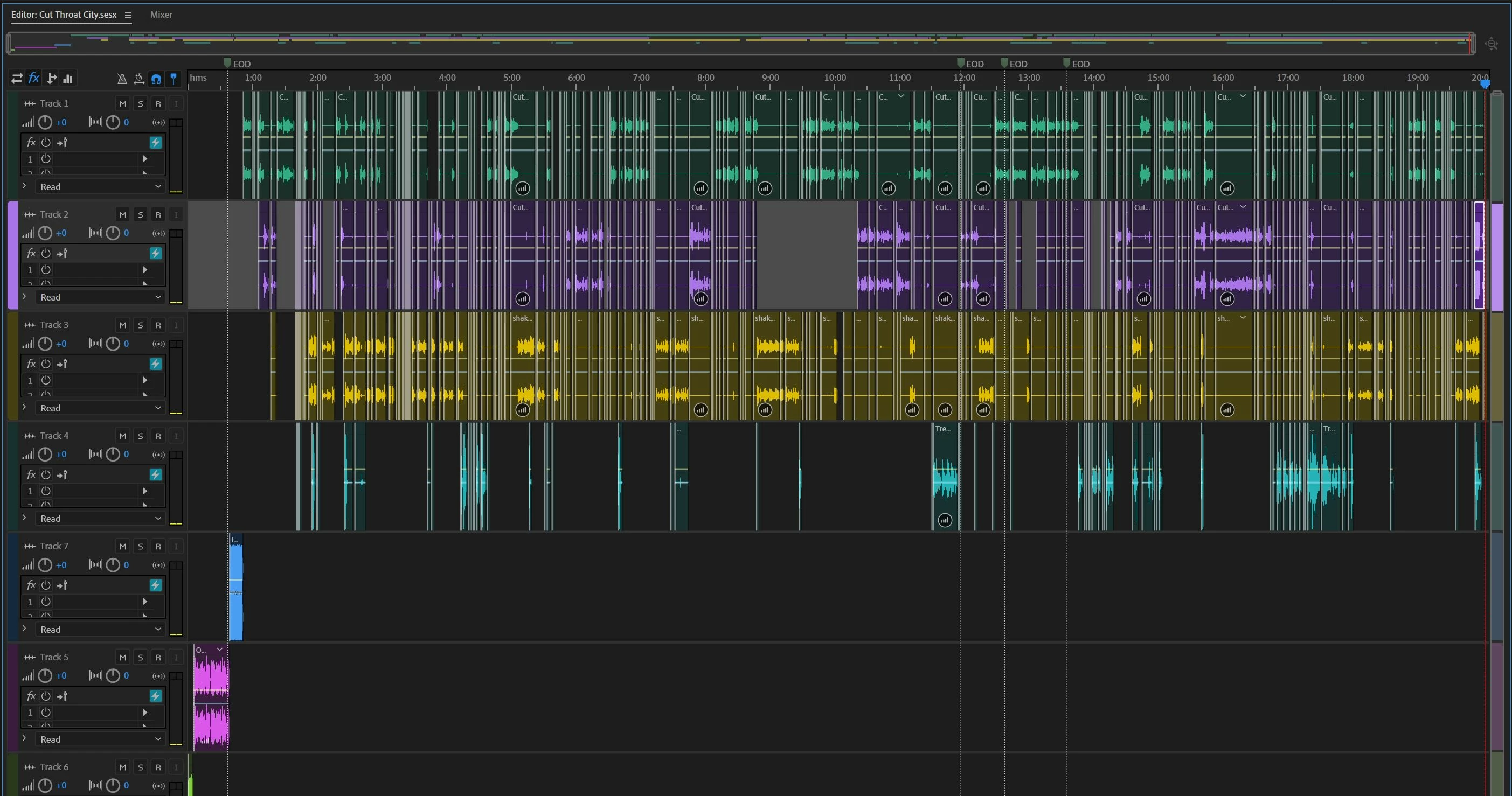
Only last thing I can thnk of is I do apply the Podcast Voice preset before editing since it does set a good base for volume increases and processing. I don't believe it should have such adverse effects, but I haven't tried applying it at the end.
I did some research in advance and found some similar issues that I tried fixes on. Pre-Rendering FX did improve this a bit, except for when I had to reopen the multitrack project when it was terrible again. I also changed Audition's priority in Task Manager. But then I hit some other weird issues where some clips suddenly get very heavy static or noise like it suddenly increased the volume without being instructed. Like I finished the above edit and then a half dozen in the first 5 minutes of the timeline on a few different tracks did this.
I don't think my use case should be too much or even count as heavy use for Audition as a professional grade software. My computer isn't an absurdly powerful Workstation or anything but I have an i7-7700k with some overclock for more power, and 32Gb of RAM that Audition was easily using 25Gb of quite frequently, and my internal temps are very solid.
I appreciate any help that can be provided. I really love the interface and tools of Audition, but if this keeps up I might have to find something else to use because this is really ballooning my edit times.
 AdChoices