

susydod
Participant
September 29, 2023
Question

Audition - Match Loudness data not showing when I pull an audio file in the match loudness window

  • September 29, 2023
  • 1 reply
  • 341 views

Good evening,


In Audition, when I put an audio file into the match loudness window, no data is showing. I don't konw how to get it to show. I've uninstalled audition, reinstalled audition. No change. I've looked it up on duckduckgo, youtube, and google. I'm not able to find anything.

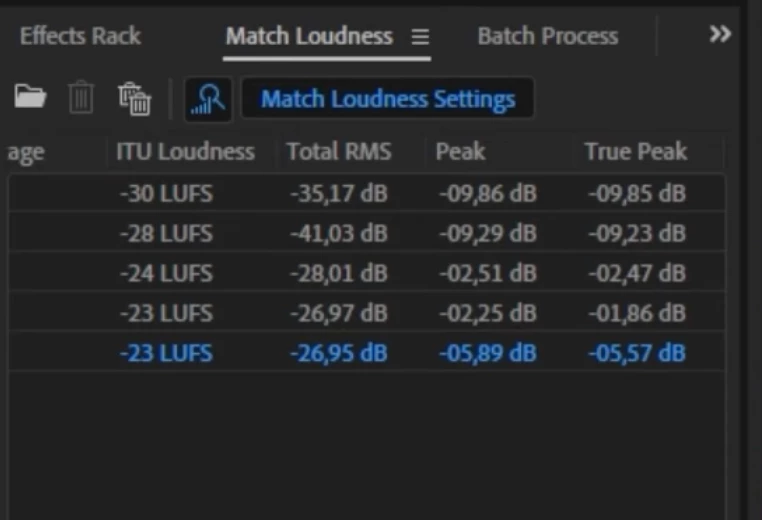
I was watching a youtube video on match loudness and he was showing the data from the audio files in the match loudness window. (see image1).

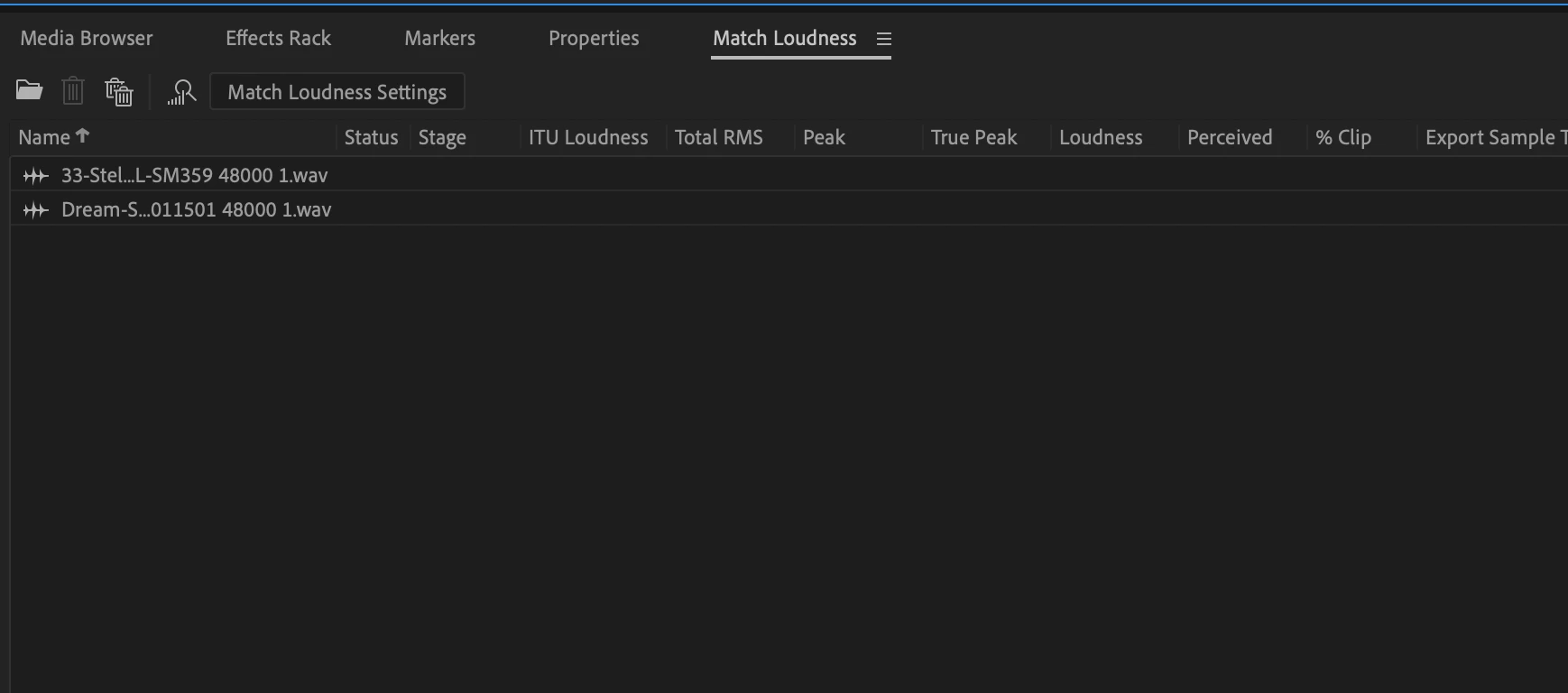
I did the same thing he said to do. I pulled the audio file in and no data. (see image2).

Please help. Thnak you.
This topic has been closed for replies.

1 reply

SteveG_AudioMasters_
Community Expert
Community Expert
September 29, 2023

He either left out a step, or you misread it. It's actually very simple. In order for the information for each file to be displayed, the file has to be analysed. So you highlight the file or files you want to analyse, and hit the 'analyse' button. This is clearly indicated as step three in the online handbook (which you appear not to have consulted) - here. 


This is what you are looking for:

susydod
susydodAuthor
Participant
September 29, 2023

Thank you Steve! Especially for the link 😁. Have a great day!

Susy